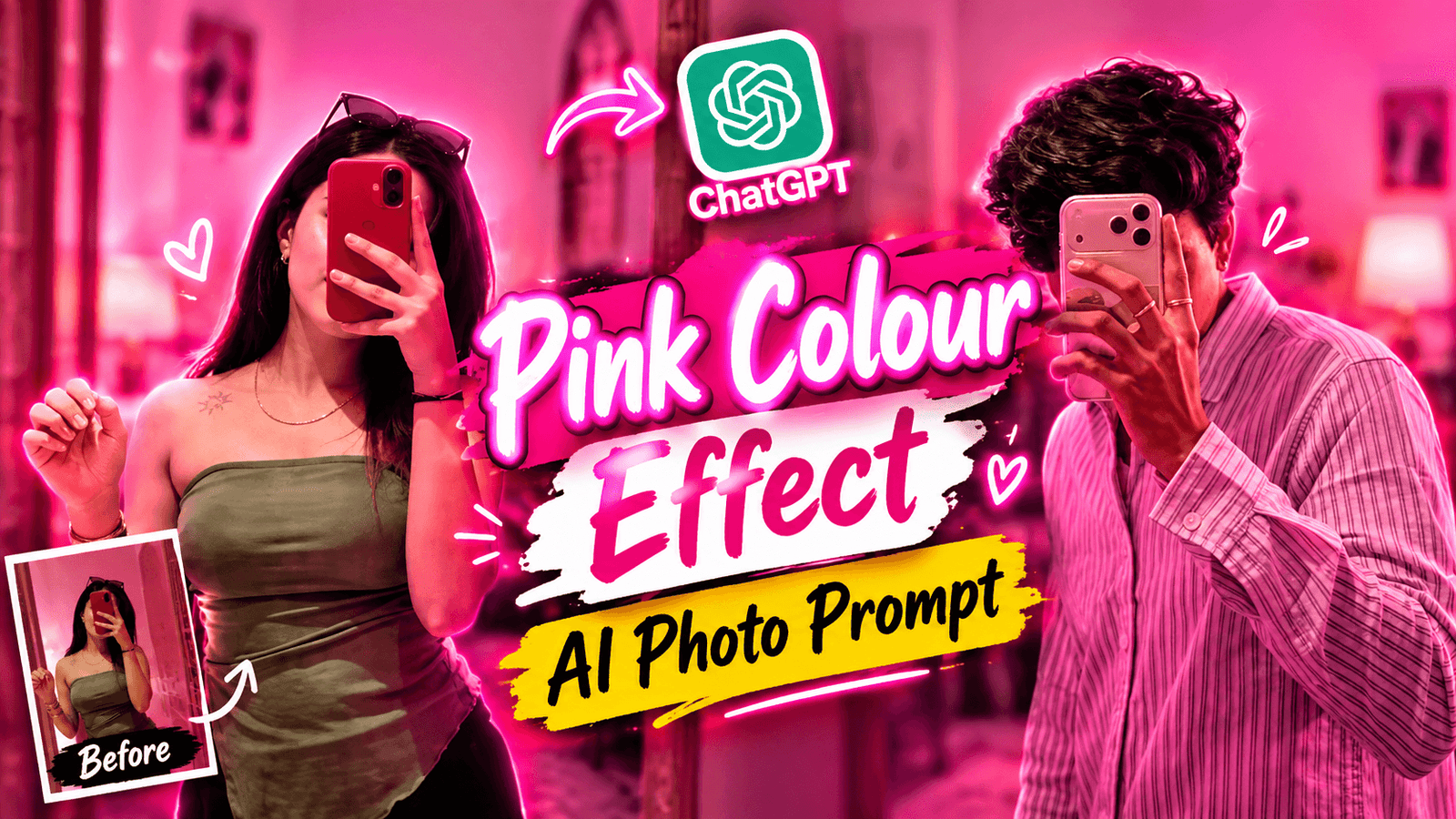
The “Pink Colour Background AI Photo Prompt” style has become so widespread lately that you can see such photos on almost everyone’s feed. The interesting thing is, you don’t need to visit a studio; you can create this kind of image right at home using AI. All you need is an AI photo prompt specifying a “pink blur mirror selfie.” If you don’t want to use AI, you would need a mirror at home, a pink light, and you’d have to stand in front of the mirror to take the shot. Otherwise, you can simply use AI to create it. I will explain the step-by-step process to you.
Pink Colour Background AI Photo Prompt
You might be thinking, “Okay, I get that it’s a trend, but what does it actually look like?” Let me describe it to you. In the photo, the model holds a phone and takes a picture in a mirror; the background is illuminated by pink light and features a “bokeh” (blurred) effect. That’s the description—but it will look even better when you create one using your own photo. If you don’t want to take the photo for real, you can use AI. For this, we won’t use a separate AI app; instead, we’ll use the “reStyle” tool available on Instagram. Many people aren’t aware of this tool. I’ll show you step-by-step how to create the photo.
What Is the Instagram ReStyle Tool?
A few months ago, following an update, Instagram added a tool called “reStyle.” If you open Instagram, tap the plus (+) icon, select “Story,” and add a photo, you will find the “reStyle” option. Tapping on it gives you access to a variety of viral filters. If you click below that, you will see a box where you need to enter a prompt; doing so will convert your photo into a filtered image based on that prompt. However, there is a strict limit: you can only apply this filter to two photos per day. If you are still unsure how to generate the photo, I will now show you how to do it using Instagram.
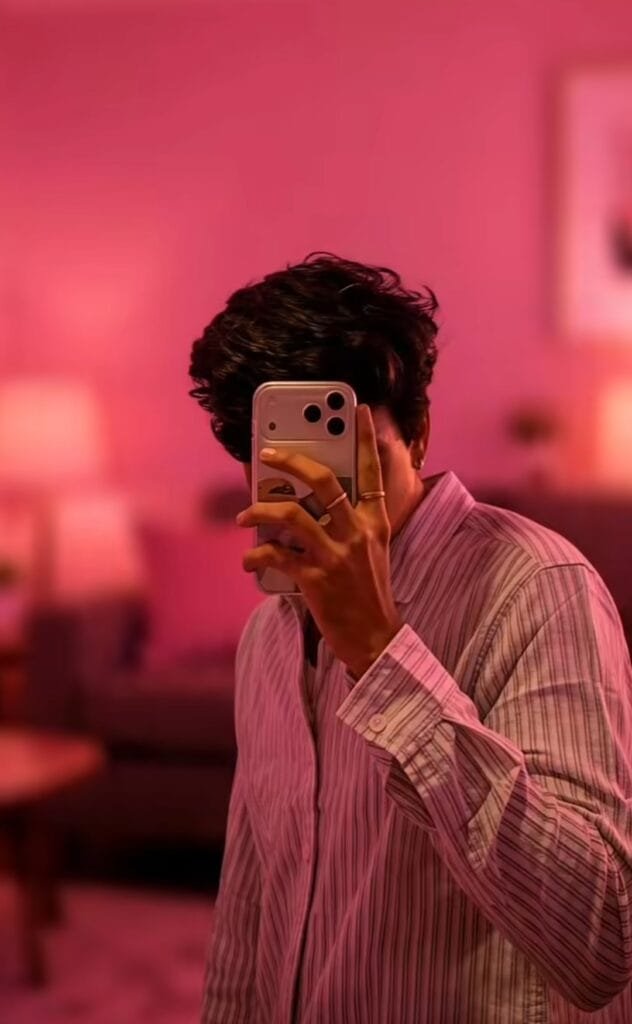
Enhance this image with asthetic
pink blur background Soft lighting
+indoor asthetic room with dim
lighting + no changes in facial
features + clear and good
How To Use Pink Colour Background Photo Prompt ?
Generating a photo is easy, but if you use a photo with a different style as a reference, the result might not turn out right. Therefore, you need to use a photo that ensures the generated image comes out perfectly. To do this, stand in front of a mirror and take a selfie-style photo. Wear a nice outfit for the picture so that it looks good.
To create this kind of photo, first, copy the prompt I have provided. Then, open Instagram and click on the ‘plus’ (+) option. Next, select the ‘Story’ option and add your photo. Several options will appear; click on the ‘Restyle’ option. Paste the prompt I provided and click the ‘Send’ button. Your photo will then be generated with a pink background.
Overall
You can change the background color from pink to something else if you wish. However, if you don’t create the image correctly, the result might not look exactly the same. To achieve the same look, you need to follow a few specific steps. You must use the exact prompt I provided; do not use any other prompt or add extra words to it. If you run out of attempts using Instagram’s ‘restyle’ option, you can use ChatGPT instead—you can generate 6 or 7 images there. I hope this article helps you create the image successfully. If you face any issues, feel free to let me know in the comments.
