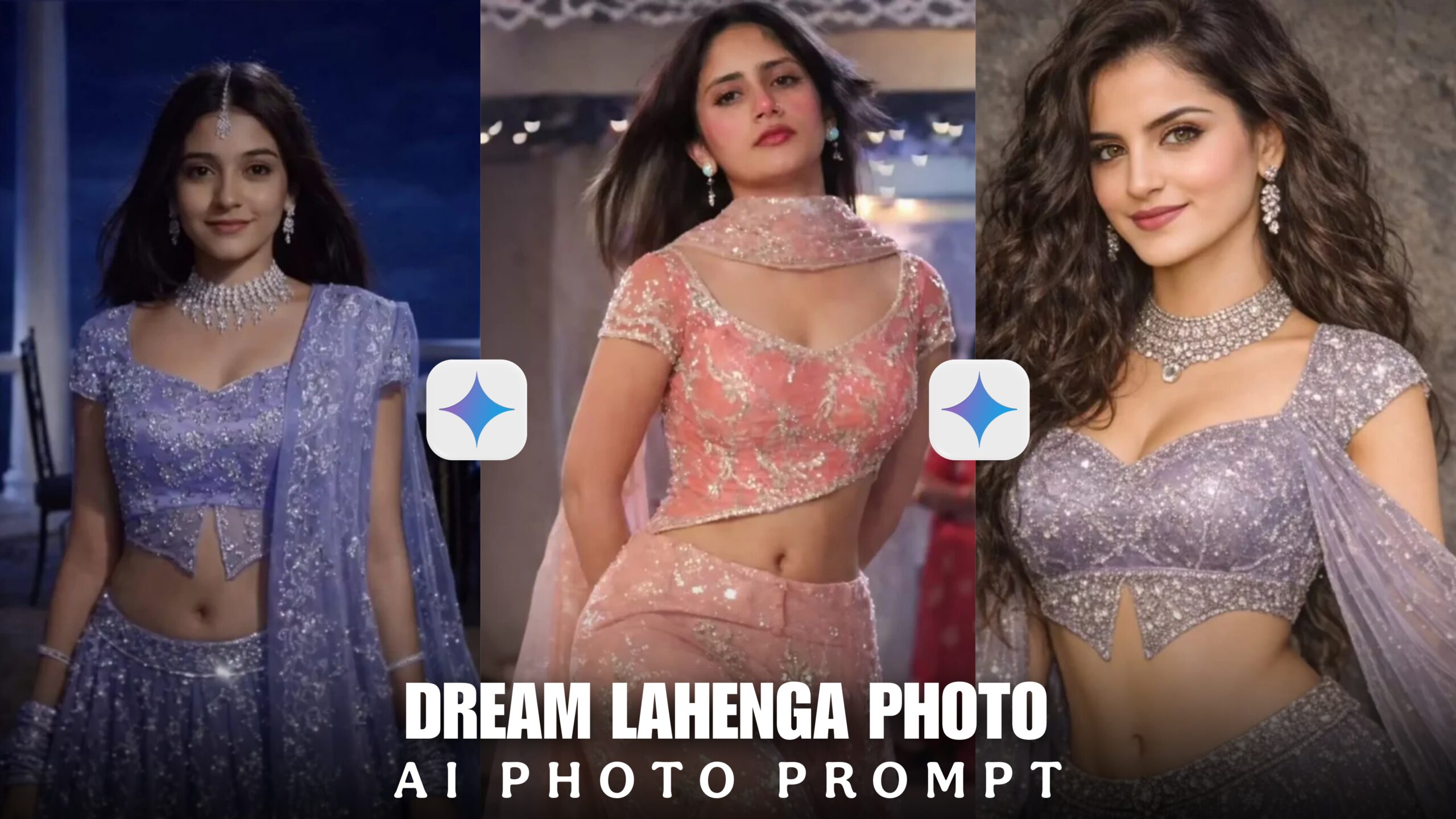
Dream Lahenga Gemini Ai Photo Prompt 2026-Currently, a photo is trending on Instagram. Aishwarya Rai is wearing a blue colour lehenga and all the girls are creating this lehenga with the help of Gemini prompt and the girls are changing their normal clothes and wearing this lehenga. Girls look very beautiful after reading these photos. This article is not for boys. If you are a girl, create this photo. If you post this photo on your social media, your photo will get many likes. Watch this article till the end and you will understand how to create the photo.
Dream Lahenga Gemini Ai Photo Prompt 2026
Everyone is liking these types of photos and all the girls are creating photos, you also create photos before the trend ends. You can create photos with chatgpt or gemini. Both apps are for editing the process. I will show you how you can create Aishwarya Rai dream lehenga photo with the help of Gemini prompt. I will give you some prompts below, you will use them. Creating photos with Gemini is very easy and the photos look and feel original. Now see how Photo Gemini works.
Dream Lahenga Photo Prompt
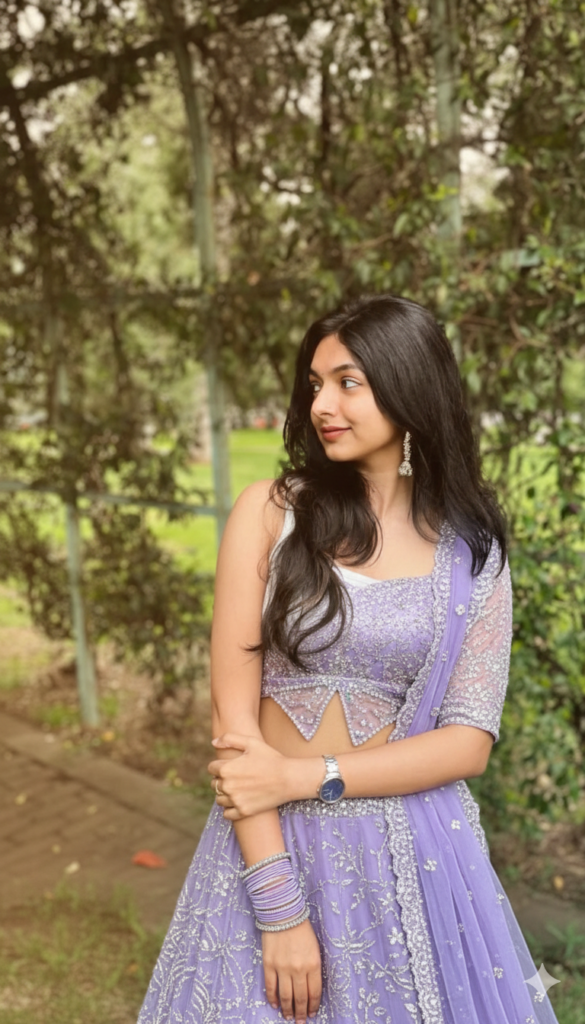
PROMPT:- A realistic full-body picture of the woman in the first picture, dressed in an elaborate, glittering purple lehenga choli. The ensemble consists of a voluminous skirt and a short-sleeved crop top with a butterfly-cut hem that are both highly adorned with silver sequins and beading. She has a silky dupatta slung over her shoulder. Warm, radiant sunlight highlights the sheen of the fabric and her jewellery in this scenario, which takes place outside during golden hour. The resort location is still the backdrop.
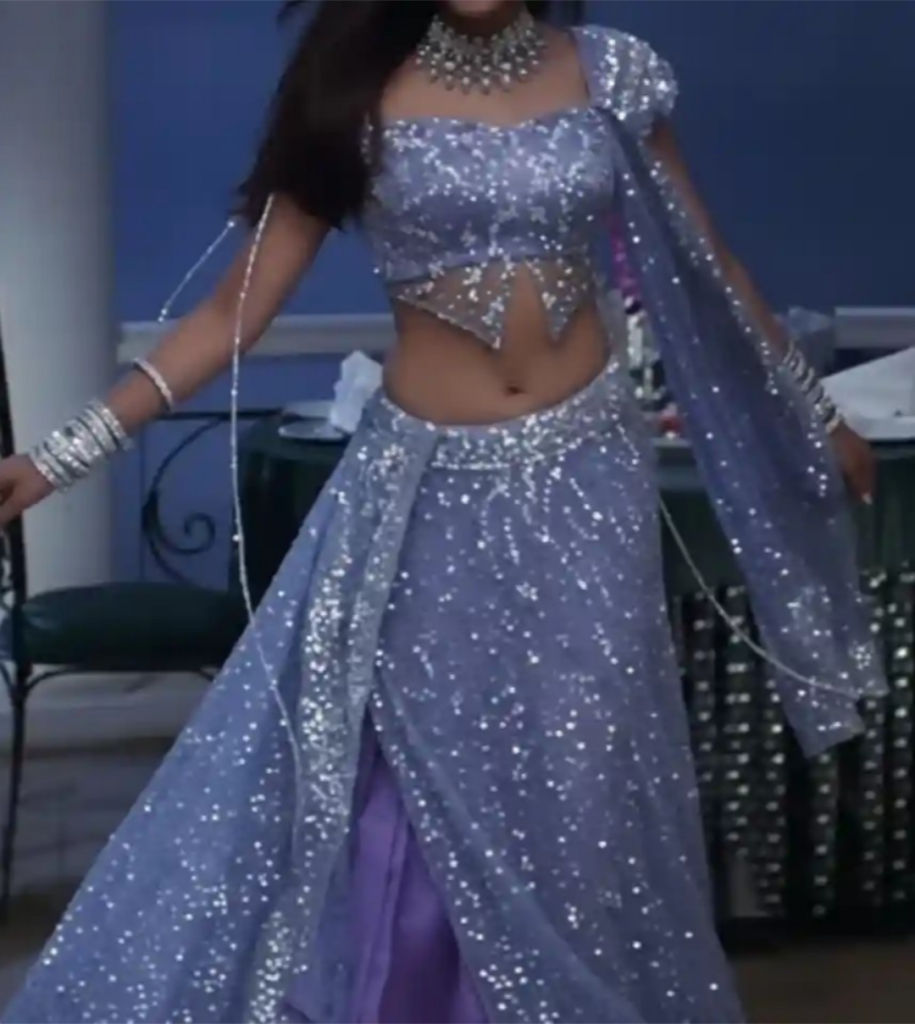
PROMPT:- Change the entire outfit in the first photo to match the outfit in the second photo. It should look realistic with golden hour lighting. Do not change anything else.”
How To Use Dream Lahenga Gemini Photo Prompt ?
- To create a photo with Gemini, first we need to copy the prompt I have given you above.
- Open the Gemini app, then create an account with the help of a gmail account.
- You will see a plus option below, click there and upload the photo.
- When adding photos, you will also need to upload the lehenga photo below, totaling two photos.
- After uploading the photo, you will have to add the promo that is given above.
- After adding everything, click on the next option, after clicking, wait for a moment, your photo will be created.
- Once the photo is created, you will see the download option below, click there and download the photo.
Overall
Gemini has new prompts every day and all Gemini prompts are new. If you need such prompts, then keep visiting my page. Do tell me how you liked the article and if you have any new ideas, tell me in the comments, so that our page can post the article well and your ideas. If you face any problem in creating these photos, tell me in the comments and thank you very much for watching this article of mine till the end.
