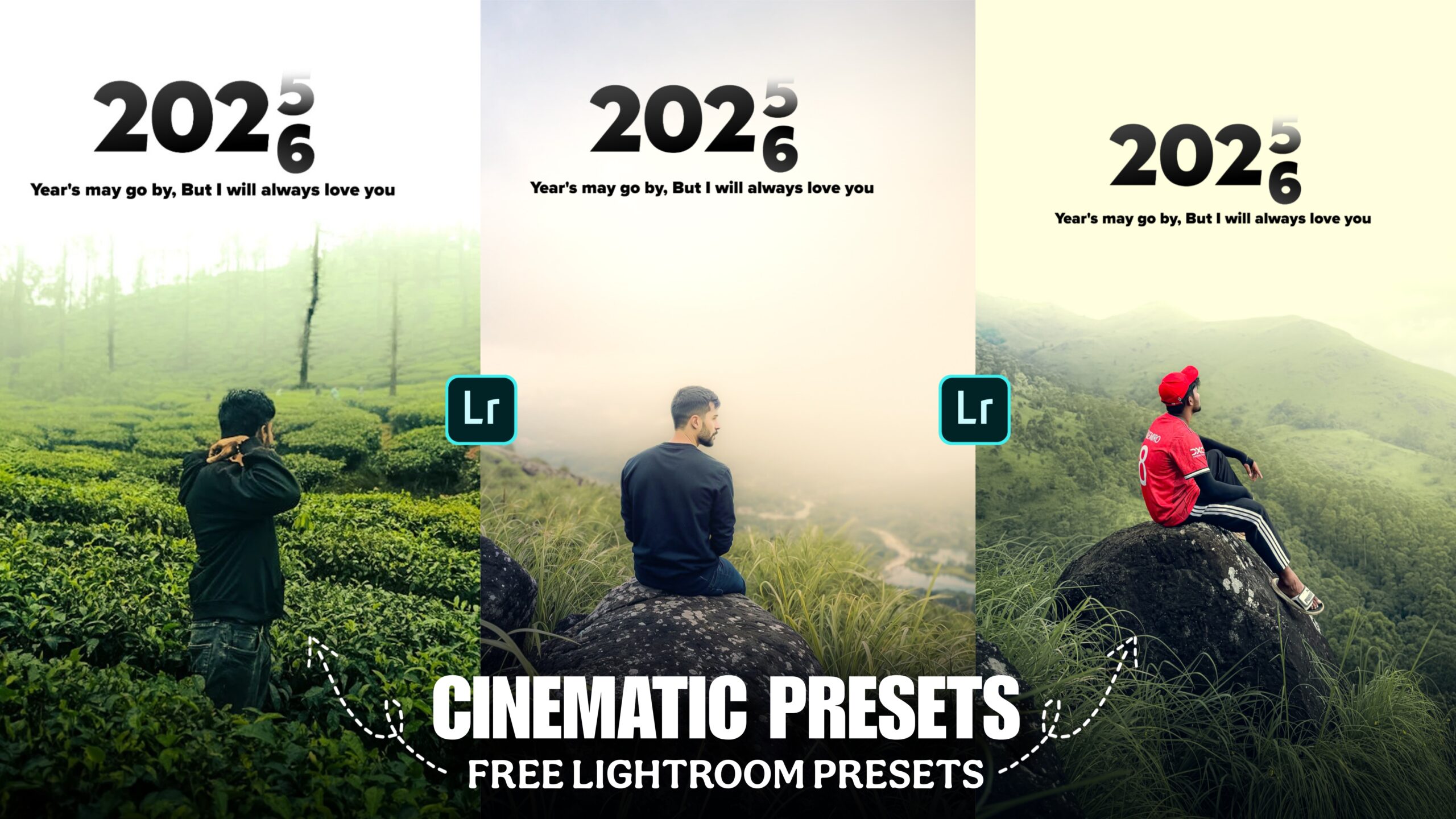
Happy New Year Cinematic Lightroom Presets -When the new year comes, we post photos on Instagram or other social media platforms for Happy New Year. For that, we have to shoot photos. Many people shoot photos and edit them well and then post them. In this article, I will teach you how to edit photos for Happy New Year using Lightroom and PicsArt apps. I will not show you how to edit photos manually with Lightroom apps. I will teach you how to edit photos with just one click using Lightroom presets. If you also want to edit photos with Lightroom presets, watch the article till the end.
Happy New Year Cinematic Lightroom Presets
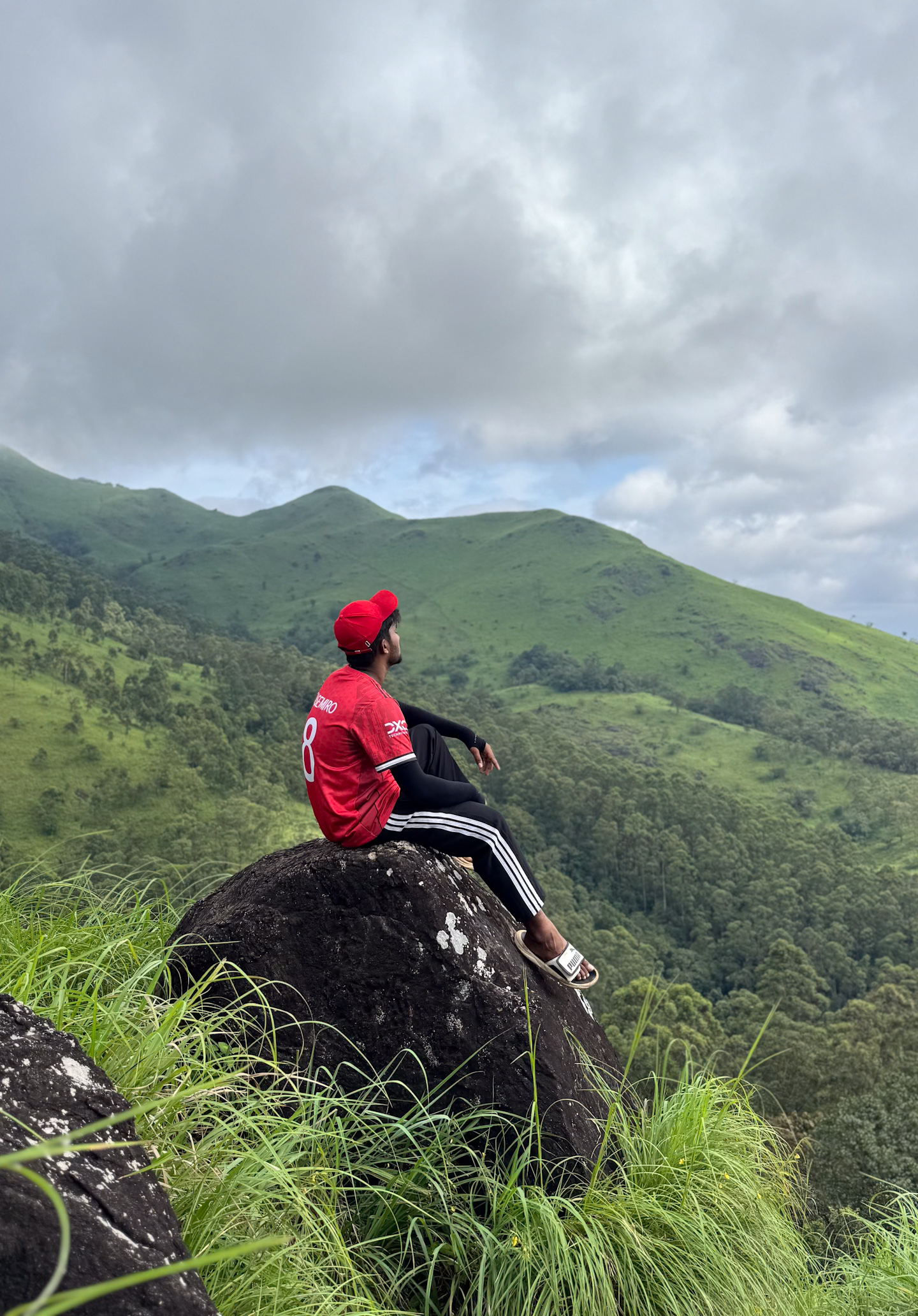
Before creating photos in Lightroom, know how to shoot photos. If you do not crop the photos perfectly, then the photos will not be edited well. You have to go to an aesthetic location to shoot photos. And so that the sky is 30% visible in the photo. Because there we will write Happy New Year text. And the photo you have should be in the middle. After the photo is shot, you have to download the Lightroom app and the PicsArt app. Now you see how to edit the photo.
How To Use New Year Cinematic Lightroom Presets
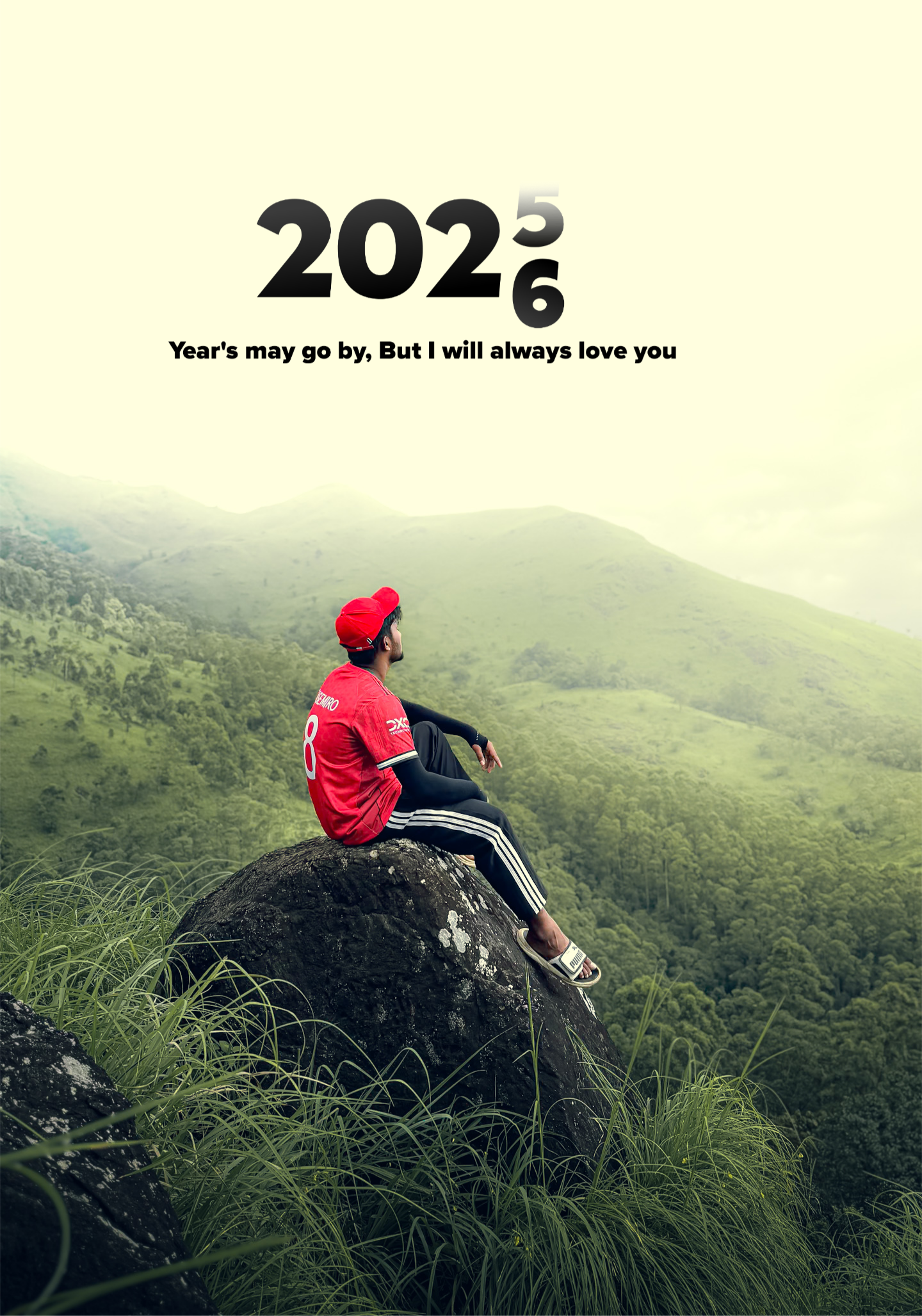
We will only do color grading with the Lightroom app, for that we have to open the Lightroom app first. Click on the three dots in the top corner and click on Add Photo. And add the normal raw photo and the preset photo. Then you have to open your preset photo. And go to settings and copy the settings. Then open the raw photo and paste the settings. Then the color that is there will be added to your photo. Now if you want, you have to adjust your photo a little manually. Because your photo and my photo are not the same. When everything is done, you have to click on the share option and download it.
PicsArt Photo Editing
I only did color grading with Lightroom, now we will add text with PicsArt to make it look more beautiful. For that, first of all we have to add our photo in the picsart app. Then we have to click on the “add photo” option and add the png, you will find the png link below. Then we have to add it above the photo where the white light is visible. After adding, we have to click on the right option. The photo will be ready, then we have to click on the download option and download the photo.

Overall
There are few many days left for the new year. So edit the photo and post it on your social media as soon as you can. Lightroom presets link is given above. If you click on the link, Telegram will open, then click on the download option and download it. And if you have any difficulty using the lightroom presets, tell me in the comments. Thank you for watching the article till the end.
