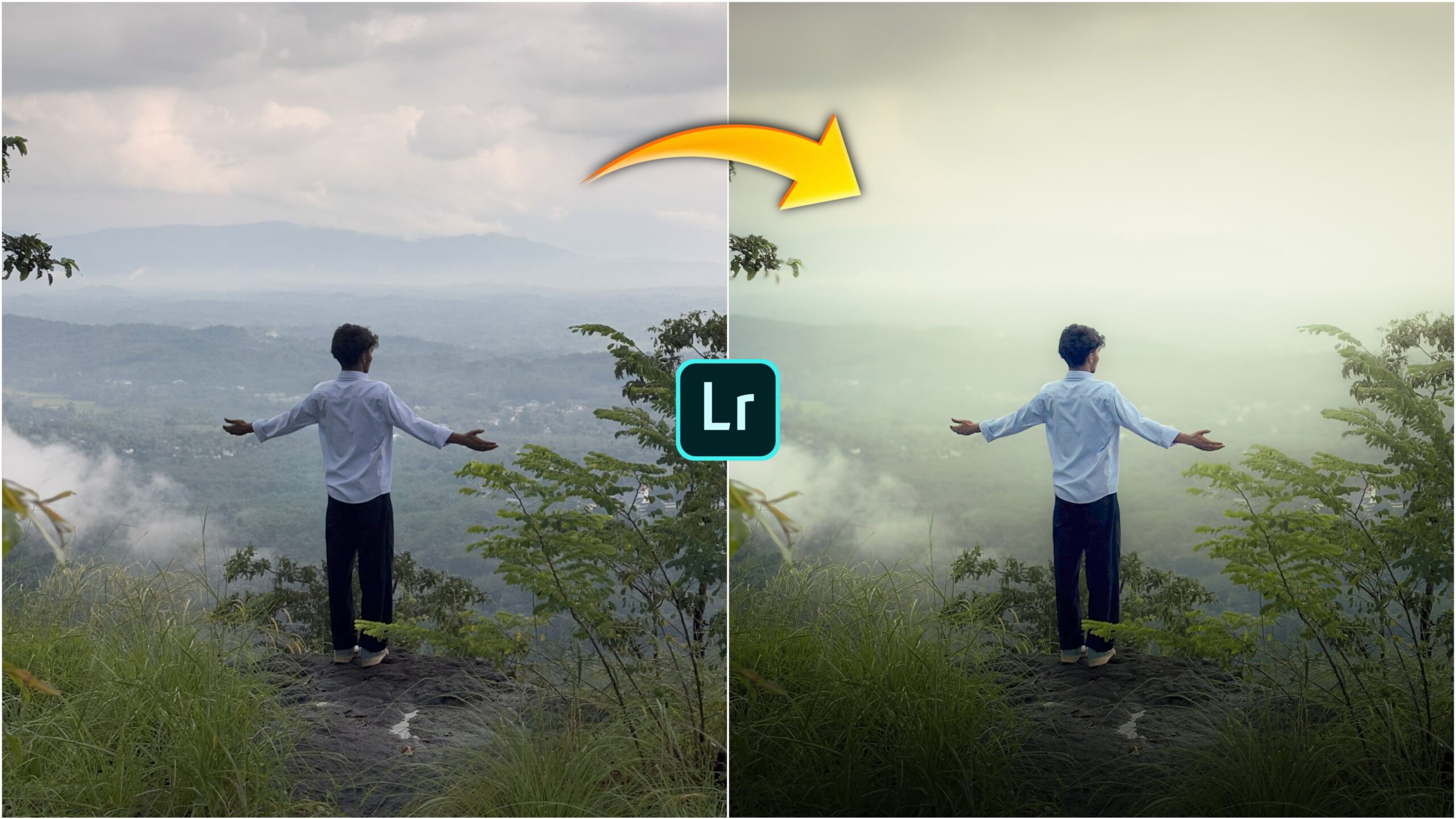
Lightroom Cinematic Photo Editing Presets-Nowadays, everyone loves to post their photos on social media. If someone is beautiful, they shoot photos and post them on social media. Now you can shoot photos with your camera and edit them a little or post them directly. How about we add a little cinematic colour tone to the photo. If you add a little cinematic tone to your photo, then the photo will look very beautiful. Do you want to add cinematic tone to your photo, then watch this post till the end.
Lightroom Cinematic Photo Editing Presets
To add cinematic colour, we have to use the lightroom app. Lightroom app is a professional photo editing app, this app and everyone edits photos with its help. I will not show you how to edit manually, I will teach you how to edit cinematic photos with the help of lightroom presets. If you edit photos with the help of Lightroom presets, your photos will be edited in one click. You won’t need much time to edit photos. This is an easy way to edit photos. You can also edit them with cinematic Lightroom Presets.
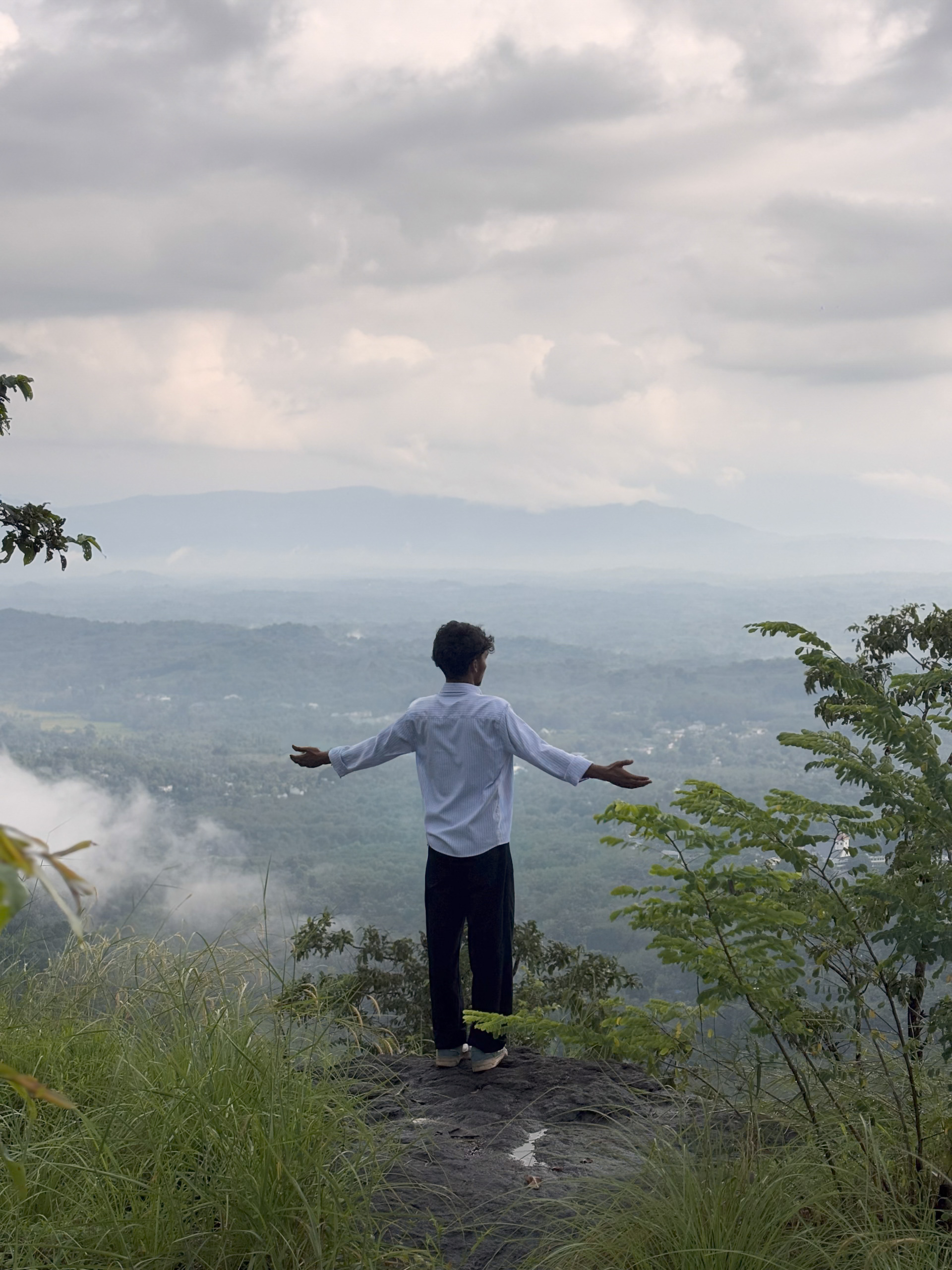
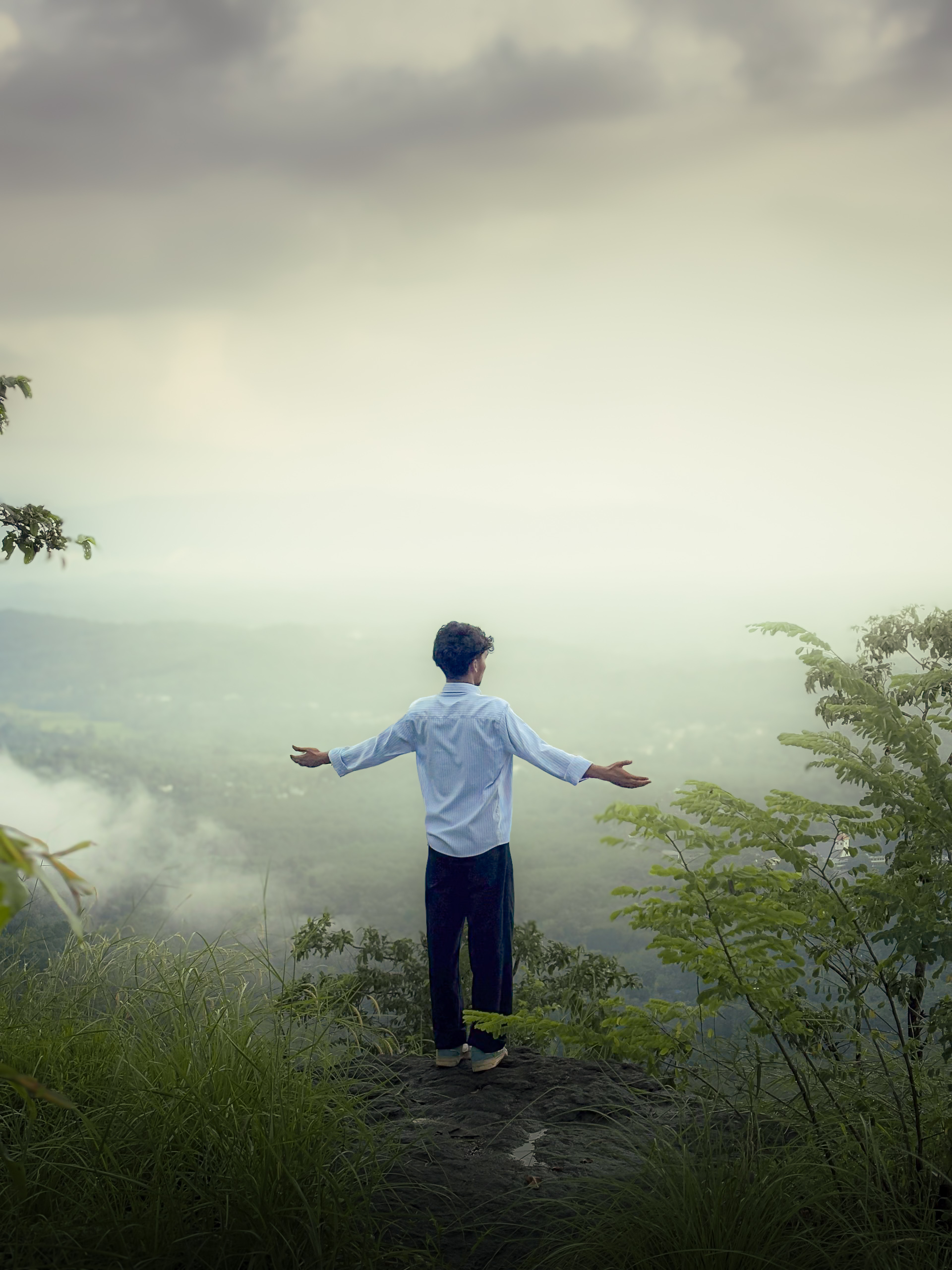
How To Use Lightroom Cinematic Photo Editing Presets ?
- Now I will tell you how you can use the Lightroom app and these cinematic presets.First you have to download the presets, I have told you how to download them below.
- After downloading, open your lightroom app. Then click on Add Photo and add the raw photo and presets photo. Then you will open the presets photo and copy the settings. Then open your normal photo and paste the settings, then you will see that the colour is added to your photo. This is how you will use the Lightroom presets. I hope you understand.
How To Download Lightroom Cinematic Photo Presets?
If you click on the link and don’t understand how to download the presets, then follow these steps. When you click on the link, the Telegram channel will open. There you will see the presets file. Now you have to download the file. After downloading, you have to click on the file, then it will say save in gallery, click on that, then you will see the presets saved in the gallery.
Top 5 Best Cinematic Color Tones
There are many types of photo colour grading, some colors are a little cinematic, some are more so, among them there are the best Lightroom room colour tones that will look good if you apply them to all your photos. I am telling you the 5 best lightroom colour tones.
- Moody Green
- Teal & Orange
- Moody Dark & Brown
- Warm & Gold
- Teal & Brown
Overall
Lightroom Cinematic Photo Presets is something that you can use to make your normal photos look great. You can create photos with the help of these presets and show your friends how it looks. If you can use the presets well. You can also earn money from everyone by using the presets. I have given you the Lightroom presets for free, so download them. I hope these presets of mine will help you a lot.

Photo video bhi karna hai