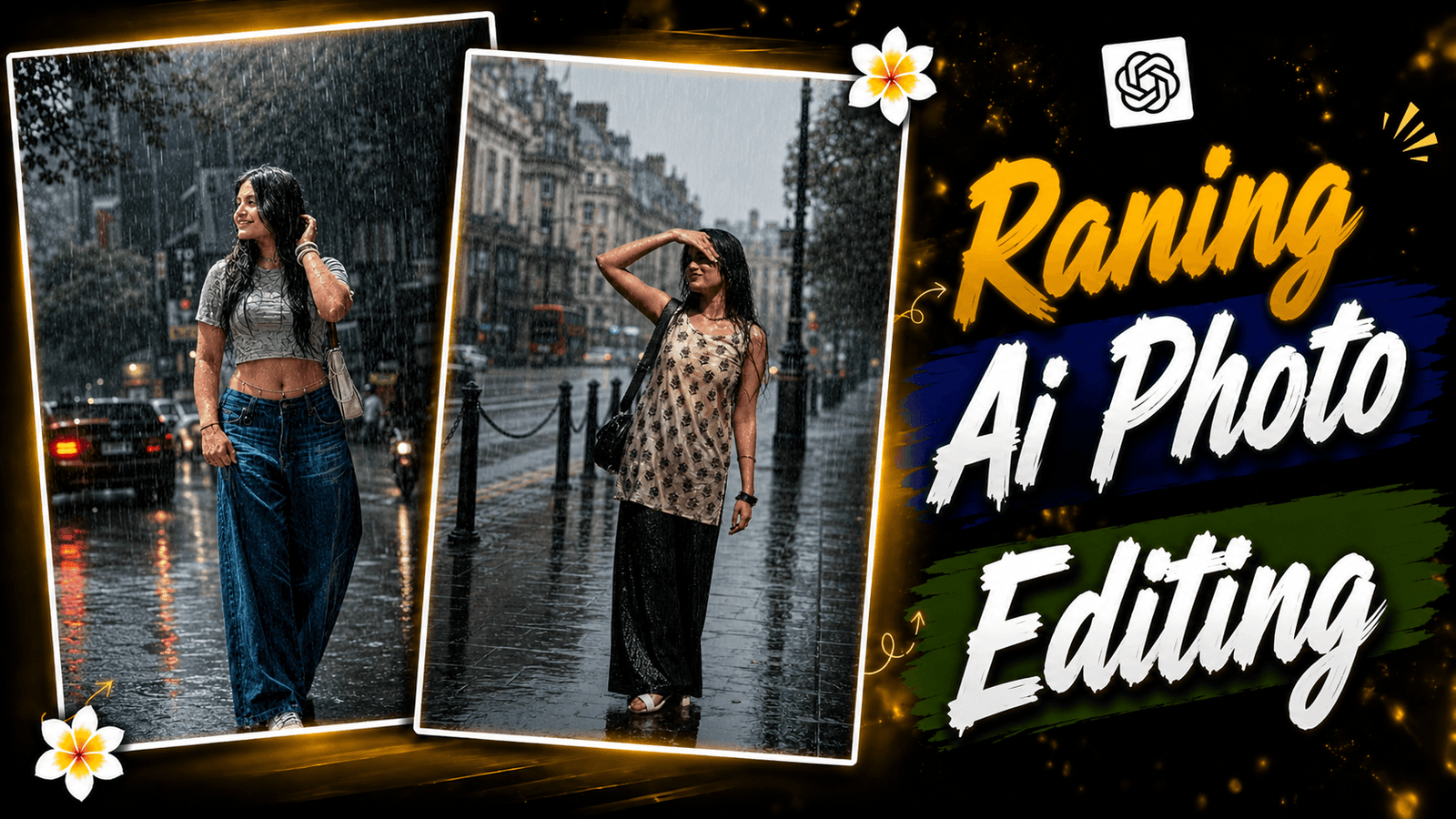
Viral Instagram Rain Photo Editing Prompt Using ChatGPT AI-In India, the rainy season lasts from June to September. Many people enjoy getting wet in the rain, while others love capturing beautiful photos during the monsoon. Rain photography has become a popular trend among nature and photography enthusiasts. Then post their photos on Facebook, Instagram and other platforms or give status on WhatsApp. But there are many who cannot shoot photos, this post will help a lot. Because today I will show you how to create a raining AI photo. Using which you will convert a normal photo into a raining AI photo. You can click a photo where there is no rain. We will create this photo using that normal photo. There is not always a trend. The trend also changes with the season. Now since it is monsoon season. This photo is trending and if you want to make such a photo. Then definitely follow the steps given by me.
Viral Instagram Rain Photo Editing Prompt Using ChatGPT AI
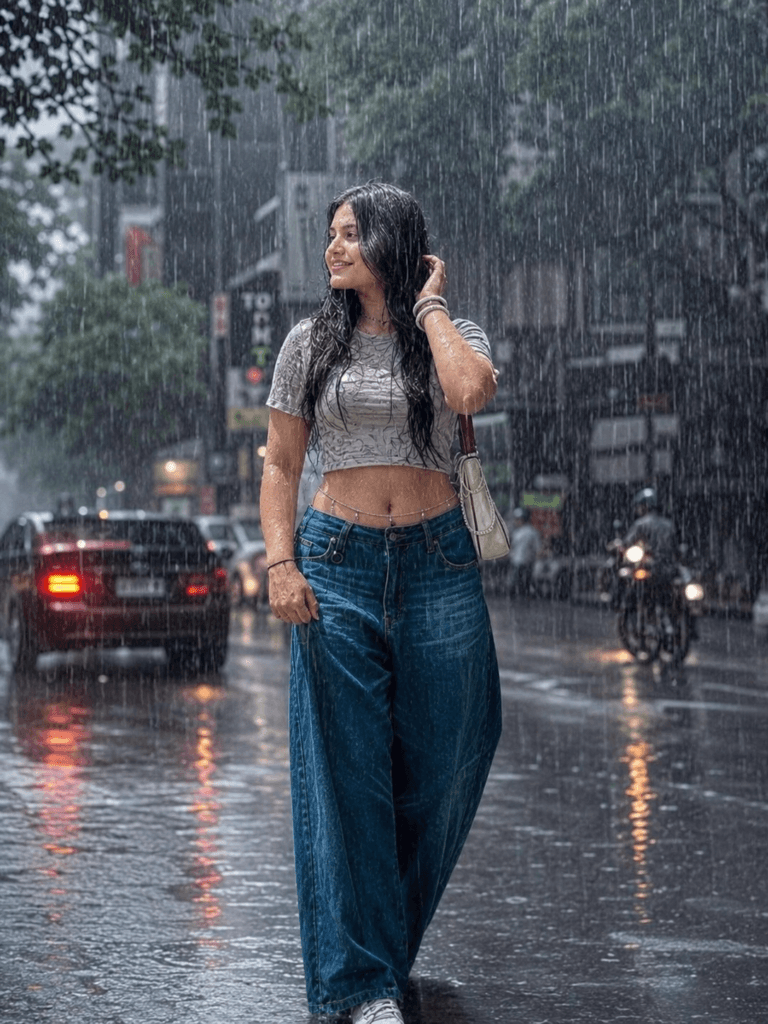
The photo that we will create will be a normal photo. After we generate the photo, the photo background will be changed. The photo will have color grading like rainy weather and rain will fall from the sky. Your clothes will be all wet. It will look like you are really getting wet in the rain. And we will create this entire photo using ai prompt. AI prompt is something that will be written in the details about your photo. We have to generate the photo using that prompt. I have written a prompt for rainy wet weather in the prompt. Which you can also copy and paste to generate such a photo. I will show you how to create a raining ai photo in the following paragraph. Let’s see how to generate the photo.
Here are some tips for creating Rain Photo Editing
I will tell you some tricks and tips that you can follow to create this photo perfectly. For that, we have to make a photo suit first. You will go to a road and make a photo suit that can be seen from head to toe. And you will give an aesthetic pose so that the photo looks good. The background behind the photo should be seen well. You can get an idea by looking at the photo given below. The photo should not be too dark. So that the lighting is good so that the face & quality of the photo can be seen well. And we will need a prompt. I have given you a prompt that you can see from there. You can copy it. These tips & tricks are enough to generate a good photo. I hope you understand.
A realistic, high-quality daytime
photograph of the person in the
reference image, standing under
a heavy rain shower, water droplets
visibly dripping from hair and clothes,
fully drenched. The new background
should be a moody, cinematic city
street during an overcast, rainy day,
soft diffused daylight reflecting
on wet pavement, cinematic lighting,
photorealistic, 8k resolution,
maintaining the exact facial features,
expression, and body shape of
the original person." 3:4 ratio
How To Create Instagram Rain Photo Editing Using ChatGPT AI
To create a photo like this raining ai photo. You have to use an ai app and for that, my favorite app is chat gpt. I am using this app because it generates a very realistic type of photo. If you want, you can use other ai apps like google gemini, meta ai. Before you start, you have to open chat gpt ai. Now you have to open an account, if you don’t create an account, you won’t be able to generate photos. After creating your account, click the “+” icon below and upload your raw photo. Then, copy the prompt below and paste it into the AI chat to create your rainy-day photo. Now open chat gpt and paste the prompt. At least you have to click on generate bottom. Wait for a while, then your photo will be generated. Open the photo and download it. This way you can create raining ai photo.
Conclusion
In this entire article, you will learn how to convert a normal photo into a Raining AI photo. It was a very simple step, how did you like this article? Let me know in the comments. If you have created such a photo, you can give it as a status on WhatsApp, and you can also post it on social media like Facebook, Instagram. Many people will ask whether photos can be created with a mobile phone? Yes, you can create it with your mobile for free. For the best results, use a high-quality reference photo. This helps the AI create a more detailed and realistic image. That’s all for today, see the next article.
