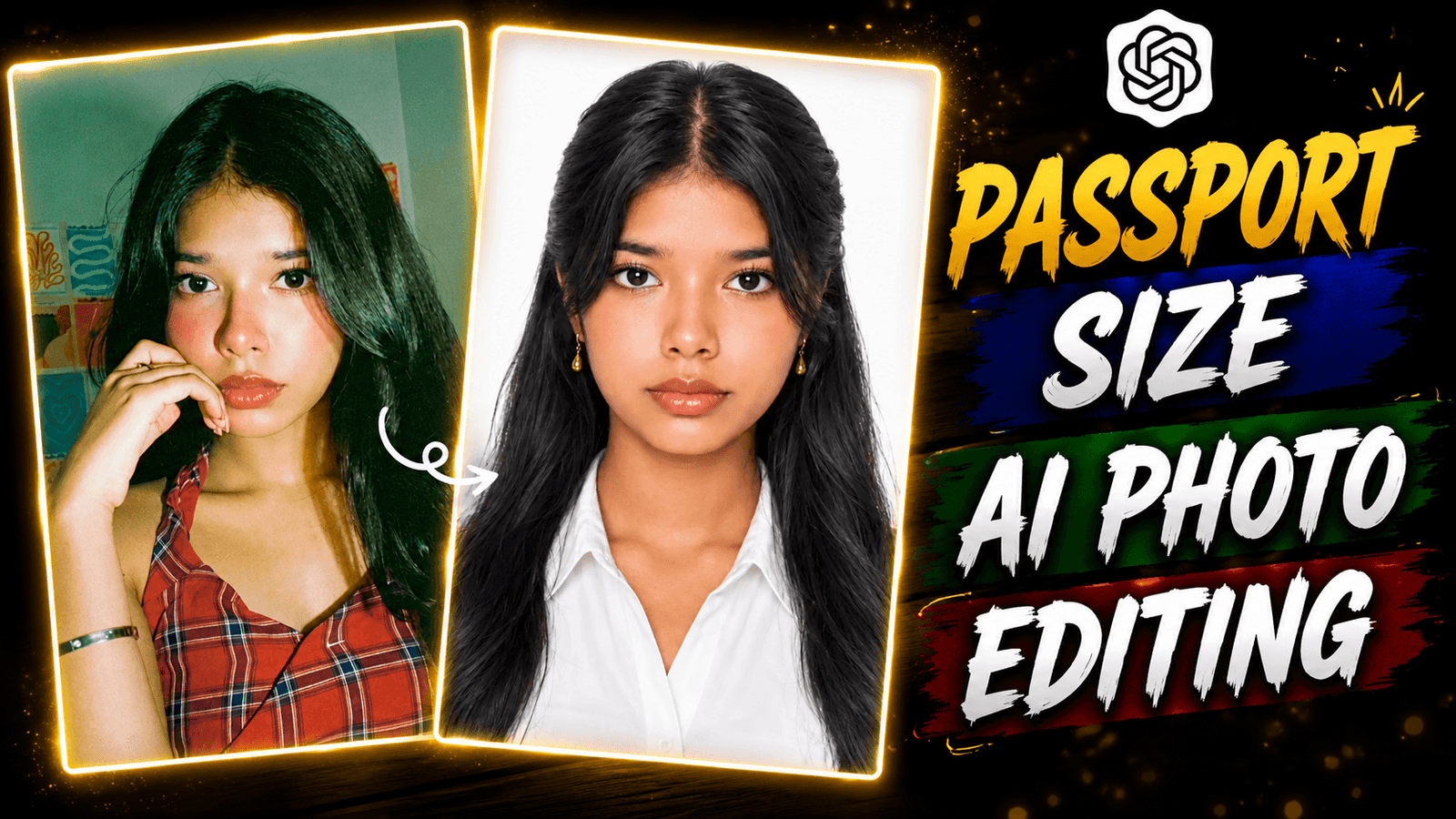
How to Create Perfect Passport Photos with AI -If we now fill out a form for a school or job, a passport size photo is required which has to be given in the form. Apart from this, there are thousands of people who make a CV. They shoot a good passport size photo and add it to the CV. After clicking the photo, many people do not like the photo again. But they do not know that they can make a passport size photo themselves with just one click with the help of a mobile phone. We all know now that any photo is being made with ai. We will take the help of ai to make this passport size photo. Just using ai will not work, we will also need a prompt. You will find the prompt in the paragraphs below copy it from there. If you want to make a passport size photo, see this post from beginning to end.
How to Create Perfect Passport Photos with AI
Now you don’t need to go to the studio for a passport size photo. Because you can make a professional level passport size photo in 1 minute sitting at home. I will tell you how to make it. These things are not only in documents, everyone has made it a trend on Instagram. Everyone shows a normal photo first and then shows a passport size photo. Everyone is liking and liking their videos that are going viral. These passport photos are 3.5 × 4.5 cm. The photo is in white color in the background. The face is not edited much in the photo. Simple editing is done a little which looks professional. These photos have a coat applied. The photo will not look blurry to you, it will look completely clear. I have told the steps to create this photo in the paragraph below.
Benefits of passport photo editing with AI
You think we will go to a photo studio and not do all this with AI. Before doing this, you should know its benefits, then you will do it with AI. You go to make such a passport size photo and you have to wait there. Again, you have to pay money and your time is wasted. And if you do it with AI, it will be much better than that and you don’t have to pay any money or wait. Many people are thinking what to do and what to do with. Look, I am telling you the names of some AIs that make such a passport size photo in one click. For example, Google Gemini, Chat GPT, Meta AI, all these AIs are the best to create a passport size photo. Now I will tell you how to use these AIs.
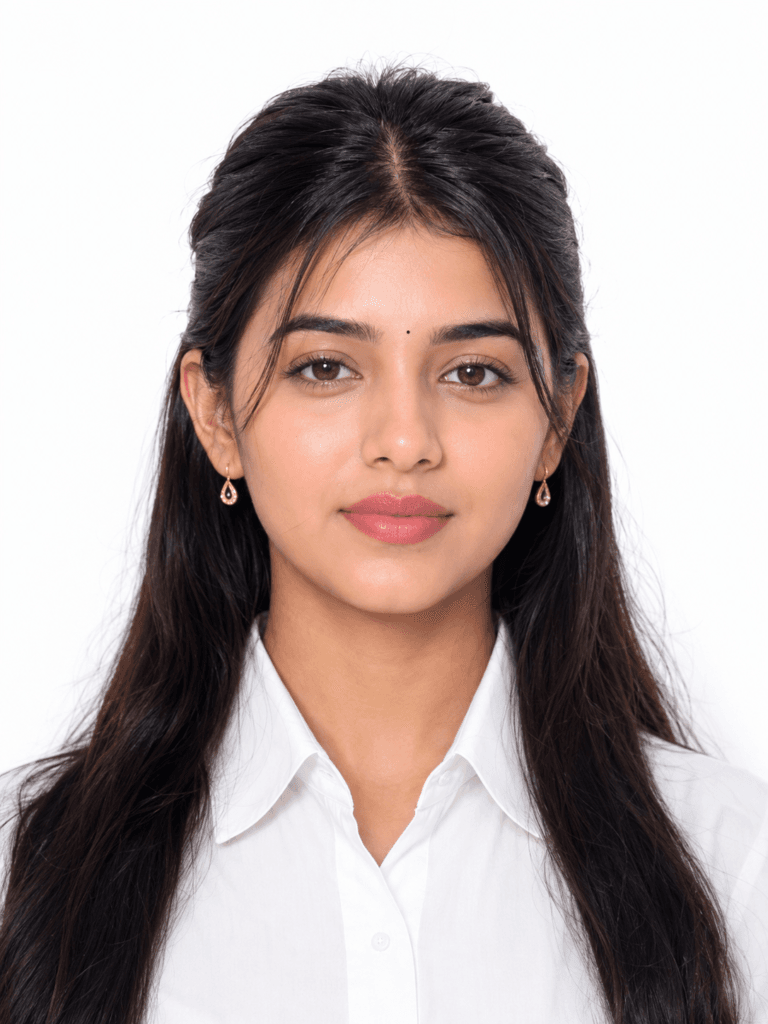
Create an ultra-realistic, high-resolution
passport-size portrait of the woman
from the reference image, preserving
her exact face, facial structure,
skin tone, proportions, eyes, nose,
lips, jawline, eyebrows, and all
unique identity must remain identical
to the reference photo. She is
facing directly toward the camera
fully open. Her head is perfectly
centered with official passport-style
framing, showing the shoulders and upper
chest. Maintain natural skin texture with realistic pores and soft artificial smoothing. Style her hair with a neat center part and a clean half-tied hairstyle inspired by a professional passport portrait, with the hair shoulders. Keep the hair long, naturally straight with slight soft waves, and deep jet black. She is wearing a crisp plain white collared shirt with no patterns or logos. Add small elegant gold teardrop earrings. Her makeup is minimal and professional: defined dark black eyebrows, subtle mascara with naturally long eyelashes, soft matte dark nude lipstick, light natural blush, and no heavy contouring or dramatic eye makeup. Use a pure white seamless studio background with soft, even lighting from both sides to eliminate harsh shadows. Ensure balanced exposure, true-to-life skin tones, sharp focus on the eyes, and high facial detail. The image should look like it was captured using a professional DSLR camera with an 85mm portrait lens, featuring realistic depth, natural color grading, studio-quality
lighting, and ultra
For Boy
Create a realistic, high-resolution
passport-size portrait of a person
facing directly toward the camera
with a neutral facial expression
and both eyes open. The person is
centered in the frame, with shoulders visible, wearing plain, solid-colored formal or casual clothing without patterns. Use a plain white background with even, soft lighting and no harsh shadows. Ensure the face is sharp, natural skin tones are preserved, and there are no accessories covering the face (unless for religious or medical reasons). The image should be photorealistic, front-facing, with proper head
spacing suitable for official passport
requirements. Aspect ratio 35mm × 45mm,
studio-quality, ultra-realistic,
high detail.
How to Create Passport Photos with Google Gemini Ai
We will use Google Gemini in these 3 steps because here you can make a good high quality passport size photo. First of all download the Google Gemini app. Now create an account with your phone number or gmail to create the photo. Then click on the plus option and upload your photo. Upload a photo that is high quality and the face is clearly visible. Now copy and paste the prompt that I have given. After that, click on the send button at the bottom. Now wait for a while and your photo will be generated. In this way, you can convert a normal photo into a passport size photo.
Conclusion
I saw in this article how you can convert a normal photo to a passport size photo. This article helped you a lot if you follow the steps carefully. If any of your friends are going to a studio to take a passport size photo, please stop them and share this article with them. If you do, you can make a passport size photo in one click for free. I hope you like the article, if you like this Article leave a comment and follow me on Instagram.

[…] Pasport Size prompt […]