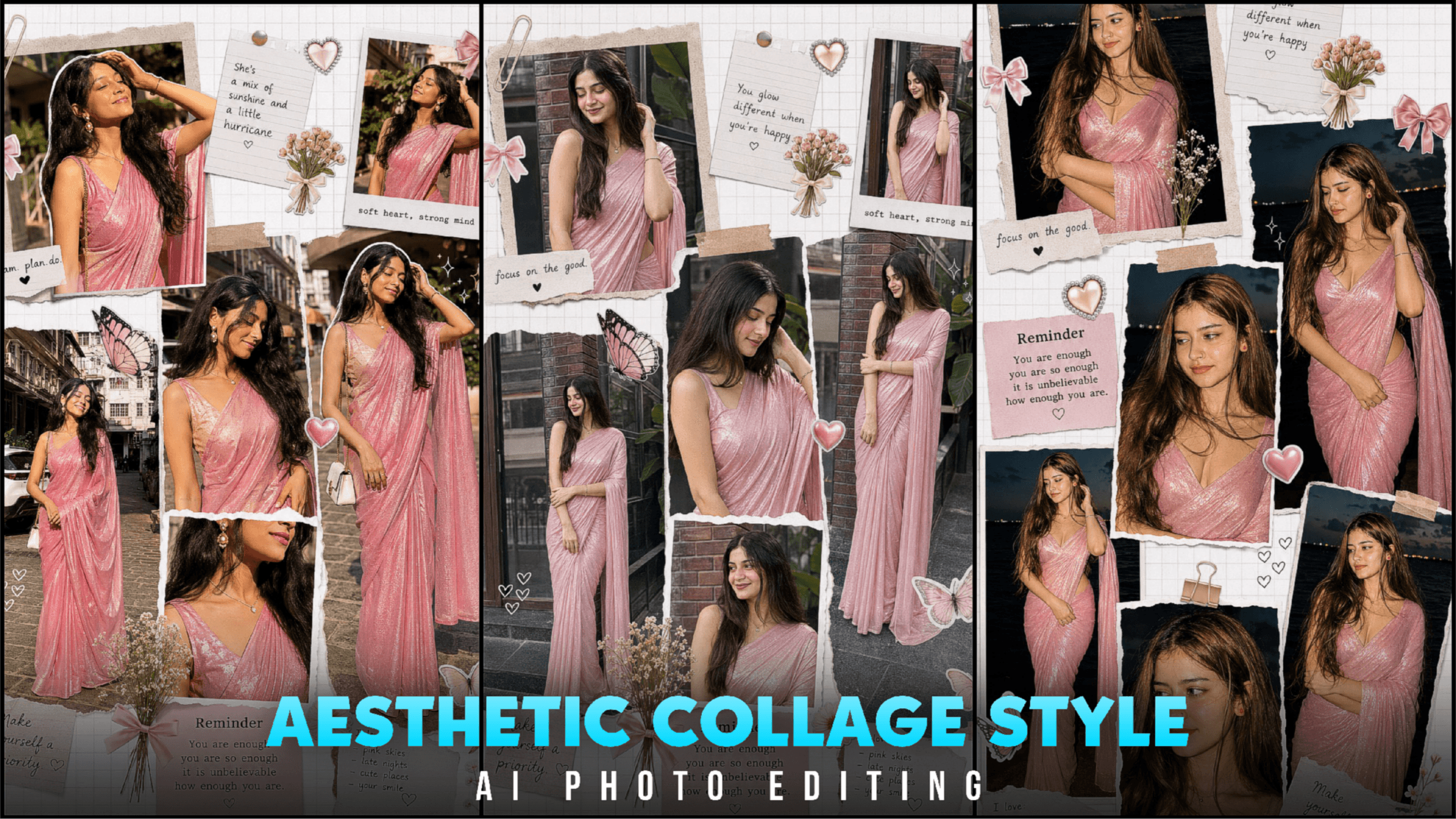
Aesthetic Collage Style Google Gemini Ai Photo Editing –Friends, I see new college style photos going viral every day and the funny thing. Is that many people want to create such photos but no one can or does not know how to create them. To be honest, creating photos is very easy. In this article, you will see how to create an aesthetic style or collage style photo. The photo looks very beautiful, especially girls will like it. There are many girls who are trying to create these photos but cannot, share this post with them. After reading this article, you will understand how to create an aesthetic collage style photo.
Aesthetic Collage Style Ai Photo Editing
These types of collage photos are very easy and do not take much time. I am teaching you to create them in very less time, so I will share one. Your collage style photo will have some png and some flowers with it. You have to add your photo and paste the promt then your photo will be created. If you want, you can also create photos for your partner with collage style photos. These are the best photos to make your photos go viral. Create and post them. Let’s see how to create such an aesthetic photo.
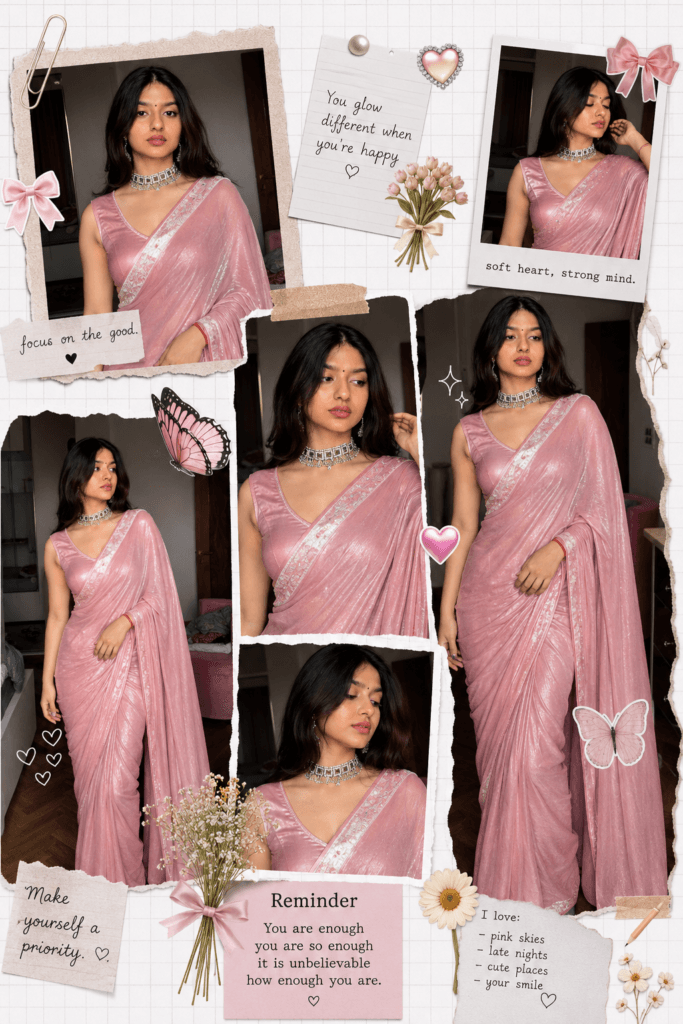
PROMPT 👇
Create a dreamy scrapbook-style college aesthetic collage of a girl wearing a shiny pink saree. Show her in multiple angles and poses (full-body, mid-shot, close-ups). Maintain a soft, feminine vibe. Styling & Elements: Add cute decorative stickers: bows, flowers, hearts, butterflies Use a white grid background with cut-out photo layering effect Include soft lighting and smooth, glowing skin texture Keep the overall look delicate, aesthetic, and Pinterest-style Composition: Arrange images like a scrapbook/moodboard Mix candid and posed shots Add subtle shadows for depth Quality: Ultra high resolution Cinematic, polished finish
How To Use New Aesthetic Collage Style Google Gemini Ai Photo Prompt?
- Download the google gemini app before you go to bed.
- Create an account with your gmail id.
- Now select create image and pro option. Doing this will create a more perfect photo.
- Now upload the selfie photo and paste this promot.
- Then click on generate bottom. After some time the photo will be generated.
- Open the photo and download it
Overall
I have not given you many prompts to create collage style photos, I have given you only one prompt, if you need more, I will add it. You can create photos of this style only with google gemini na chat gpt, meta ai, leonardo ai and all these ai websites. Such photos will be generated with the website you create with. The photo you create with reference should be of high quality, if possible, use selfie photos. Don’t make such photos, otherwise the trend will end. Thank you very much for watching the article. Keep supporting me in this way so that. I can bring articles on trending topics for you.

[…] GOOGLE PROMPT […]