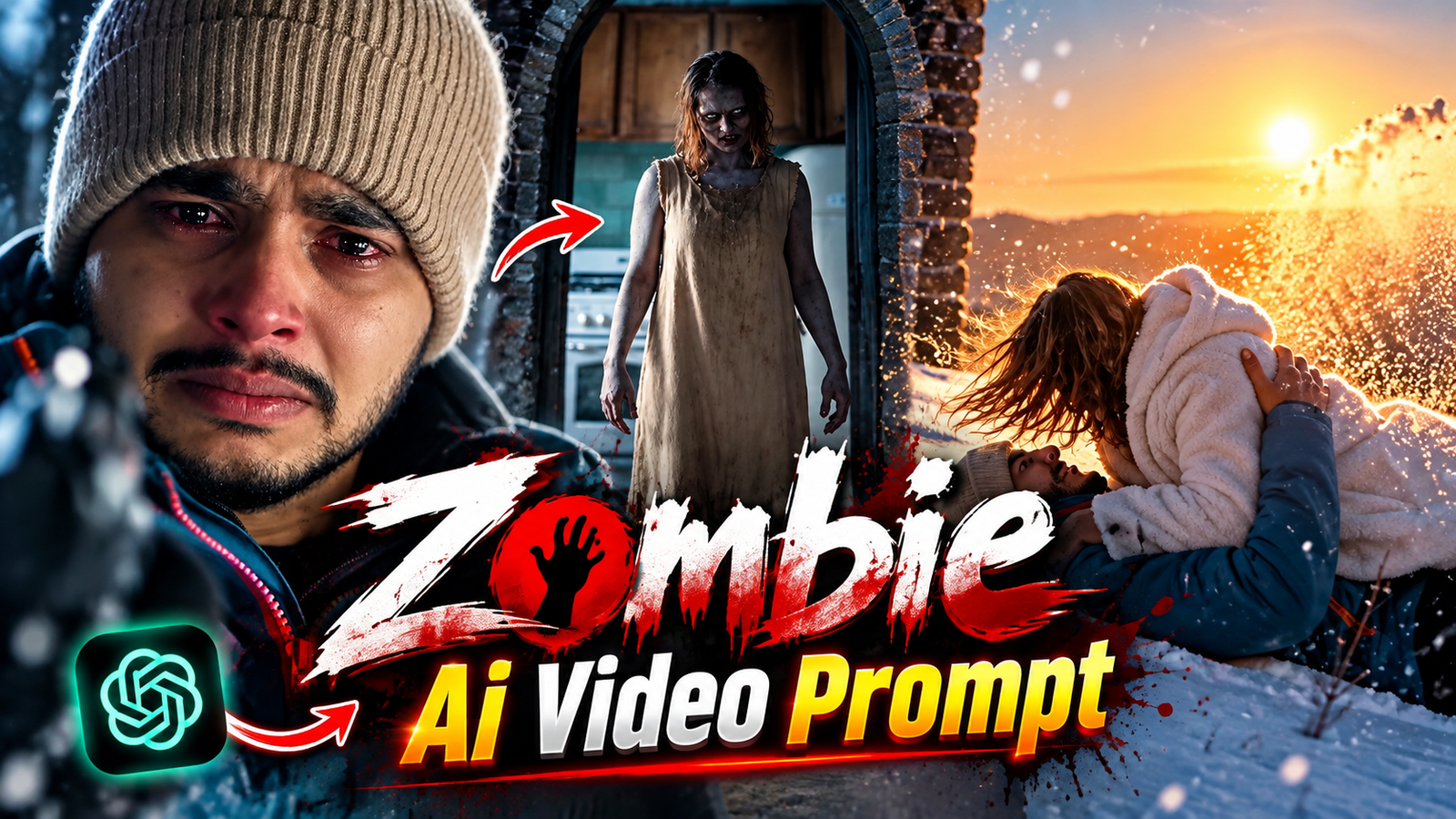
Zombie Ai Video Editing Prompt-Initially, AI was primarily used to generate images, but AI video editing has now become incredibly popular. With the help of AI, it is now possible to create cinematic videos that look just like scenes from real movies. Recently, I came across an AI video on Instagram that looked completely authentic and had a distinct film-style quality. The video begins with a young man holding a gun, about to shoot a zombie. However, it is revealed that the zombie is actually his girlfriend; tears stream down his face as he prepares to pull the trigger. Suddenly, the zombie rushes forward and embraces him. At that very moment, an incredible transformation takes place. The entire scene shifts to a beautiful, snow-covered landscape where the couple is shown spending time together and sharing lovely moments.
These types of “Zombie AI Videos” are currently going viral on Instagram and other social media platforms. Many people are using AI to create similar cinematic and emotional videos featuring their partners or friends. In this article, I will show you how to create your own Zombie AI video. If you want to make a beautiful, cinematic AI video with your partner, be sure to read this article to the end.
About Zombie Ai Video Editing Prompt
There are currently many AI video tools available that allow you to create cinematic and realistic videos using AI. However, not all of them are completely free; some offer limited credits, while others require a subscription or payment. One such platform is Higgsfield, which enables the creation of highly realistic and cinematic videos. If you are willing to use a paid tool to produce higher-quality videos, Higgsfield is a great option to explore. On the other hand, if you want to create Zombie AI videos for free or using limited credits, you might consider Flow AI or Google’s AI video tools. These tools typically operate on a system of limited generations or credits—meaning you might get some initial credits to start with, but unlimited video generation may not always be free. For this Zombie AI video editing tutorial, I will be using Flow AI. So, if you wish to follow along, please start by opening Flow AI and creating an account. Next, we will go through the step-by-step process of transforming a simple image into a cinematic Zombie AI video.
Why Is Zombie Ai Video Editing So Popular ?
Why should you create these “Zombie AI” videos? Many people search on Google for how to edit them, and this article has appeared for them. Let me explain why you, too, should create this kind of video.
1. These Zombie AI videos feature effects that are driving their popularity. A particularly popular moment occurs when the zombie embraces the boy and a transformation effect transports them to an icy landscape; this specific effect is a major reason for the trend’s success.
2. The video is created using AI to replicate a scene from a romantic movie where a girlfriend turns into a zombie. The result looks truly cinematic, just like a real film.
3. If you have an Instagram page, you can create and post these AI videos there. Nowadays, you don’t need to go anywhere else to shoot footage; you can create these viral AI videos right from the comfort of your home using AI prompts. It is an easy way to generate content for your Instagram.
What Need To Create Zombie Ai Video ?
To create a zombie AI video like this, we need three things. Before making the video, find out what these items are and have them ready. I will list them one by one:
1. First, you need an AI video editing tool to create the video. You can use one of the AI tools I mentioned earlier. In this tutorial, I will show you how to generate the video using ‘Flow AI’ (or Google Flow), so you can use that tool as well.
2. Next, you need two photos—one of yourself and one of your partner. Try to take full-body photos during the day; using full-body shots makes it easier for the AI to understand your physique along with your face.
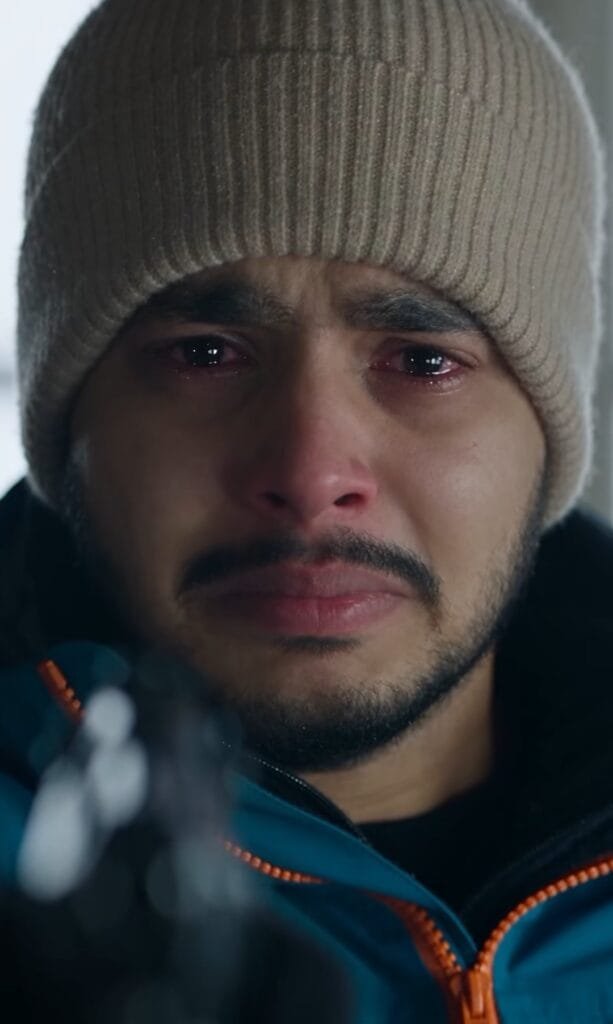
3. Every AI video relies on a ‘prompt.’ This prompt contains all the details about the video—such as the scene, the model’s actions, and the background. You need to write a prompt that describes the entire scenario: for instance, the girl holding a gun and appearing as a zombie, and then coming over to hug the boy. If you aren’t sure how to write it, simply click the ‘Copy Prompt’ button below to copy and use the prompt I’ve provided.
Conclusion
In this article, I explained why this video is becoming so popular and what is required to generate it. If you run out of usage limits while generating videos with AI tools. Simply create a new account using a different Gmail ID. This will allow you to create more videos. You can also customize the prompt to create the video in a different style—for instance. By changing the background or the clothing. However, if you aren’t comfortable creating prompts. It is best not to customize them. I hope this article has helped you understand how to generate the video.
