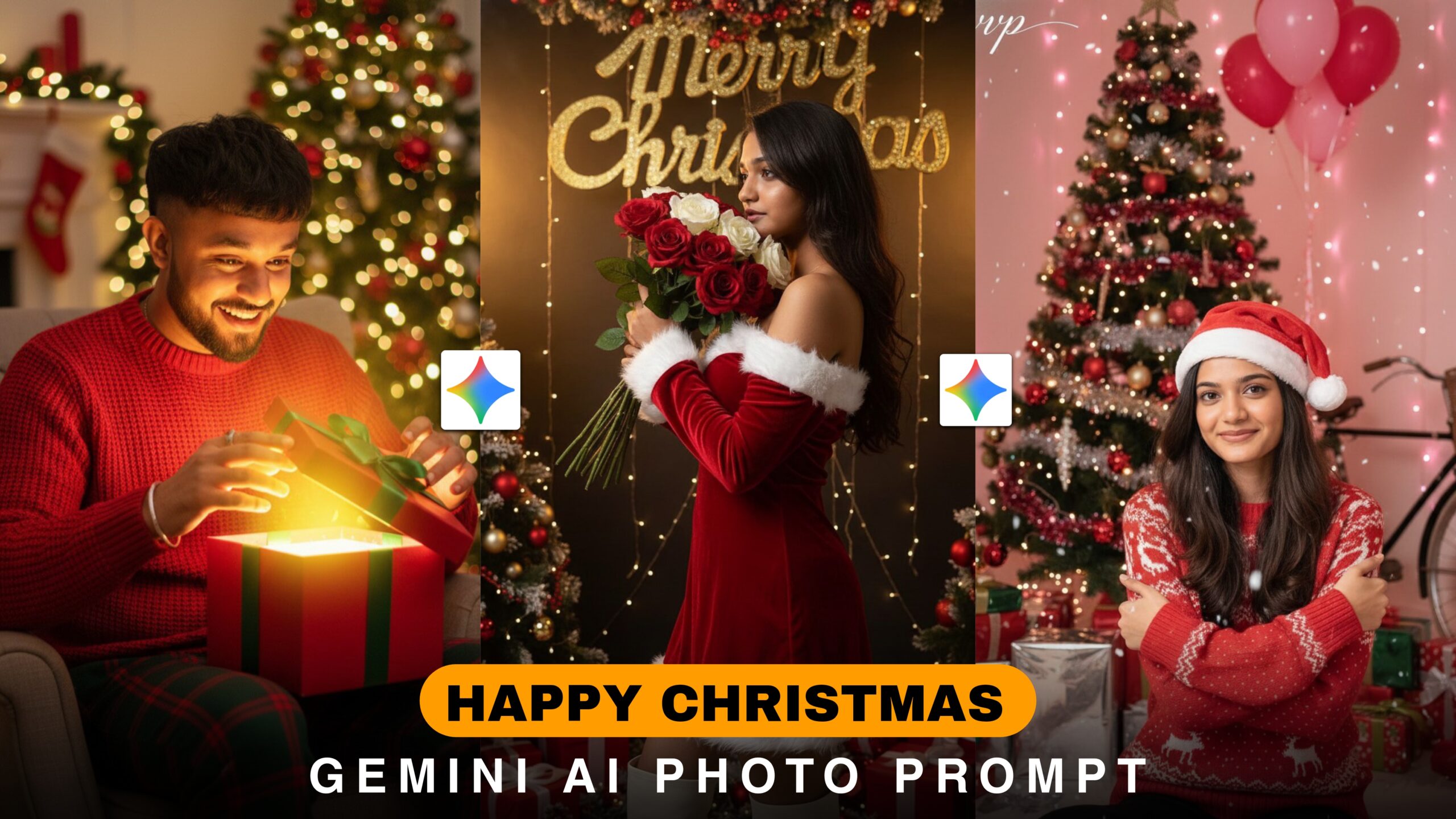
Christmas Google Gemini Ai Photo Prompt –We all know that after a few days, happy Christmas day is coming. This day is the main festival of Christians. It is celebrated every year on December 25th. This day is the birthday of Jesus Christ. On Christmas, prayers are offered in the church. Houses are decorated beautifully. Decorating the Christmas tree is a part of Christmas. Cakes and sweets are prepared on Christmas. For this day, you can make photos with AI and post them on social media because now AI is making photos and posting them saying Happy Christmas. If you want to do it too, I have told you in this article how to do it.
Christmas Google Gemini Ai Photo Prompt
We will use google gemini to create this type of Christmas photo, you can do all the sem processes from this chat gpt or any other side if you want. Gemini website is the best so I suggest it, you can create original photos with it. Our photo prompt will be needed with this website. With the help of this prompt, the photo will be created well. If you cannot create photos with Gemini, watch the article till the end and you will understand how to create Christmas photos.
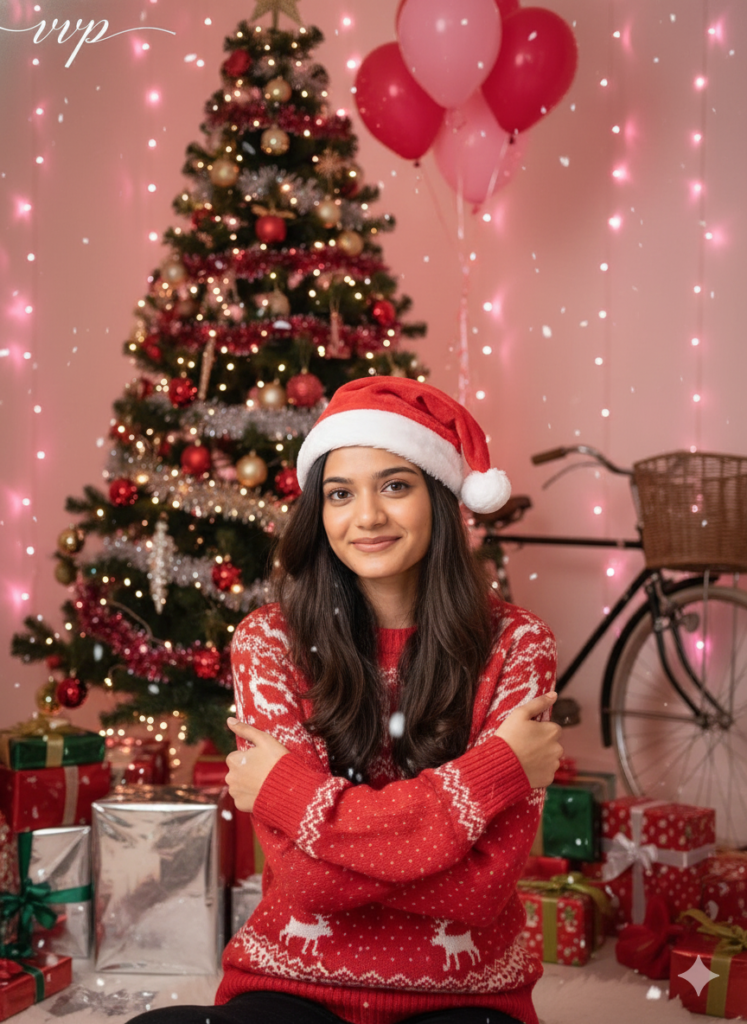
PROMPT:- A lovely young woman with long, dark brown hair is dressed in a cheerful red and white Christmas sweater, topped off with a classic Santa hat. She sits comfortably, wrapping her arms around herself while gazing at the camera with a warm smile. Snowflakes drift softly around her, enhancing the enchanting holiday vibe. The background bursts with festive decorations, including a beautifully adorned Christmas tree, shiny wrapped presents, colorful balloons, and soft lighting in shades of pink and red. A vintage bicycle peeks out in the background, completing this high-definition, vibrant portrait that radiates joy and warmth during the holiday season.
How To Use Google Gemini Ai Photo Prompt ?
To create Christmas photos, now we have to follow some steps. Which I will tell you step by step. First of all, click on the link given below, then the Gemini website will open. After it opens, you have to create an account. If you do not create an account, you will not be able to add photos. You will see the plus option below, click there and add the photo. Then you will see many prompts at the top, copy the one you like and paste it there. Then click on the send option, then the photo will be created. I hope you understand how to create photos.
Overall
If you follow these steps, you can easily create photos for Christmas. If you don’t go to the website and create photos, but download the app and create them, it will be better for you. You must try it. Christmas day is coming in a few days. I hope you understand the article. If you have any difficulty in understanding, comment to me and I will reply. Thank you very much for reading my article.
