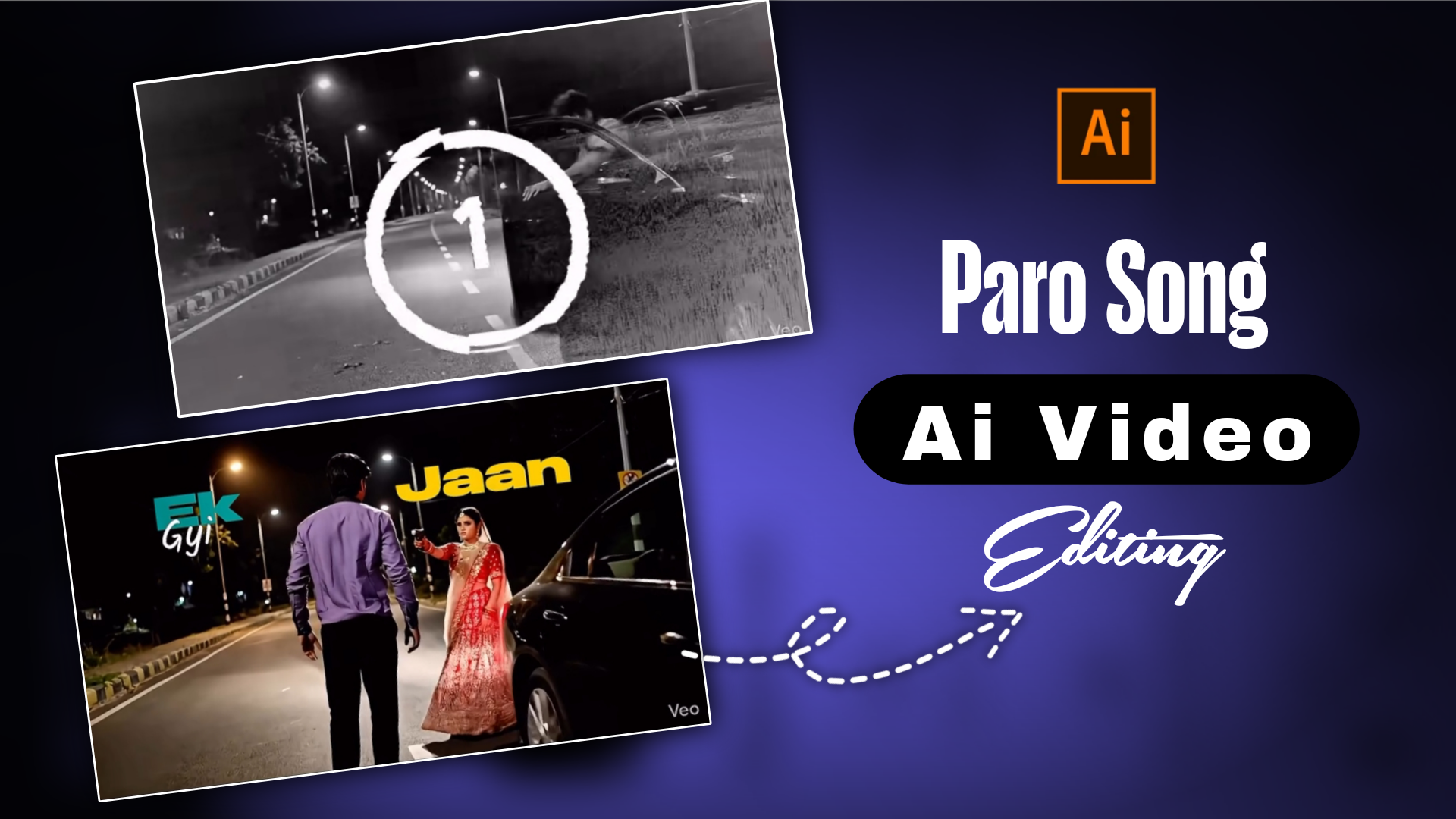
Trending Paro Song Ai Video Editing -I was watching videos on Instagram then a video came to my feed. The video looked very real then I looked closely and saw that it was not original but made with the help of AI. This video was created with Flow Ai, an AI website. You can create trending videos with the help of this website. If you have never created such videos, watch this article till the end and I will tell you step by step how to create the video
Trending Paro Song Ai Video Editing
This video is very trending on Instagram in this video a girl is getting out of the car and shooting a boy. You can post such videos on Instagram and get many views for your video. There is a song called Paro in the video which is very beautiful. You have to create the video with AI first. Then you have to add the video to Capcut and add the song to it. If you can edit the video perfectly, it will be very beautiful. Let’s see how to create the video.
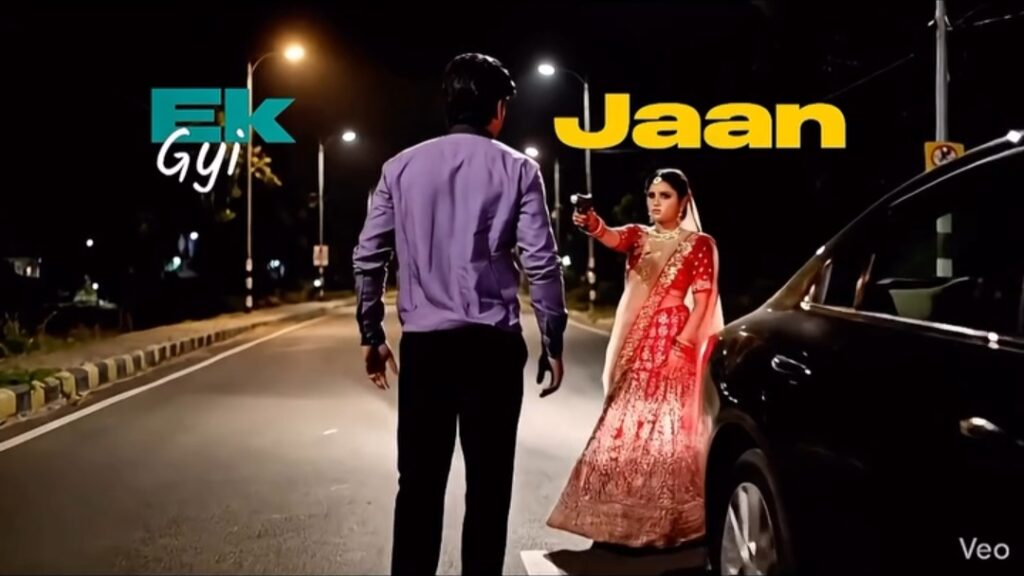
PROMPT :- Hyper-realistic, cinematic 4K action scenario with rich, immersive audio. Visuals: In a darkly lighted, deserted asphalt road beneath a night sky with faint streetlights in the distance, a sleek, dark-coloured car (such a black or deep grey sedan, comparable to the image provided) is stopped. The man gets out of the driver’s side and looks a lot like the person in the reference photo you sent. The woman departs the passenger side while wearing an attractive outfit that resembles the red clothing in the picture. The woman abruptly draws a gun as the male turns away. She takes aim and shoots the man.
How To Create Trending Paro Song Ai Video ?
First of all, you have to copy the prompt given above. There is a bottom above, click there. Then you will see that the flow ai website has opened. After opening, click on new project. Below you will see text to video, click there. There you will see ingredients to video option, click there. Now you will see upload option, click there and upload the photo, then paste the prompt that you copied. Then a send option will be shown, click there. Then you will see your video will start being created. Once the video is created, click on the download option and download the video.
Overall
I have given you the prompt and the link of the website, you can use it from there. On this website, you will be able to see articles on capcut templates and ai video, photo editing. You can visit my website daily. How did you like the article that I showed you today? If you like the article, share the article. Stay well, alha Hafiz.

Nice post