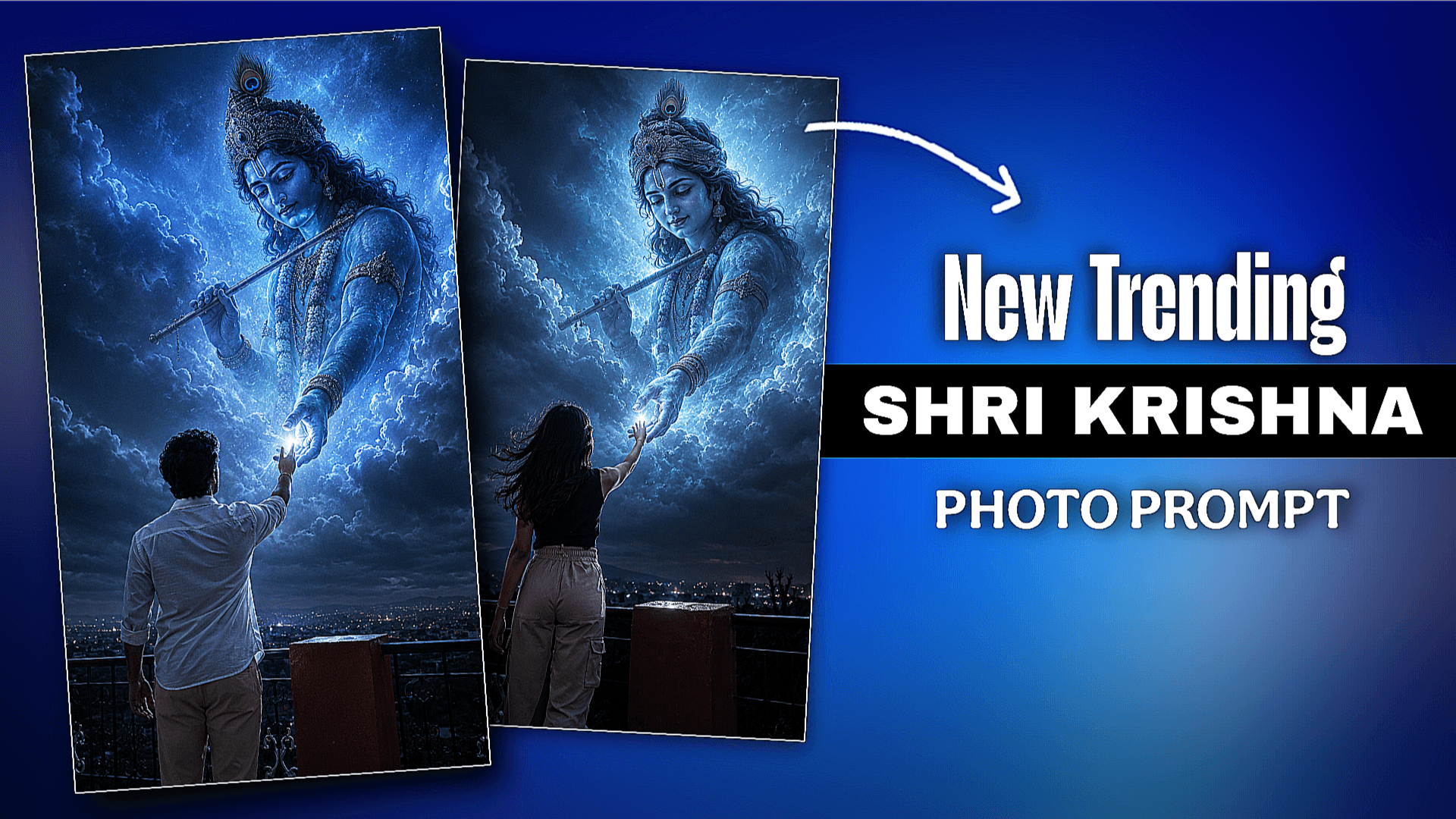
Shri Krishna Ai Photo Editing Prompt –Friends, another new trend is coming on Instagram where everyone is making such Lord Krishna AI photo. This photo is being created by a boy and a girl. If you are Hindu and you respect Lord Krishna, you can make this photo. This photo has to be created with the help of AI photo editing prompt. I will give you 2 prompts, one for a boy and one for a girl. Now on Instagram, not only this photo, there are many other photos like couple eye contact photo, this is also going viral, my article is already posted on it. If you want a prompt, you can take it from there.
You can create this Lord Krishna AI photo with the help of chat gpt/ google gemini apps. I will teach you how to create it with the help of 2 apps. You will watch the article from start to finish and follow all the given steps.
Shri Krishna Ai Photo Editing Prompt
This Shri Krishna AI photo looks very creative, no one has made such a photo before. It is very difficult to create such a photo by editing it. But if you take the help of AI, it is very easy to create this photo. The model in this photo is raising her hand towards the sky and it seems that Krishna and the clouds in the sky have come out and are raising her hand. While creating this photo, Leja is using this song while posting it on Instagram. This photo of this song is trying to say that Krishna, take me to you. There are many emotions in this photo, that’s why everyone is creating it so much. If you don’t understand how to create it, then see the paragraph below that I have given.
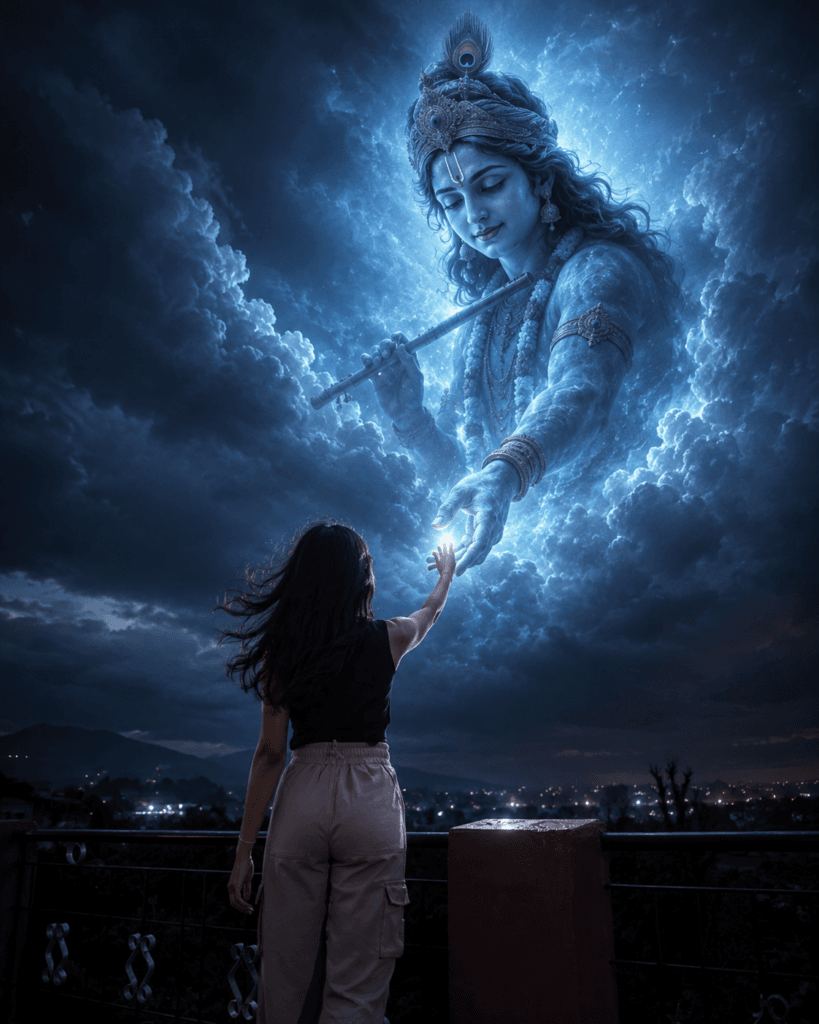
Ultra-realistic cinematic spiritual night photography
of a young Indian person (male
or female) standing alone
on a rooftop terrace under a
dark mystical sky, captured
from behind as they emotionally
reach their hand upward toward
a gigantic divine Lord Krishna
manifestation descending from
the heavens. Krishna appears
semi-transparent, glowing
softly with celestial blue
aura, peaceful divine face,
long flowing hair, peacock
feather crown, traditional
jewelry, flute in one hand,
spiritual energy radiating
through clouds and darkness.
The person's fingertips
gently connect with Krishna's
glowing hand, symbolizing
devotion, protection, faith,
strength, love, and divine
connection.

Dark moody environment with
dramatic contrast, soft fog,
heavenly volumetric god rays,
glowing particles floating in
the air, realistic clouds
illuminated by spiritual
blue light, cinematic
atmosphere, emotional
storytelling composition.
The person has thick textured
dark hair flowing naturally
in the wind wit
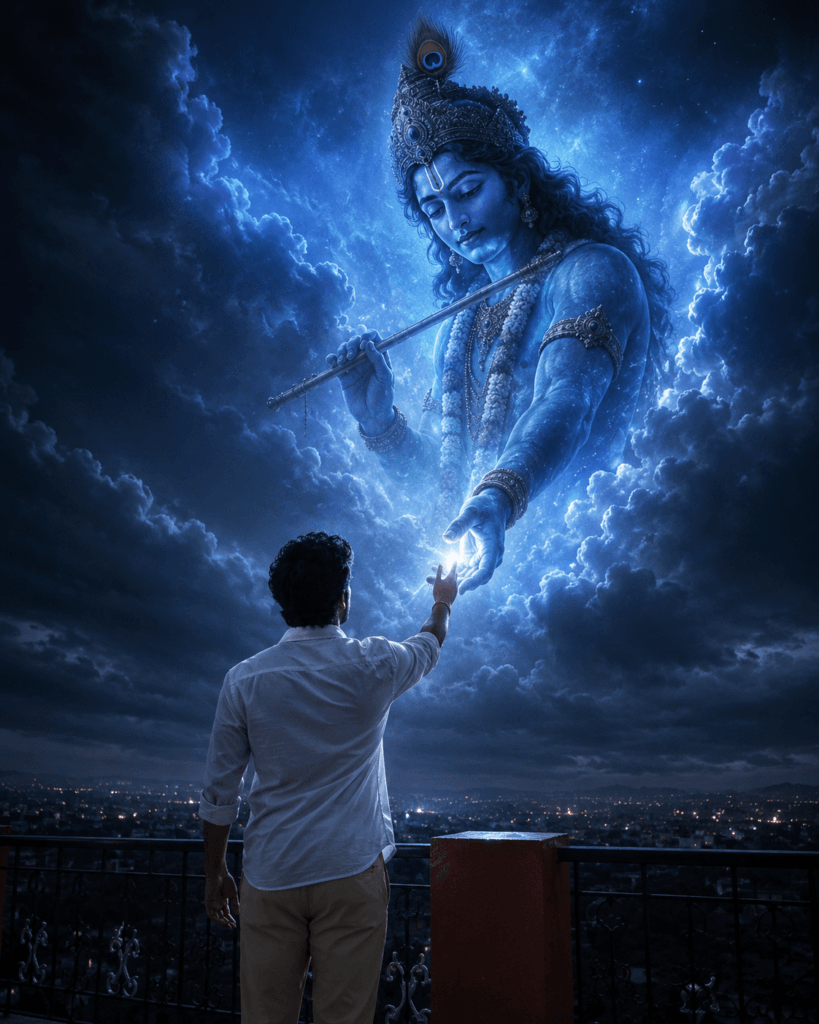
Ultra-realistic cinematic spiritual
night photography of a young Indian
man standing alone on a rooftop
terrace under a dark mystical sky,
captured from behind as he emotionally
reaches his hand upward toward a gigantic
divine Lord Krishna manifestation descending
from the heavens. Krishna appears semi-
transparent, glowing softly with celestial
blue aura, peaceful divine face, long flowing
hair, peacock feather crown, traditional
jewelry, sacred garland, flute in one hand,
spiritual energy radiating through clouds
and darkness. The man's fingertips gently
connect with Krishna's glowing hand, symbolizing
devotion, protection, faith, strength,
courage, and divine connection.

Dark moody environment with dramatic
contrast, soft fog, heavenly volumetric
god rays, glowing particles floating in
the air, realistic clouds illuminated by
spiritual blue light, cinematic atmosphere,
emotional storytelling composition.
The man has thick textured dark hair
flowing naturally in the wind with soft ri
How To Use Shri Krishna Ai Photo Prompt ?
We will create this type of Shri Krishna photo with the help of two apps. First I will show you how to create it with chat gpt and then Google gemini. If you want better results, you can use chat gpt. chat gpt is a best app for creating AI photos.
CHAT GPT:- At First, copy the prompt I gave you. Then open the chat gpt app. You can use it on both mobile phones and PC. You will see a plus option at the bottom of the chat gpt app, click on it and add the photo you want to use for reference. Then paste the prompt you copied. Then click on send bottom. Wait for a while and you will see that your photo has been created.
GOGGLE GEMINI:- Now we will see how to create with Google Gemini. To create with Google Gemini, we first need to create an account in the Google Gemini app with the help of gmail id. Then click on the create image option there and select it. And turn on the pro option on the side, in this your photo will be created in real way. Now we have to click on the plus option and upload the photo with which we want to create. Then we have to copy the prompt which is given above. Now paste the prompt and click on send bottom then the photo will be generated. While generating the photo in this Google Gemini, you will see that a watermark is visible there, you will crop it and tick it.
Conclusion
If you make a photo of Hindu religion. Such photos are going viral on Instagram, those who are posting such photos on their profiles are growing their profiles and their followers are increasing. If you are an Instagram user or content creator, you can make such photos. If you have not started posting content yet, then start it, otherwise the competition will be high. Post such AI photo editing content on your ID, it will grow. I will help you for that because I will give you ideas to create photos, you have to follow them. Don’t forget to tell me in the comments how you liked this post.

[…] Shri Krishna Prompt […]