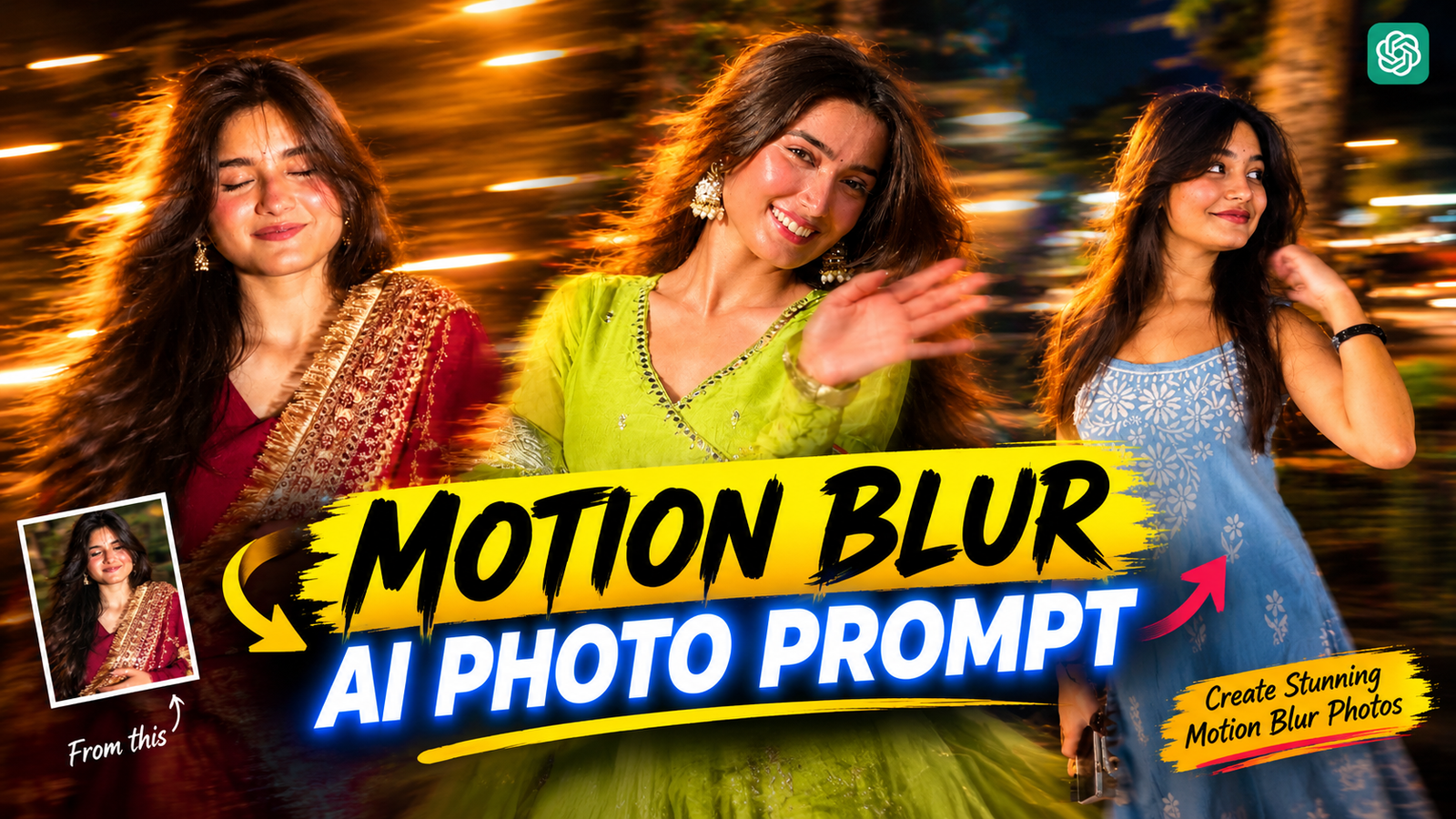
Motion Blur Ai Photo Editing Prompt-If you post a normal photo on your Instagram page, it may have a lower chance of going viral. But if you edit the photo or give it a unique style, it may have a chance of going viral. For example, if you add motion blur to a normal photo, the background can look more unique. Motion blur means, imagine a boy riding a bike, with the road and trees behind him stretched into long lines. Or a girl running, with her hair and clothes slightly blurred as they fly in the wind, while her face remains perfectly clear. That stretched, blurred effect is called motion blur. Nowadays, people no longer edit photos manually to create this perfect motion blur effect. Instead, they upload their photos to ChatGPT and add a prompt, which adds motion blur to the photo. I will tell you how this entire process works.
Motion Blur Ai Photo Editing Prompt
Previously, taking this type of photo required a good camera and knowledge of camera settings. Even after trying many times, it was difficult to get a perfect shot. But now, the process has become much easier. You can take an ordinary photo and use AI to add motion blur without needing an expensive camera. Diwali is just a few days away, and Diwali photos often have lights in the background. Adding motion blur to these photos can make them look even more beautiful. First, take a photo in front of a background with lights. Then, use AI to add motion blur to your normal photo. To find out where to get the prompt and how to use it, read the full post.
How to Shoot Photos for Motion Blur AI Photo Editing?
When you take photos, you need to follow some tips to make sure the photos are captured properly and can be generated without any problems. Here are some tips you should follow.
Lighting Background: It is best to take photos at night. Look for places with fairy lights, street lights, or Diwali lights, and take your photos there.
Keep the Right Pose: When taking photos, choose a good pose so the photo looks beautiful. Ask the photographer to take a half-body shot, and give a nice pose. You can search on YouTube or Google to find many pose ideas and choose one from there.
Here are some extra tips that will help you generate even better photos. Stand 5–10 feet in front of the background lights to create beautiful depth in the photo. Choose a photo where your face and body are clearly visible so that AI can add motion blur later.
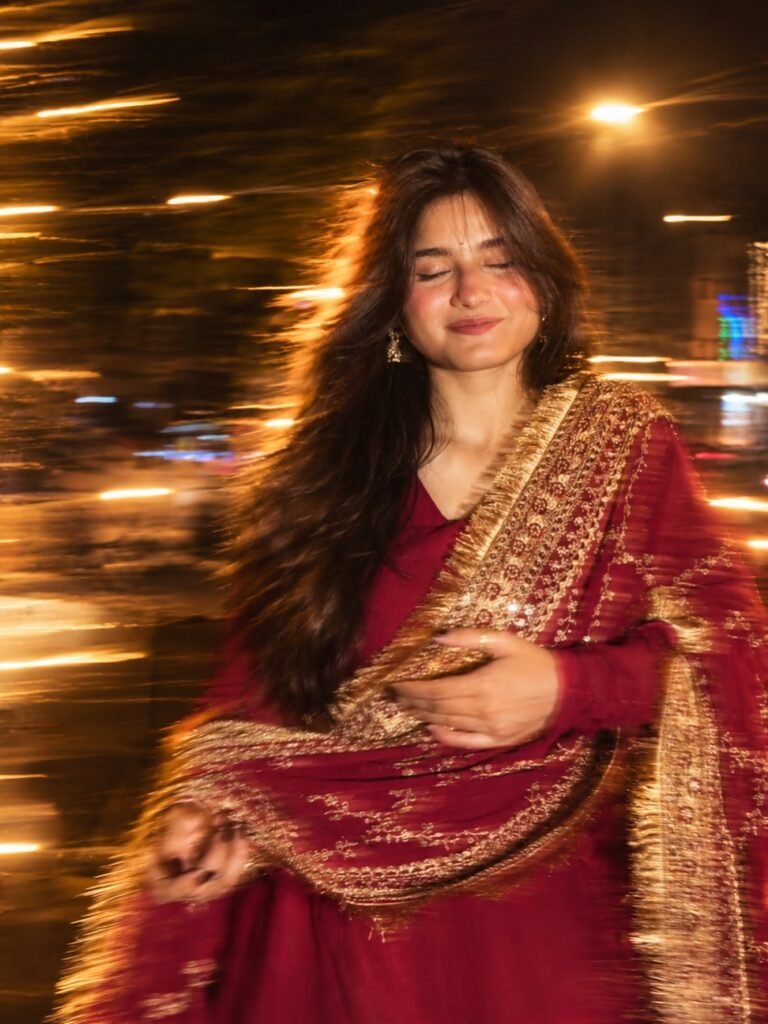
Motion blur on hair, hands, skirt +
long strong exposure across the
subject & background as if
captured while moving + warm
flash light from one side +
night vibe. keep the subject
& pose same, 4k hdr
How To Use Motion Blur Ai Photo Prompt Using Chat Gpt?
Here’s how you can add motion blur to your photo using ChatGPT. First, open ChatGPT through Google or download the ChatGPT app from the Play Store. Then, copy the motion blur prompt I’ve provided. Next, create an account or log in to ChatGPT. Tap the plus (+) icon to upload your photo from the gallery. Now, paste the prompt I provided into the chat. Finally, tap the Generate button and wait for ChatGPT to process your photo.
That’s it! Your photo will be transformed with a motion blur effect using ChatGPT.
Conclusion
So, now you can see that creating motion blur photos is no longer a matter of having an expensive camera or learning complicated editing techniques. With just a clear photo and a well-written prompt, you can transform an ordinary photo into a motion blur-style image right from your phone, sitting at home. If you don’t get the desired result on your first try, don’t worry! Just modify the prompt a little and try generating the photo a few more times until you get the result you like. Have you ever tried editing photos with ChatGPT before? Let me know in the comments! And if you found this tutorial helpful, don’t forget to share it with a friend who loves photography.
FAQ
1. The face is becoming blurry. What should I do?
- Clearly mention in your prompt that the face and body must remain sharp and crystal clear, and the motion blur effect should be applied only to the background. If the result still isn’t right, try generating the photo again.
2. What kind of photo gives the best results?
- Photos with good lighting, a clearly visible subject, and a steady, sharp image usually give the best results. Avoid dark or blurry photos, as they may reduce the overall quality of the final result.
3. Which types of photos look best with motion blur?
- Motion blur works best in photos that show movement, such as running, riding a bike, driving a car, dancing, or jumping. You can also apply it to photos where the subject is sitting still, but the effect may look less natural compared to action shots.
