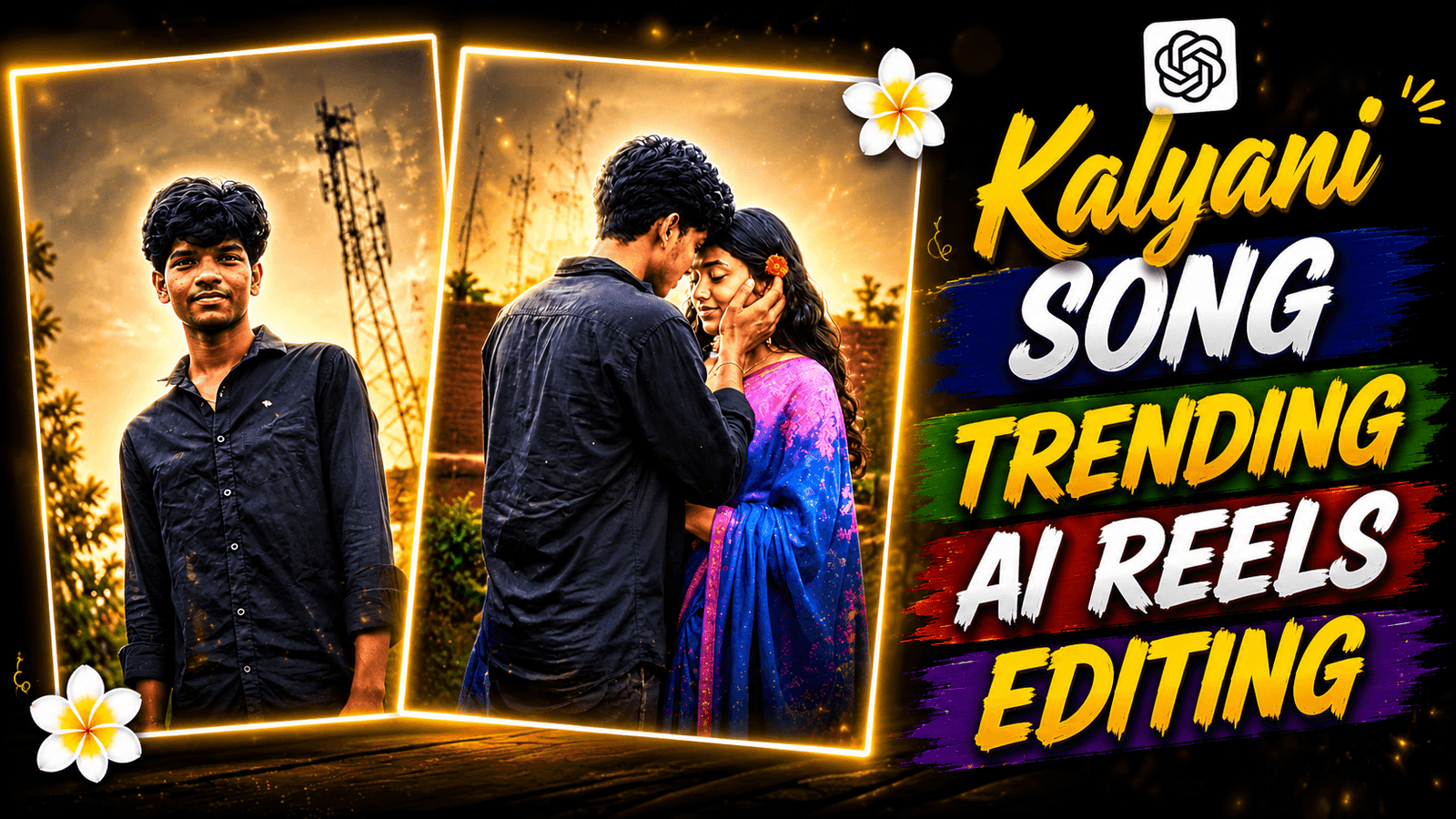
Kalyani Song Trending AI Reels Editing Using CapCut-Today I will not show you any template or AI photo editing. Today I will show you how to create an Instagram viral reels. Currently, a video is going viral a lot, this is a romantic video that you can create very easily. A song has been added to this video. The song is Kalyani Song. The video has been created by matching this song. You can see a girl in this video. This is not an original girl. This model has been created using AI. Nothing else in the video has been changed, so it looks realistic. Only the girl has been added using AI. The video has been edited perfectly. Which makes the video more beautiful. If you want, you can make this video and grow your page. Because this is a completely new trend. I will tell you in this article how to create this viral video.
Kalyani Song Trending AI Reels Editing Using CapCut
At First , you need to understand what this Kalyani Song Trending video is about. Before the soba, a boy comes there. It is seen that the boy is walking. Now he is turning around and a girl is coming in slow motion. The boy is touching the girl’s face and it will create a romantic scene. If you don’t have a girlfriend. You can create this and post it on social media. Everyone will think that it is your girlfriend. And if you want, you can also show it to your ex so that your ex feels jealous. To create this video, we will need a video editing app. I will use capcut because it has many features with which I can edit it well. Not just an editing app. You will need to shoot a video, you will need a prompt to create an AI video with it. Which will be given to you in this post. You will see this post from beginning to end.
How to Shoot Video for Kalyani Song Trending Reels ?
When you shoot a video, you have to keep some things in mind, know how you will shoot and then you shoot the video. Before the shoot, wear a good dress that you will like to wear. Find a beautiful location like a park, a street where the background will be nice when you shoot the video. Now take a good quality camera or you can do it with a mobile phone. Now you have to keep the camera stable while shooting the video so that it does not shake. You can use a tripod for that. After that you have to shoot some clips. For example, in one clip, first you have to look at the camera. In another clip, you have to walk with the camera on the left side, then in a pose, you have to put your hand in such a way that it looks like you are touching a girl’s cheek. Our video shoot is complete, now we have to edit the video, now let’s tell you how to edit it.
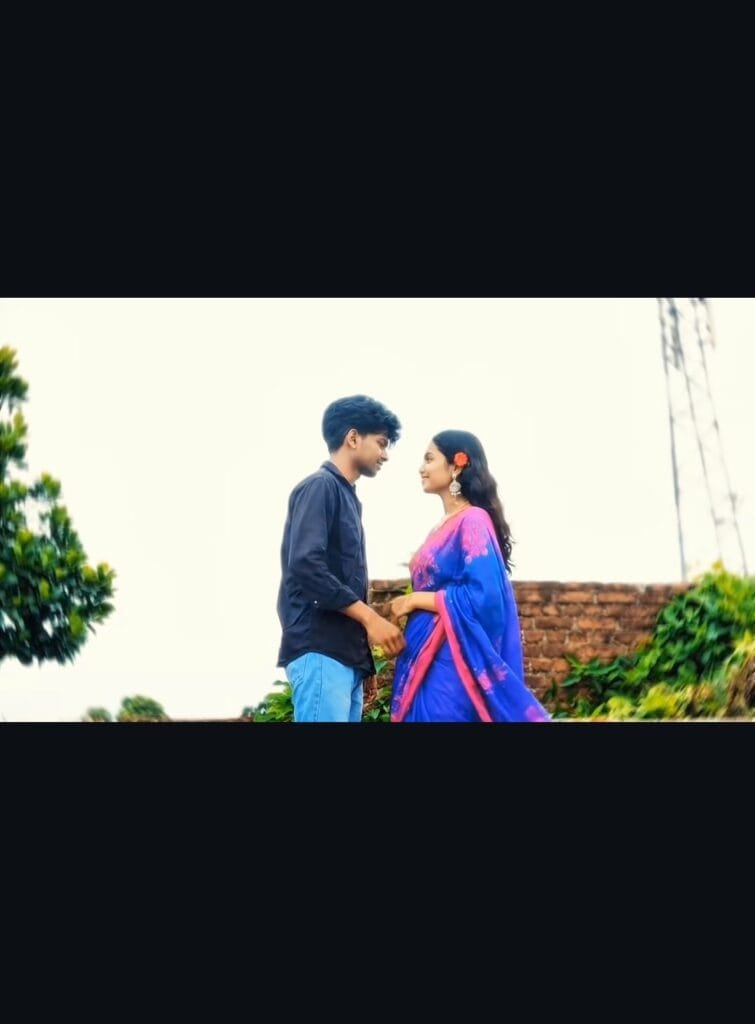
Use the uploaded image as the exact first frame and preserve the original composition, camera angle, background, sky, lighting, grass field, and the man's appearance exactly. The man must remain the same person with the same hairstyle, clothes, pose, proportions, and position until the interaction begins.
A beautiful ultra-realistic Indian woman wearing a flowing elegant **purple saree** enters the frame slowly from the left side. She walks gracefully toward the man in slow motion with natural human body movement. As she walks, the pallu of her **purple saree** gently flows in the wind with realistic cloth physics. Her hair also moves naturally in the breeze. She looks completely photorealistic, elegant, and lifelike.
She stops naturally beside the man. The man slowly turns his attention toward her and gently, romantically caresses her face with one hand, softly touching her cheek. The woman smiles naturally and looks into his eyes. Their expressions are subtle, emotional, and realistic with no exaggerated acting.
Maintain a perfectly locked-off camera throughout the entire shot.
No camera movement.
No zoom.
No pan.
No tilt.
No rotation.
No crop.
No reframing.
No stabilization movement.
No extra animation.
No extra cinematic effects.
No particles.
No lens flare.
No motion blur beyond natural slow motion.
No change in lighting or background.
No additional people or objects.
Keep the original framing and aspect ratio exactly the same from start to finish. The final video should look like a single continuous, ultra-realistic live-action shot with smooth natural motion, realistic human interactions, and natural fabric movement.
How To Edit Kalyani Trending AI Reels Using CapCut ?
Now we have to edit the video, for that we have to add our video clips one by one to Capcut. After adding, we have to add the song. We have to match our video with the beat of the song. For that, first we will add the beat to the song and trim it by matching the beat. After that, a screen recording will be taken from the part of the video where the girl appears at the end. After that, we have to add the AI Video model. I will tell you below how to create it, before you know how to edit it, you will edit the created video clip and add effects or transitions to the video so that it is nice to watch the video.
Conclusion
To create this video, you need a high quality Video, video editing app capcut, Kalyani Song audio. You can get this song on Instagram and download it from there. When you edit the video, edit the first 3 seconds a little better. Trim the clips to match the song beat. If you create the video in this way, the chances of it going viral are high. If you want to go viral on social media, you should always follow the trend and post videos, then your page will go viral. And if you cannot find the trend, you can follow my page.

[…] Reels Editing […]
Bishnu chowdhury
Please video baniye dao