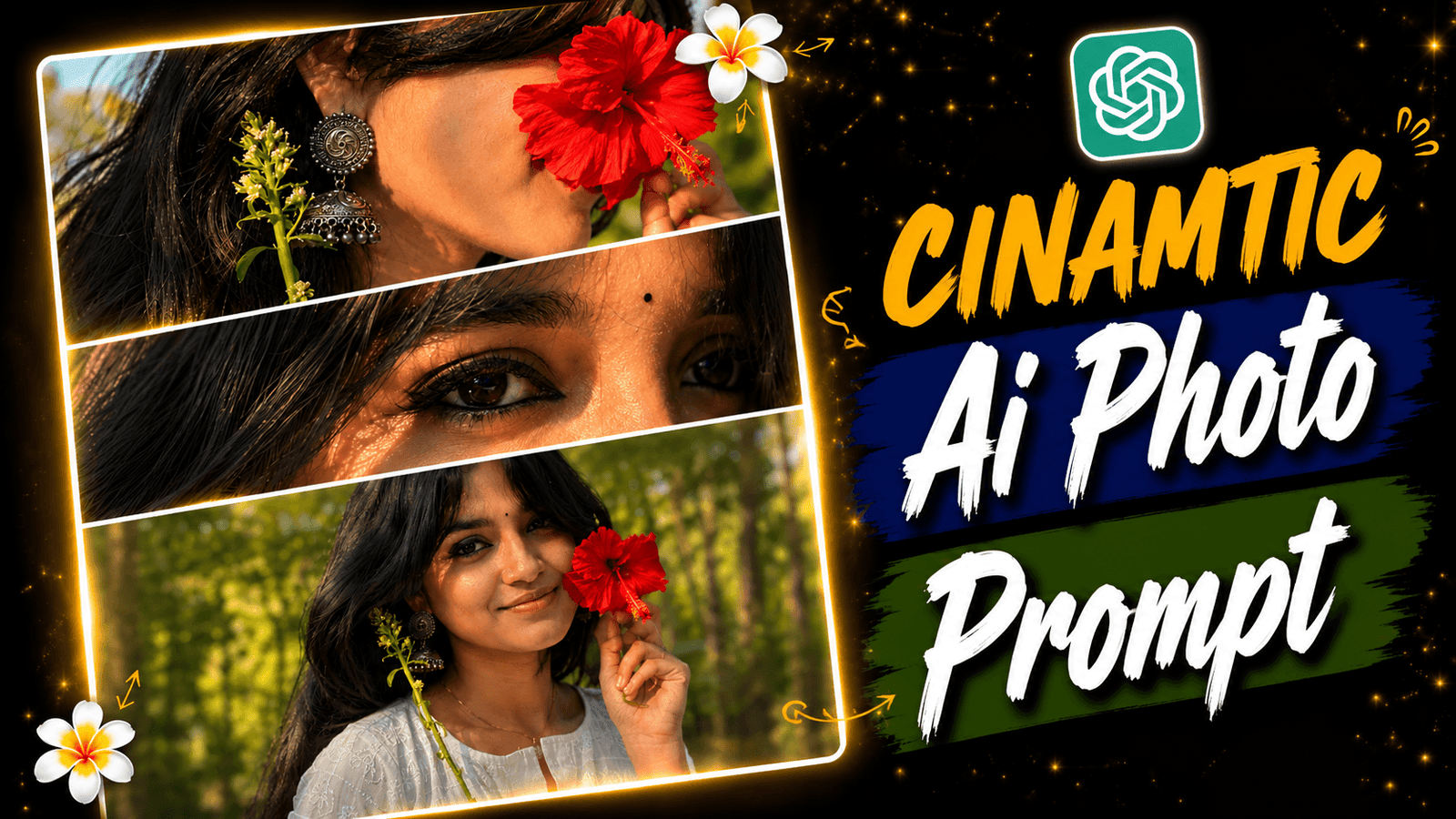
Cinematic 3 Layer Style AI Photo Prompt-There are many of us who upload 3,4 photos at once. In one word, collage style ai photo has 3 photos which looks cinematic. Collage style photo is one layer but we will create three style ai photo. Such photos are currently being posted or stories on social media like Instagram and Facebook. You can also create and post such photos. We will create this kind of Cinamtic Collage Style photo with Ai Photo Editing App Chat Gpt. In this article, you will see how you can make such a cinematic collage style Cinamtic ai photo in a very short time.
Cinematic 3 Layer Style AI Photo Prompt
If you edit such a style photo manually, it will be created normally, it will not be that perfect. Only layers will be visible, there will be no cinematic style. And if you use my AI photo editing style, you will be able to create a perfect collage style photo in a cinematic way. There will be 3 layers here, 3 layers will have 3 types of photos, one photo will have an eye photo, one ear photo and one bangle photo. These 3 types of photos together generate a cinematic collage style photo. Now I will show you how to generate the photo with chat gpt.
Where You Can Use Collage Style AI Photo ?
You will create the photo but we will post the words after creating the photo? If you are a content creator, you can post on Instagram, now the competition is increasing day by day in this topic. And you can post on Facebook, there you will get less competition. You can grow your profile by posting here. Apart from this, you can post on YouTube short video thumbnails, tik tok, etc. Now such AI photo editing is going very viral. So if you make such photos and post them all over these places, your photos can go viral.
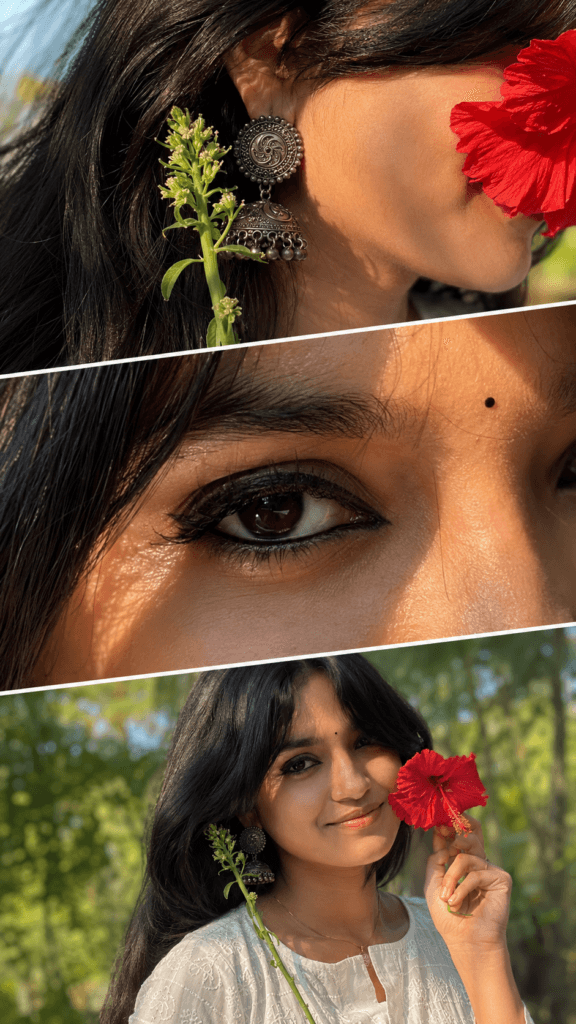
Exclusive cinematic three-panel diagonal
collage of a young South Asian woman.
Top panel: extreme close-up of her ear,
neck, and long black hair with a large
antique oxidized silver jhumka, fresh
green flower stem, and a red flower
petal partially covering her face.
Middle panel: ultra-macro close-up
of one expressive dark-brown eye with
bold kajal, smoky eyeliner, long eyelashes,
neat eyebrow, and a small black bindi against
soft green bokeh. Bottom panel: elegant feminine hand with palm facing upward, adorned with engraved oxidized silver bangles. Seamless diagonal layered composition, traditional Indian aesthetic, warm vintage color grading, muted earthy tones, soft natural golden light, shallow depth of field, dreamy atmosphere, subtle film grain, editorial fashion style, ultra-photorealistic, highly detailed, HDR, 8K, vertical 9:16,
no text, no watermark.
How To Use 3 Layer Style AI Photo Prompt ?
If we had created this photo manually, we would have had to click photos in different angles and then edit them in the picsart app. Even that would not have been created so perfectly, what we have created now is created perfectly because we have taken the help of ai. If you want to create with ai, you will first have to download chat gpt. Then there is a plus option in chat gpt, click on it and it will upload a selfie photo of you. Now we have to write a prompt, copy and paste the prompt I have given. Finally, we have to click on generate bottom, then our photo will be generated. In this way, we have to make a 3 layer style photo.
Conclusion
I think now if you manually edit or generate something it takes a lot of time now if you want you can take the help of ai. If you take the help of ai your photo will be generated perfectly and it will be generated in one click. Those who are big content creators are now using ai to create their content. If you visit my website you will see that I give all the trending ai photo editing prompts which you can copy and paste and you can post on your social media.
