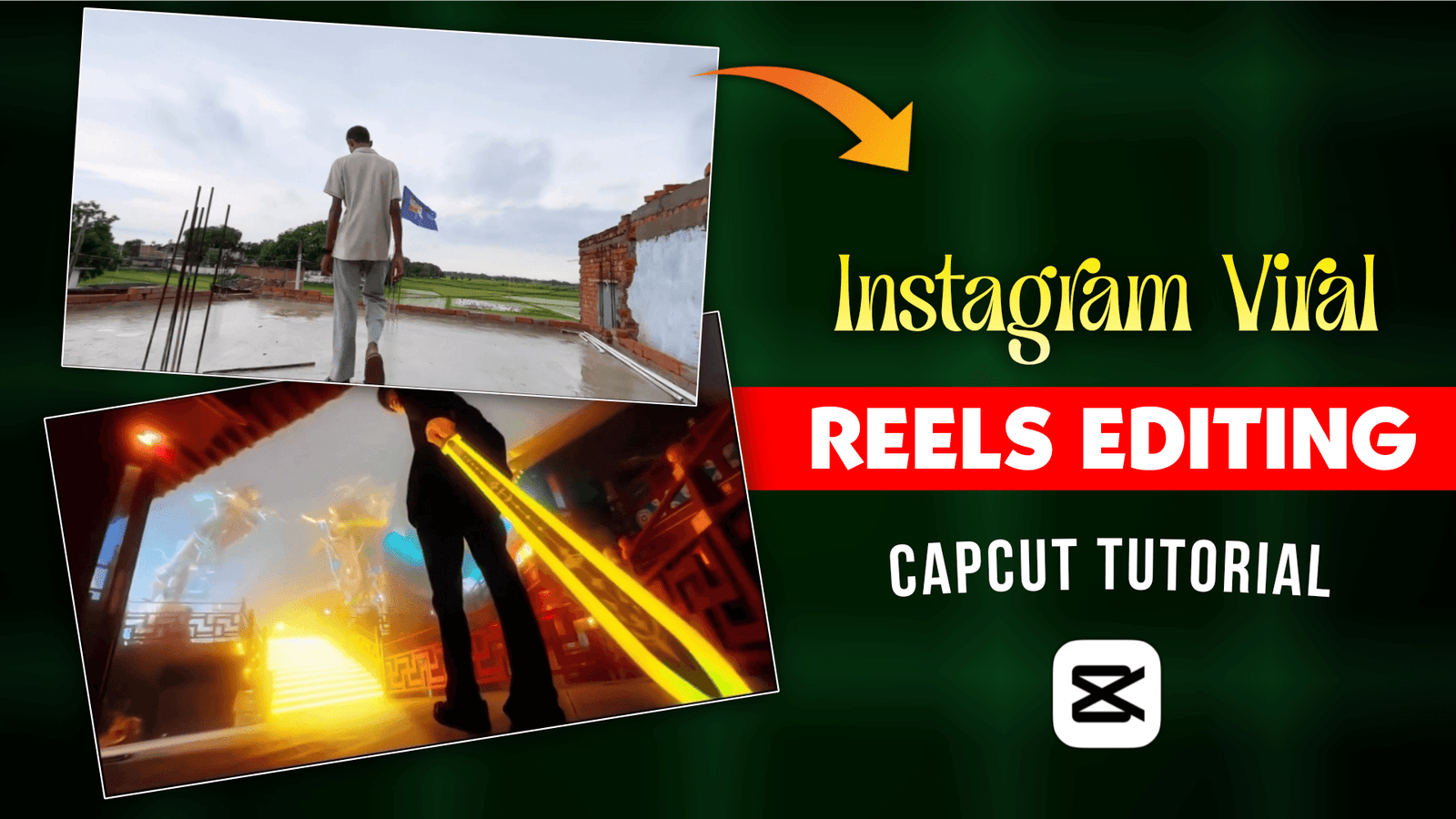
Instagram Trending Reels Editing Using Capcut-Currently, I am seeing a video on Instagram that is going viral a lot, where a model is lifting an umbrella from below and it is being transition with a big knife in an anime style. This video is going viral on social media. When small creators post such videos, their videos get a lot of engagement. To create such videos, we need to take the help of Capcut App. We will not use any template in Capcut App, we will edit manually with Capcut. MTG ASTRALIS song has been used in this video. The reason for using this song is that the song’s beat matches the trantion perfectly. I will give you a tutorial on how to make this video. You follow the editing steps I have given and create the video.
Instagram Trending Reels Editing Using Capcut
To create such an Instagram viral video, we first have to shoot a video. Take a tripod and place the camera or phone on it and shoot the video from 1 foot above the ground. Now place an umbrella or any iron on the ground to protect it from the sun. Now after the video starts, you have to lift the umbrella with your hands. For editing we will use Capcut app and edit the video that I have given you by adding Capcut. Then you can create the video. If you do not understand anything, play the video once and watch it, then you will understand how to shoot the video. If you want to make these Instagram Trending reels, watch the article till the end.
Why this video is so popular on Instagram?
This video has gone viral on Instagram. There are many reasons behind this viral infection. First of all, if you post a relatable and emotional video on Instagram, you will like it because it has emotions. Secondly, it is a uniq type of content that you can see in the transtion. And the third is that the idea of creating this video is original, it is not fake, and the song that was added with the video was also in the trend, so it became more viral. To make a Reels Viral, you have to see what type of content you are creating. Create content that you can share with your friends. When you see the video being shared on Instagram, it will make your video more viral on Instagram.

Learn How To Edit Instagram Trending Reels Using Capcut ?
We will need 2 video clips to create the video. You have to make a video and I will give you a video clip. I already told you how to make a video. To shoot the video, open the Capcut app and add your video clip. This time, the link to the song that is going viral can be found below. Now you have to split the first clip by matching the beat of the song. After the split, we have to add the 2nd video clip, download the link from there. To add, you need to zoom in and out with the video using the key frame. If you want to add an extra effect. When everything is done, click on the Export button at the top. The video will be saved in the gallery.
Conclusion
Today in this new article, I have seen how you can easily create Instagram trending reels. Click on the button at the top to download the video clip and the link to the song that I have given, then Google Drive will open. After opening, you will see two files open and click on the three dot and there you will get the download bottom and click on download. This is how to download the video clip. I’ll try to post a regular article for you. If you support this way, I will post more new trending articles.
