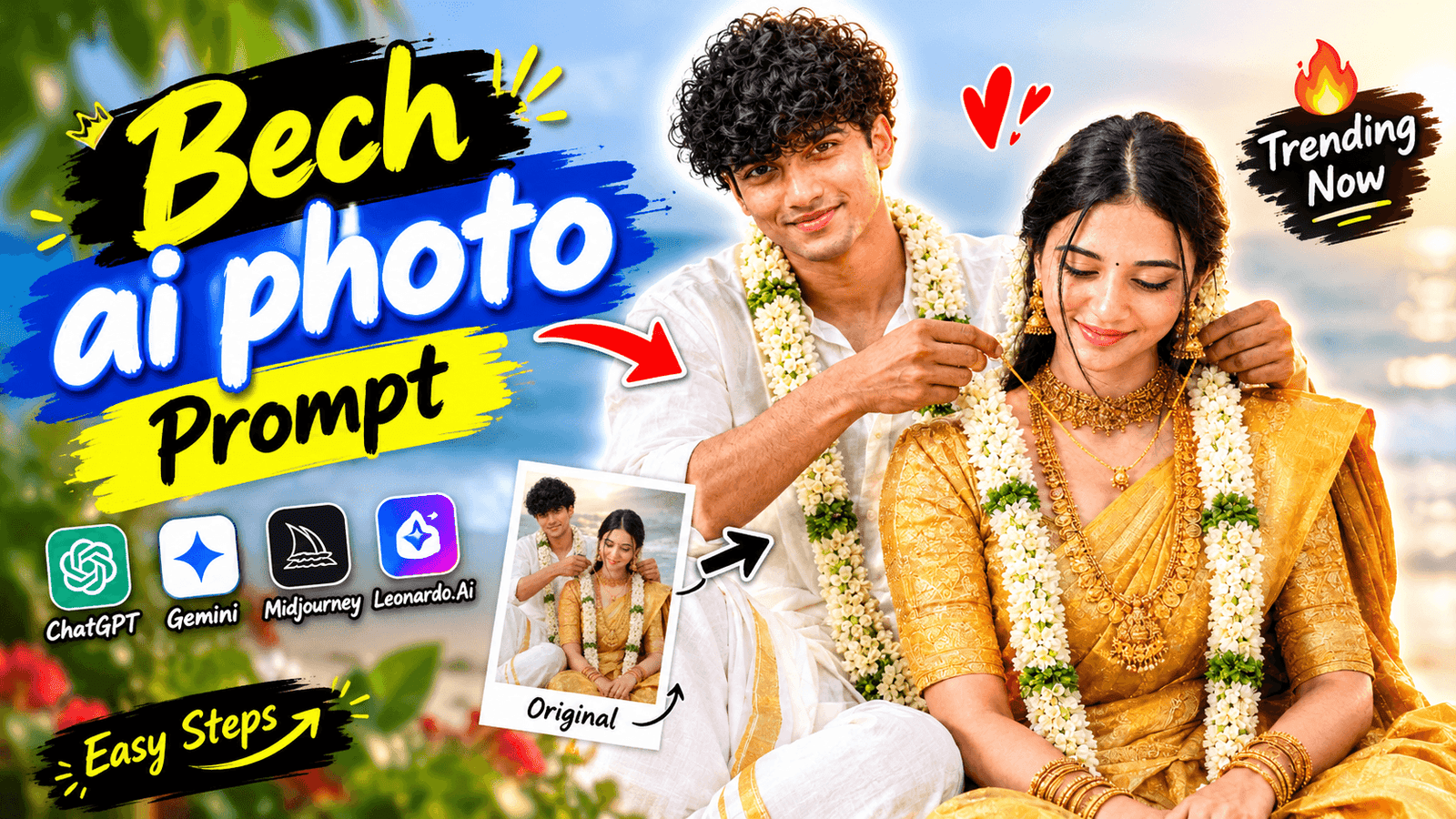
Beach Wedding Ai Photo Editing- Lately, I’ve been seeing a photo go viral on Instagram featuring a beach wedding. Where the groom is putting a gold necklace on the bride. It’s a very popular image, but you’d be surprised to learn that. None of the people posting these photos actually got married on a beach. The interesting thing is that these images are all AI-generated. You simply need to use a specific prompt with a photo of the couple. And the AI will create a beach wedding image for you. In this article, you’ll learn how to generate such a photo using AI.
Beach Wedding Ai Photo Editing
Many people might wonder why they should use AI for this when they could simply go to a beach and take such wedding photos themselves. However, not everyone has the means to hold a beach wedding. Some might simply want a photoshoot like this without actually getting married, while others may already be married but didn’t have a beach wedding. Now, using ChatGPT and one of your own photos, you can create an AI-generated beach wedding image. Since everyone is posting these kinds of photos on Instagram, creating and sharing your own could help boost your profile’s growth. Let’s take a look at how to create these photos.
Why Beach Wedding Ai Photo So Propular?
Imagine you were planning a beach wedding that would cost around 2 lakh rupees; instead, if you get married at home and use AI to generate beach wedding photos, you save a significant amount of money. Once people realize they can save money this way, they are unlikely to spend heavily on the actual event; they would prefer generating photos for free. Moreover, couples today love taking photos together to share as status updates or posts. They generate these beach wedding images and share them on Instagram or WhatsApp. If someone posts such a photo, a friend might see it and ask, “How did you make that? Make one for me, too.” That is exactly how these photos go viral.
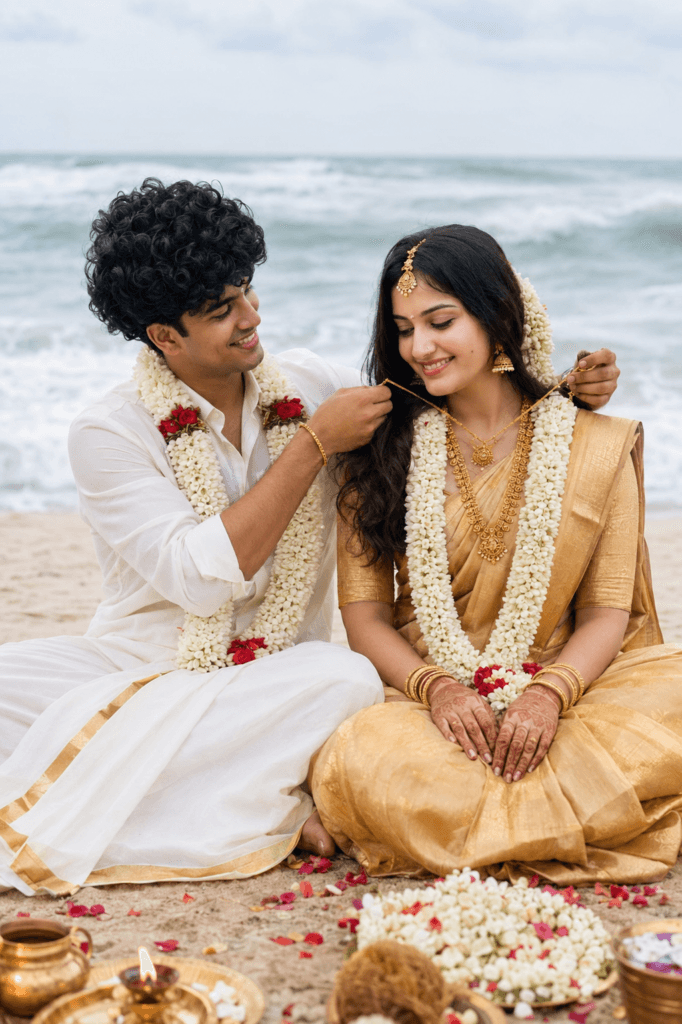
Use the uploaded photos of me and
my partner as the ONLY identity
references. Recreate the wedding
scene exactly like the provided
reference image: a romantic South
Indian beach wedding, both of us
sitting side-by-side on the beach
near the ocean, with soft waves
and a bright overcast sky behind us.
Match the reference camera angle, vertical
framing, composition, sitting positions,
body posture, hand placement, facial direction,
and interaction exactly. Show the groom gently
tying/placing the wedding necklace around the bride’s neck while she looks slightly downward with a natural happy smile. Preserve our exact faces, facial features, skin tones, hairstyles, body proportions, and natural likeness without alteration. Dress the bride in an elegant golden traditional South Indian saree with heavy bridal jewelry, jasmine flowers, and white floral garlands. Dress the groom in a traditional white dhoti and white shirt with golden borders and matching floral garland. Add subtle wedding ritual items, flower petals, and natural beach details in the foreground like the reference. Keep realistic soft lighting, natural shadows, realistic skin texture, shallow depth of field, cinematic DSLR photography, and highly photorealistic quality. No face swap, no beautification, no identity change, no pose change, no extra people, no text,
no watermark, no logos.
How To Genaret Beach Wedding Ai Photo Using Chat Gpt Ai ?
I will now show you an easy way to create AI-generated beach wedding photos using ChatGPT. First, have a high-quality photo of you and your partner ready. Next, download the ChatGPT app, tap the ‘plus’ (+) option, and upload the photo you prepared. Once uploaded, copy the prompt I’ve provided and paste it into ChatGPT. Finally, tap the send button, and the photo generation process will begin. That is how easily you can generate the photo using ChatGPT.
Overall
Creating such AI-generated beach wedding photos used to be expensive, but now you can generate them for free using just a single AI prompt. And it’s not just for those getting married now; even couples who married years ago—and missed the chance to have such a photoshoot—can create these images. I assume you already know how to use ChatGPT to generate photos, as it has become a major trend. If you use the prompt provided in this article to create your own AI wedding photo, please let me know in the comments how it turned out.

The idea of using AI photo editing for beach wedding images is pretty fascinating, especially because it can help turn an already meaningful moment into something more polished or imaginative without needing a full reshoot. I think the best edits are the ones that enhance the atmosphere while still keeping the original emotion believable, which reminds me of Hollow Knight’s visual style—small artistic touches can completely change how a scene feels. What kind of AI edit would you try first on a beach wedding photo?
[…] Wedding Ai Prompt […]