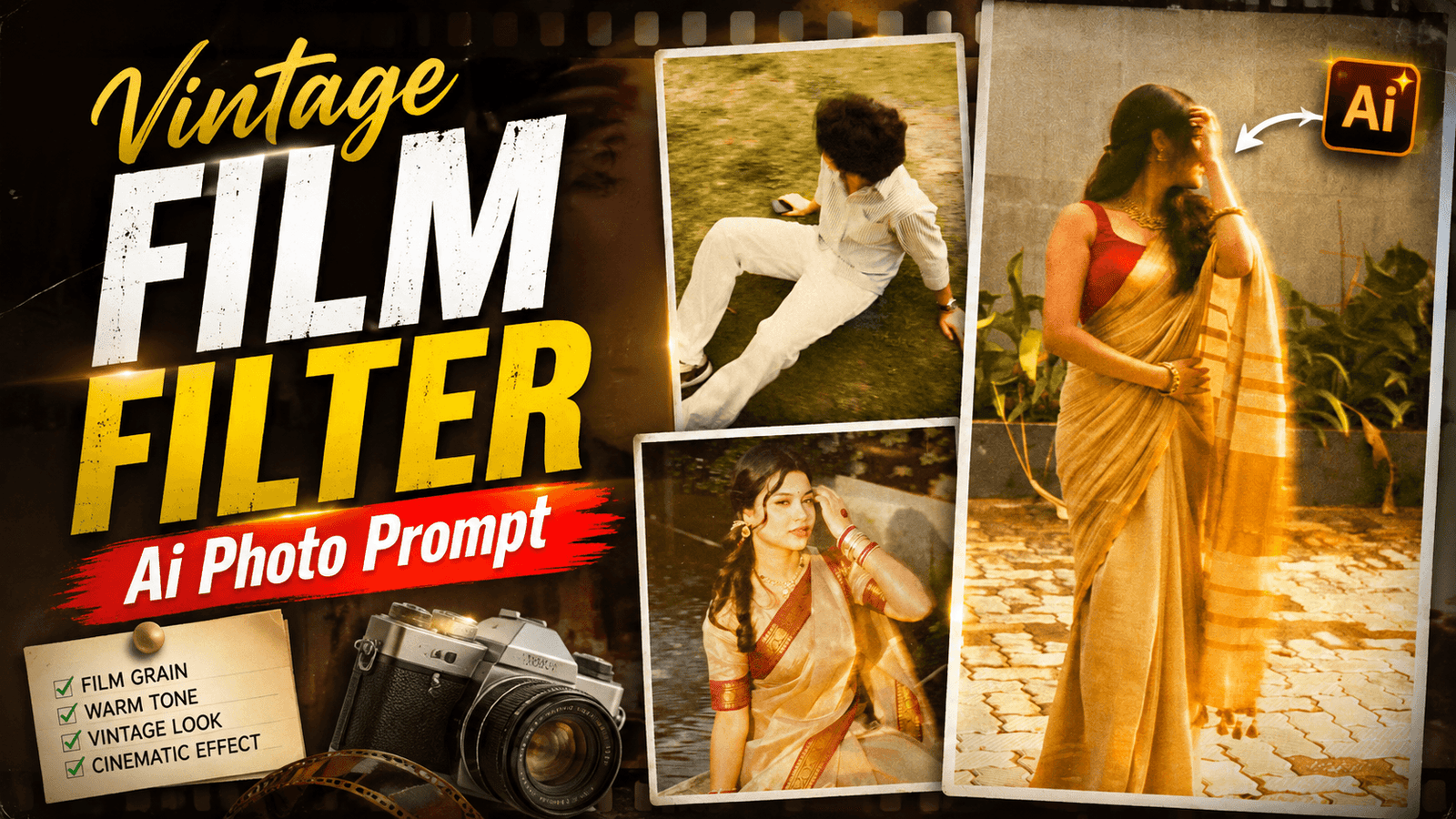
Vintage Film Filter Ai Photo Prompt-Have you ever seen old photos and thought that if. I could create a photo in such a Vintage Film Aesthetic look? That slightly yellowish color, a slightly grainy look, which is not found in today’s mobile camera photos. Currently, such type of photos are going viral on Instagram. And such photos are liked by girls a lot because it is the best style for girls. Those who create such photos post them on Instagram and Facebook, their photos get a lot of likes, comments and shares. And to create such photos, you can take AI help. Currently, with the style feature on Instagram, you can add filters to photos with the help of AI and write promos. I will tell you in AI post how you will create Vintage Flim Aesthetic Look photos.
What Is Vintage Film Filter Ai Photo Prompt?
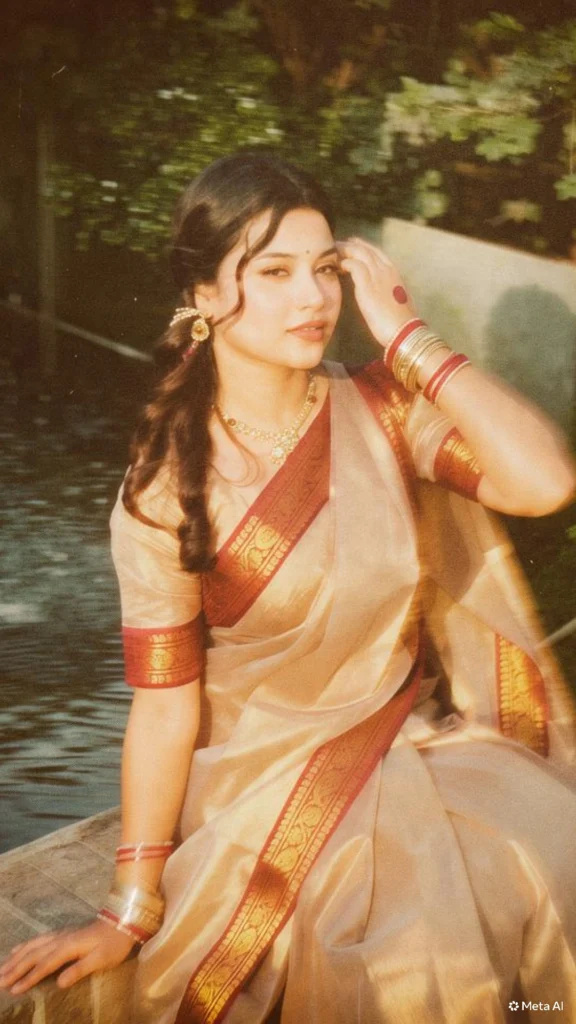
Vintage flim Ai photo is a viral photo of Instagram which is created with the help of ai. You can convert a normal photo into a vintage flim yellow tone with ai. If I talk about the filter that the photo has, it has a Warm golden/yellow tone in it due to which the photo color changes a little, if I talk about the look of this photo, the photo looks like a Vintage old-camera look. Soft glow and dreamy effect have been used in this photo. Slight blur / motion blur is added to make the photo aesthetic. Golden sunlight effect is given in the highlight part.
A little nostalgic, old Bollywood/film aesthetic has been given to the photo. This is the photo feature If you are a girl and you want to create a photo with the help of a uniq filter, I think you should also use this filter.
What Do You Need Yo Create Vintage Film Filter Ai Photo?
Friends, what do we need to create such a type of photo? This is an important thing, you have to follow it well.
Your Photo:- Which photo will you add the filter to? If you want to add such a filter to any of your photos. You can use a selfie photo or you can click a photo by placing the mobile camera in a window.
Ai Prompt:- After creation, to add a filter to the photo, we have to tell you about this filter, which type of filter will be added to our photo. Do you know how to write a filter prompt? If you know. Then you write the prompt and use it and if you don’t know, copy the prompt I gave you below
Photo Genaret Ai App:- To create a photo, we have to choose a correct ai with which we can add a filter to the photo. Everyone is using the style option of Instagram, but you can also use Chat Gpt if the Instagram filter does not work.
add strong realistic long-exposure
across the entire subject as if
captured while moving, vintage
film aesthetic, natural lighting,
land unchanged facial features
Create your Photo
How To Use Vintage Film Filter Ai Photo Prompt ?
We will now see how to easily convert a normal photo to such a look by using this Vintage Film Filter Ai Photo Prompt. I will tell you two ways. If one way doesn’t work, you can try the other.
Instagram:- Before I tell you how to add this kind of filter to the photo with Instagram, for that you have to open Instagram and click on its plus option and add photo. And you have to go to the story section. There you will see Style bottom. You have to click there, there will be a box to write prompt. You have to click on that box. And paste the promote then click send bottom. Then the filter will be added to the photo.
Chat Gpt:- Now if you want to use chat gpt then you have to open the app and click on the plus bottom and upload the photo and paste the prompt. Then you have to generate it, then it will add filter to your photo in chat gpt
Conclusion
If you try to add filters to photos using Instagram. You will be limited to just two photos you won’t be able to do more than that. However, if you use ChatGPT, you can create five or six photos in a single day. Since using Instagram for filters is the best approach. Start by selecting a good photo to which you want to apply the filter. Make sure to use the specific prompt. I provided do not try using a different one, or the filter might not be applied perfectly. I hope you understand.

[…] Trending Filter […]