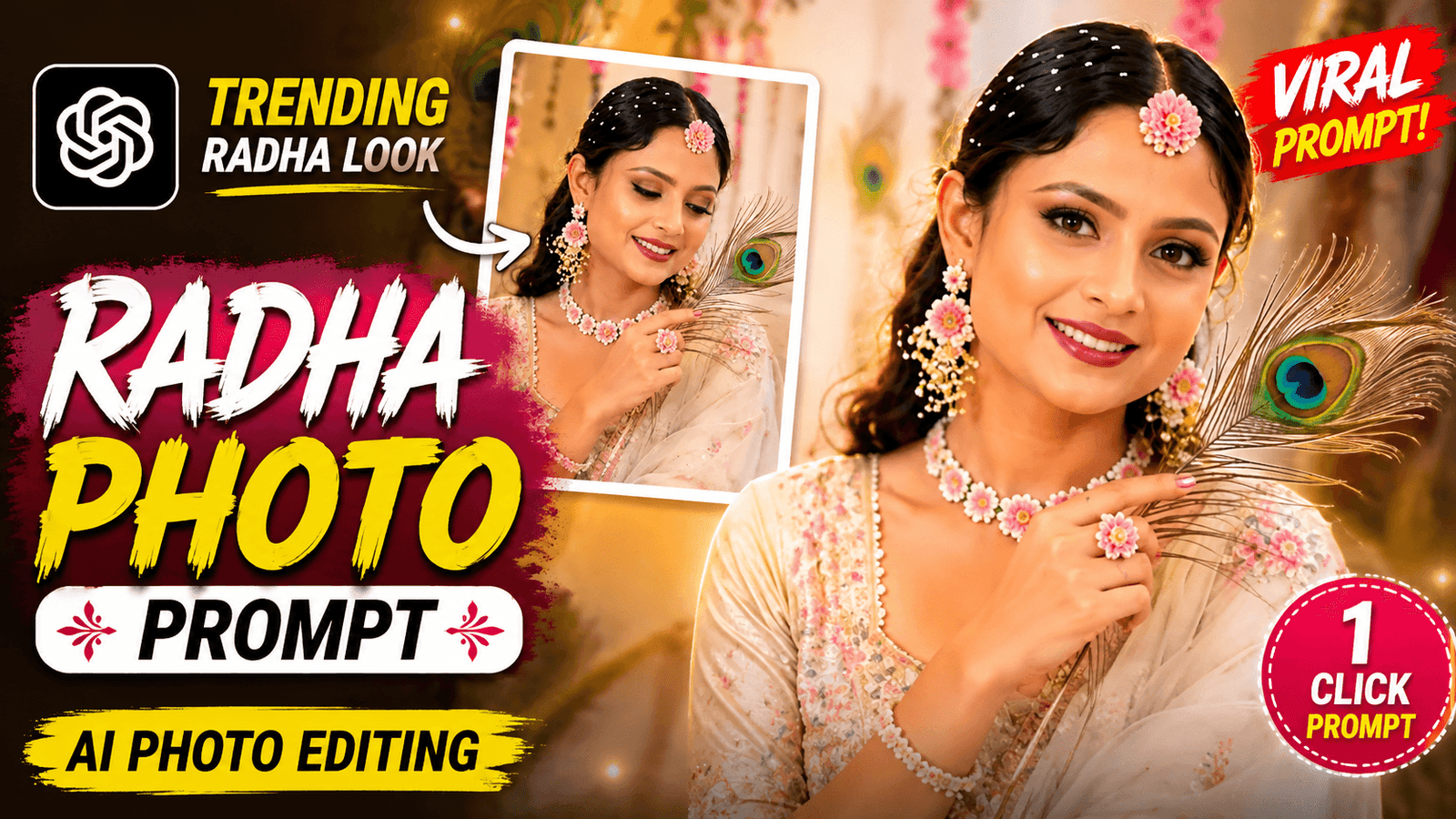
Janmashtami AI Photo Editing Prompt-Friends, in a few days, Janmashtami will be celebrated and it is celebrated on the occasion of the birthday of Lord Krishna. On this day, people of Hindu religion worship Krishna, fast, sing kirtan and celebrate Krishna’s birth at midnight. This day is a special day for Hindu religion. Now, whenever there is any event, boys and girls give it status or post it on social media. On Janmashtami, there are many who dress up as Radha and Krishna. And they take photos, give status and post them. But there are many who cannot dress up in such a way, for them I have come up with the best way which I will share with you in this article. Do you want to know what that way is? Then you should read this post from beginning to end.
Janmashtami AI Photo Editing Prompt
This day is a very big day for the people of Hindu religion, they will have a lot of fun on this day. Today I will not teach you how to generate photos in this article. I will also teach you how to edit a video. First, I will teach you how to generate photos of a boy and a girl in the look of Radha and Krishna on Janmashtami. Then I will show you how to generate a video with the help of those photos. To create photos in the look of Radha and Krishna. We will first use Ai photo prompt. With a single prompt, we will convert a normal photo into Radha and Krishna look with the help of chat gpt. And to create the video, we will use a template that can be used to make videos for Janmashtami on many occasions. If you also want to make such photos and videos. Then definitely follow the steps given by me.
Why should you take help from AI to create photos?
If you are a Hindu then you should celebrate this festival on this occasion, nowadays people put status on everything, this day and status is needed. It is better to make a unique type of photo than giving a normal photo status. There are some people who wear Radha or Krishna dresses for photo shoots and it wastes a lot of money. When you can do it for free without spending any money, then there is no need to buy a dress, it will save both your time and money. And it is not that if you create the photos, they will not look real. The photos will look completely original. I think when you can make them for free, then you need to create such photos.
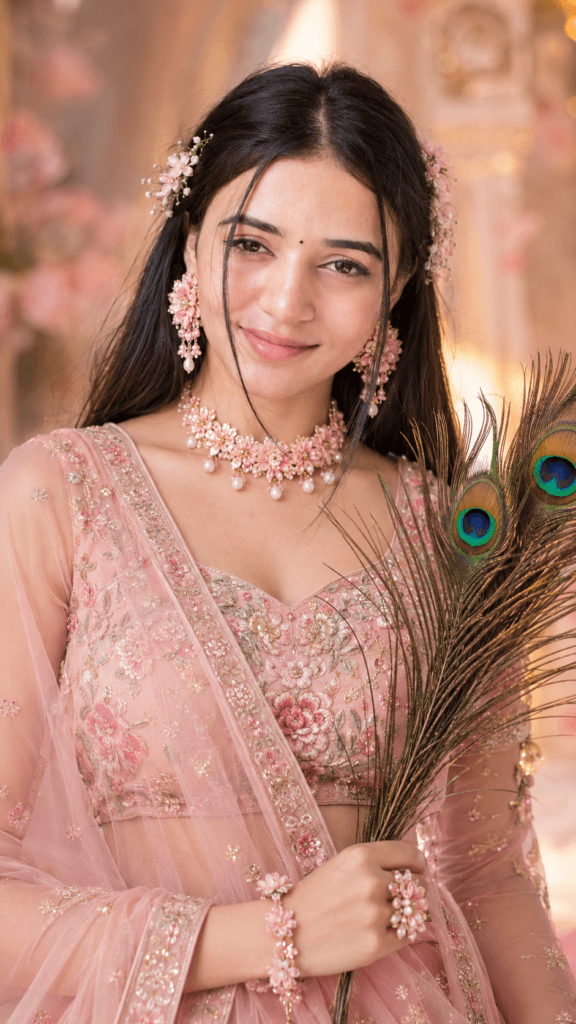
Ultra-realistic close-up portrait of a
graceful Indian woman in a pastel blush-pink
floral embroidered lehenga with a sheer dupatta,
delicate matching flower jewelry and tiny
blossoms in her hair, glowing natural makeup,
expressive brown eyes, soft smile, holding
elegant peacock feathers, dreamy warm pastel
background, soft cinematic lighting, highly
detailed, feminine and ethereal aesthetic,
9:16.
Learn How To Use Janmashtami AI Photo Prompt ?
Let’s say the photo that I have prompted is a Radhana Rani photo, we will use chat gpt to create these photos. Before I start, let me tell you a little bit about photography. In the photo, a girl’s lehenga will be burnt and she is wearing jewellery around her neck. And decorate the backyard with flowers. The girl is holding a peacock’s wing in her hand. This is the description of the photo. All the details are written in the prompt that I gave, you have to copy that prompt and use it.
After copying the prompt, you need to open ChatGPT. Create an account, then upload a photo by clicking the ‘plus’ (+) option. Once the photo is added, paste the prompt you copied. Finally, click the ‘send’ button on the side to generate your photo. This is how you create a Radha Rani photo.
Use my uploaded raw photo as the exact
reference. Keep my face, identity, pose,
body position, hand position, camera angle,
framing, composition, and background location
exactly unchanged.

Transform only my appearance into a beautiful
**Radha Rani-inspired look** with a pink traditional
lehenga, golden jewelry, floral accessories,
mukut, and subtle tilak. Keep the same original
background and place, adding only soft divine
decorations, flowers, golden aura, and dreamy
Vrindavan-style atmosphere. Ultra-realistic,
 cinematic lighting, realistic shadows, DSLR quality,
 8K photorealistic details.
How To Use Capcut Template?
Now that we have created the Radha Rani photo, we need to make a video using it. The video will follow a “before-and-after” style. To create this, we will use a CapCut template; I have provided the link above—please open the template using that link. Once the template opens, look for the “Use Template” option, click on it, and load the template. Your gallery will then open; first, add your normal photo, and then add the Radha Rani photo. Finally, click the “Next” button to generate your video. I hope you understand how to use the template.
Conclusion
In this article, I’ve explained how to create a ‘Radha Rani’ photo and make a Janmashtami video using a CapCut template. If you have a small child at home, you can use this template with their photo. Please let me know in the comments what you thought of this article, and follow me for more trending content.

I am a asthetic girl
trust only allah
Sem