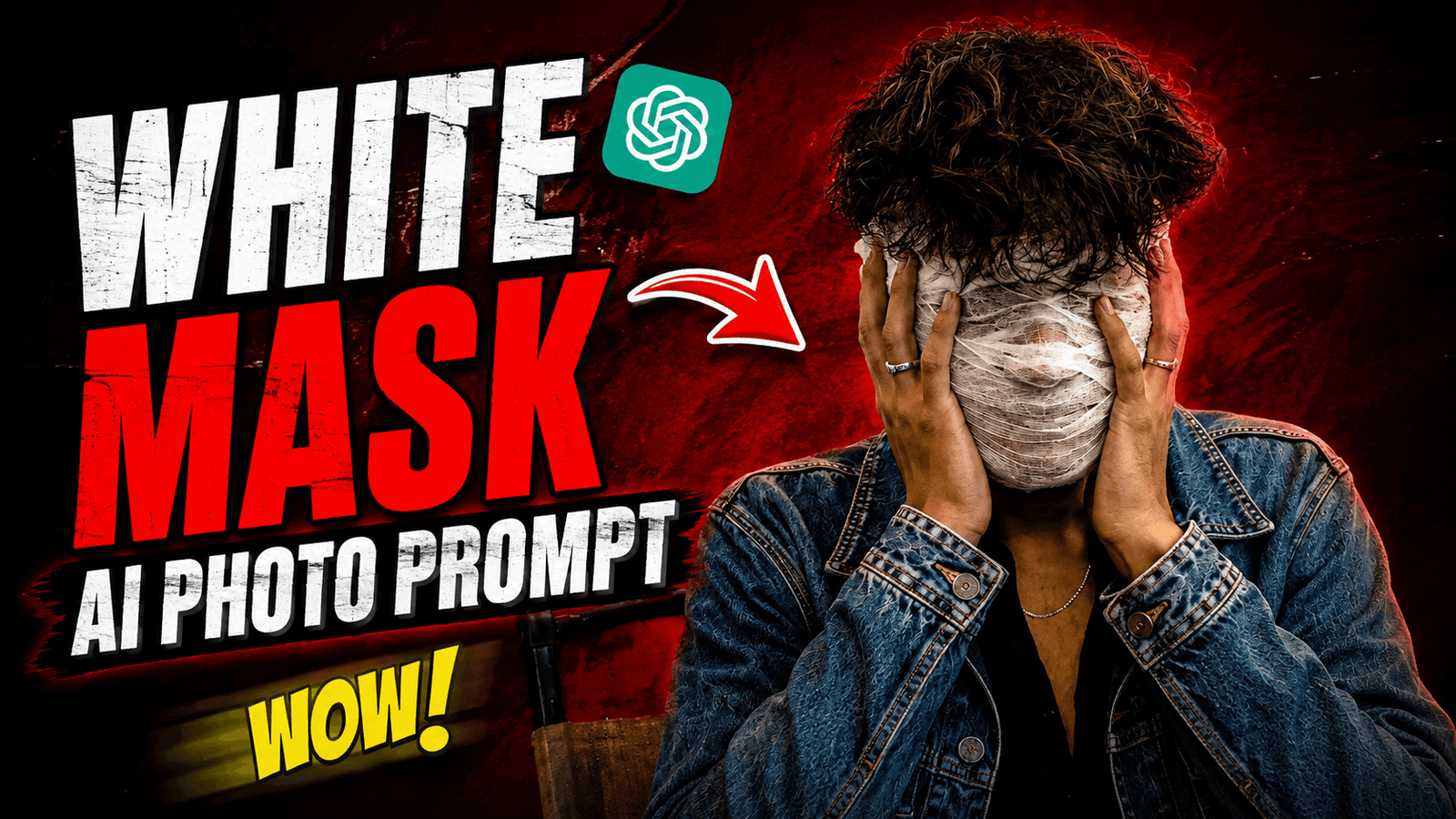
White Mask Ai Photo Prompt – Nowadays, I see a photo going viral on Instagram and TikTok where a boy is posting a photo wearing a mask on his face. And not just one person, everyone is going crazy for making such a photo. Because this photo looks cinematic and the photo is made in Aura Attitude pose. At first, I was thinking of buying a mask and shooting such a photo with a camera. Then I got a little idea and thought that now photos can be generated with AI. So I made a prompt and used that prompt in chat gpt and saw the same photo being created. We didn’t spend any money to buy a mask. No camera, no editing. I will tell you step by step how you can make such a photo using AI Prompt.
White Mask Ai Photo Prompt
You can make such mask photos in different styles, for example, in a forest, on a river, or in a normal location. I will show you how to make a photo with a mask on a studio background. I will tell you in details about the photo so that you can understand it easily. There is a studio whose background is red and the model is sitting or standing. He is wearing a black shirt, his head is tied with a white bandage. If you follow the editing steps that I will teach you, you will see such a photo. And what does it take to create photos with such a mask? And what else will you do to get better results? If you want to know this, watch the article till the end.
What Need To Create White Mask Ai Photo ?
If you know what you need to make a photo with such a mask, then your further editing will become easier. First of all, you will need a photo of yourself, stand in front of the camera and click a high quality photo. Then you will need Ai Photo prompt ar ai app to convert a normal photo to a photo with such a mask. If you think you will create a photo of another background with a mask, then you can open my unlimited prompt article and take the prompt from there. And if you want to make this photo, I will give you a copy of this photo prompt. And you can search for the app from the website or if not, you can download it from the app store, play store.
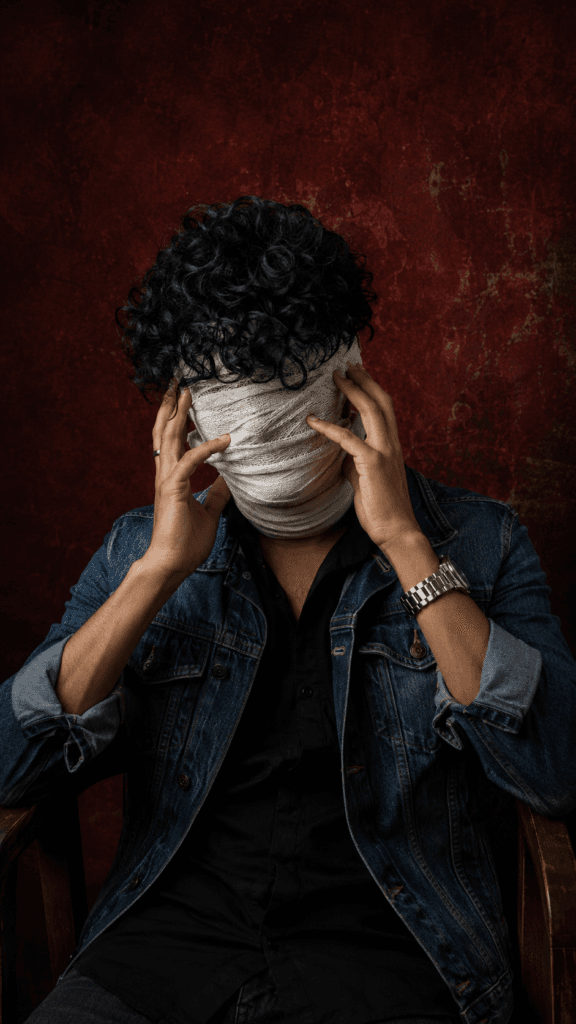
Use my uploaded photo as the exact
face and identity reference.
Create a cinematic, ultra-realistic
portrait of me sitting on a wooden
chair, wearing a black shirt and
blue denim jacket. Cover my entire
face and head with layered off-white
medical gauze, completely hiding all
facial features, with realistic folds
and texture. Keep my thick messy curly
hair falling naturally over the
forehead and partially over the
bandages. Both hands should be
raised naturally on the sides of
my face, fingers touching the bandages. Use a dark textured deep-red background with dramatic low-key lighting, strong shadows, realistic skin, hands, denim and bandage textures, cinematic color grading, professional photography, sharp details, 4K, vertical 9:16composition. Preserve my identity, body proportions and natural appearance; no extra fingers, no visible facial features, no
plastic-looking bandages.
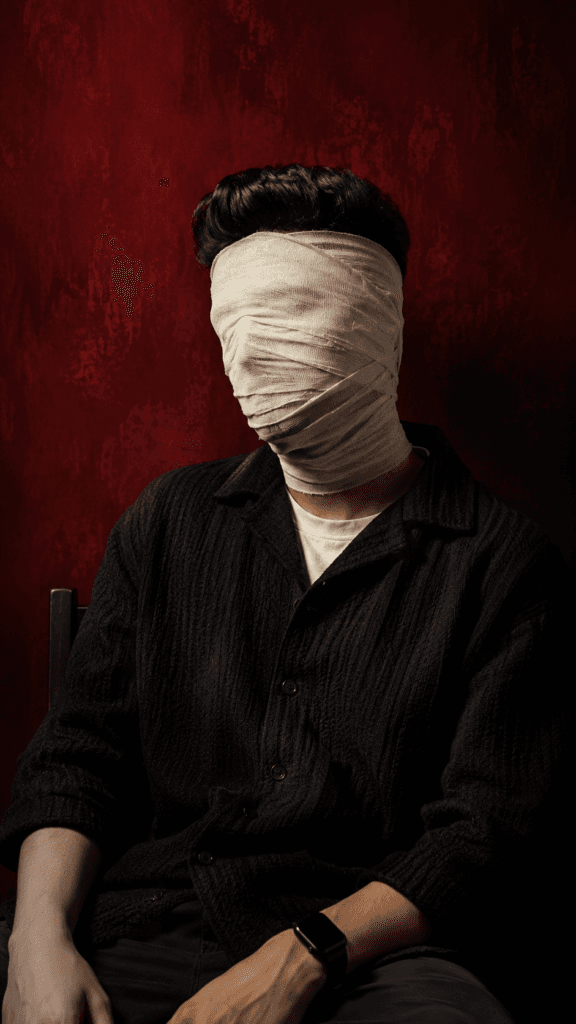
Use my uploaded photo as the exact
face and identity reference.
Create an ultra-realistic
cinematic portrait matching
the reference: seated in a relaxed
pose, head tilted slightly to
one side, wearing a dark textured
oversized shirt/jacket. Completely
wrap the entire head and face in
layered off-white medical gauze,
fully hiding all facial features,
with realistic folds and frayed edges.
Keep my natural skin tone, body proportions and identity consistent underneath. Use a deep crimson-red textured background, dramatic low-key lighting, strong shadows, cinematic color grading, realistic fabric and skin texture, professional photography, 4K, vertical 9:16 composition. No visible facial features, no extra fingers, no
artificial/plastic-looking bandages.
How To Use White Mask Photo Prompt Using Google Gemini?
To create this White Mask photo, we have to follow several steps. First of all, you have to choose an AI photo editing app, for that I have chosen Google Gemini, if you want, you can also use Chat GPT. You can download the app from your phone or desktop and open it. Now copy the prompt I gave you and open Google Gemini, there will be a plus bottom, click on it and upload the photo. Paste the copied prompt. Then there is a send bottom, click on it, then your White Mask AI Photo will be GENERATED. Open the photo, there will be a download icon there, click on it and download it.
Conclusion
Look friends, when you tried to make such photos earlier. Then you had to face many difficulties like searching for a good location, buying a good camera or using a good phone. Along with this, you had to wear bandages and so on but since this idea of generating photos with AI came, we have been able to generate photos very easily sitting at home in very less time. Not just this one photo, something is going viral every day. If you also want to learn how to create whatever is in trend, then definitely visit the “ishan tech zone” website.

Arvaj
Use my uploaded photo as the exact
face and identity reference.
Create an ultra-realistic
cinematic portrait matching
the reference: seated in a relaxed
pose, head tilted slightly to
one side, wearing a dark textured
oversized shirt/jacket. Completely
wrap the entire head and face in
layered off-white medical gauze,
fully hiding all facial features,
with realistic folds and frayed edges.
Keep my natural skin tone, body proportions and identity consistent underneath. Use a deep crimson-red textured background, dramatic low-key lighting, strong shadows, cinematic color grading, realistic fabric and skin texture, professional photography, 4K, vertical 9:16 composition. No visible facial features, no extra fingers, no
artificial/plastic-looking bandages.
Komal
Hello