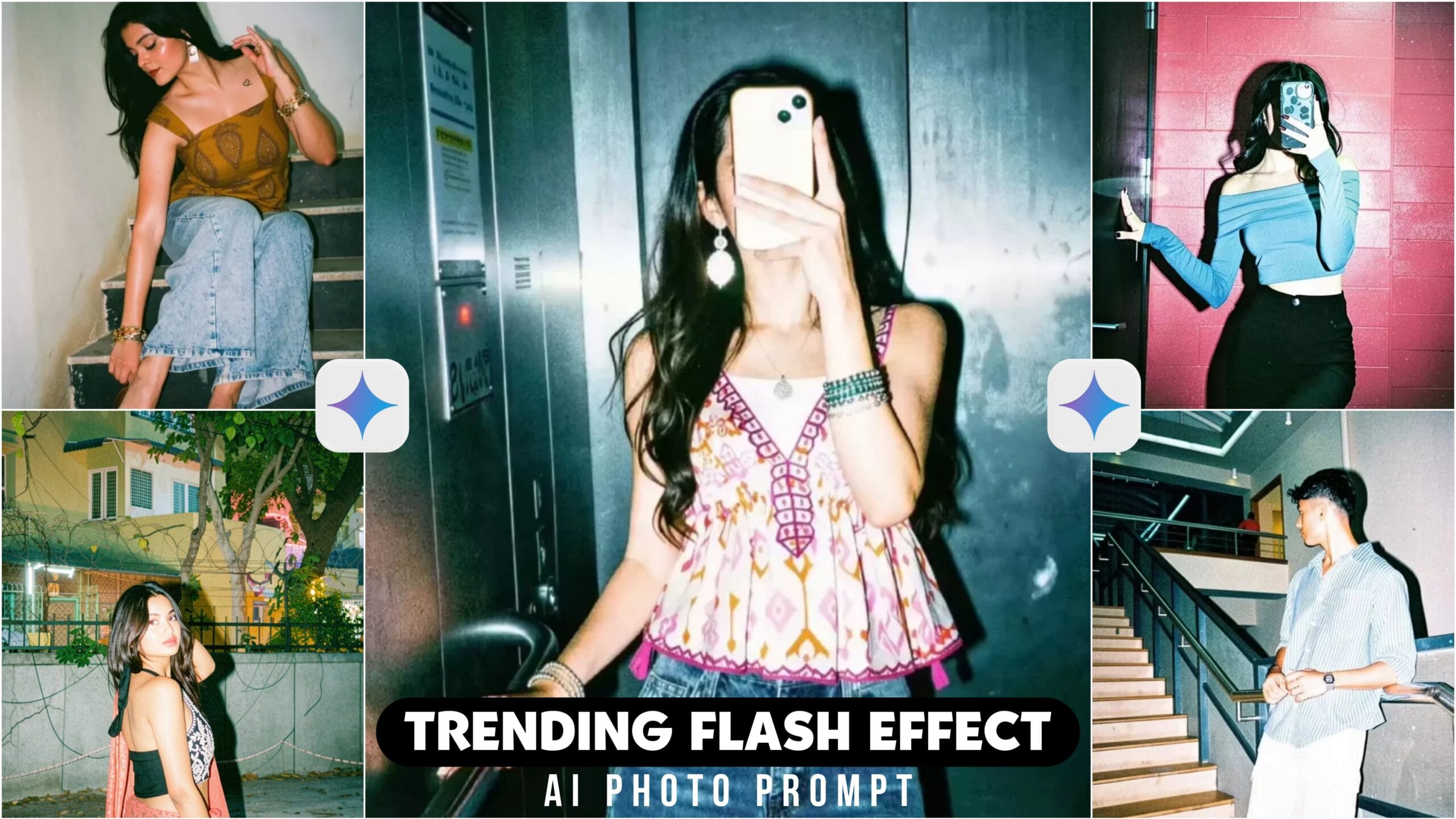
Flash Effect Filter Google Gemini Ai Photo Prompt –Currently, I see a filter trending a lot on Instagram. I see everyone using that filter and bringing flash effect to their photos. Which looks aesthetic and looks very good. This filter was not there before, this filter has been added after the Instagram update. I will suggest you to use this filter and post it because it is going viral. The one who posts it is getting millions of views I tell you step by step how to use the filter. I will teach you not just one method but two methods. Today’s article is going to help you a lot.
Flash Effect Filter Google Gemini Ai Photo Prompt
If you want, you can go to Instagram and create a photo by applying a filter. Otherwise, you can add a filter with the help of gemini prompt. I will show you in two steps. And in gemini, we have to use the prompt which is given below and copy it from there. While uploading the photo, add a good photo so that it looks very beautiful. The better the photo you add, the better the filter will be seen. This prompt can be done not only in google gemini but also in other AI photo creation apps like chat gpt, meta ai, Leonardo ai on these websites. Now, see how to generate the photo.
How To Use Flash Effect Google Gemini Ai Photo Prompt ?
Before you see how you can add filters to photos with the help of gemini prompt. Before you see, open the Gemini app. Then create an account. After creating the account, click on create image and turn on the pro option. Now click on the plus option and upload the photo on which you will add the filter. Then you copy the prompt I gave and paste it in the Gemini app. Then click on send bottom and after a while you will see that the filter will be added to the photo. Open the photo and download it.

How To Add Flash Effect Filter In Instagram?
The method I will tell you now is a very easy method. You can create it with the help of Instagram. First, you will update your Instagram. Then click on the plus option on Instagram and upload the photo on which you want to apply the filter. There you will see a restyle bottom on the side, click on that. Then you will see many filters there, you have to select the fake filter. Then the filter will be added to your photo.
Overall
I hope you have understood after reading the article how to add flash effect to photos. Many times Instagram does not work properly and as a result the restyle option does not show on your ID. If this happens to you, you can create photos using the prompt. And if there is no problem, you can use chat gpt or Gemini. If you like the article, share it with your friends.

[…] Flash Effect […]