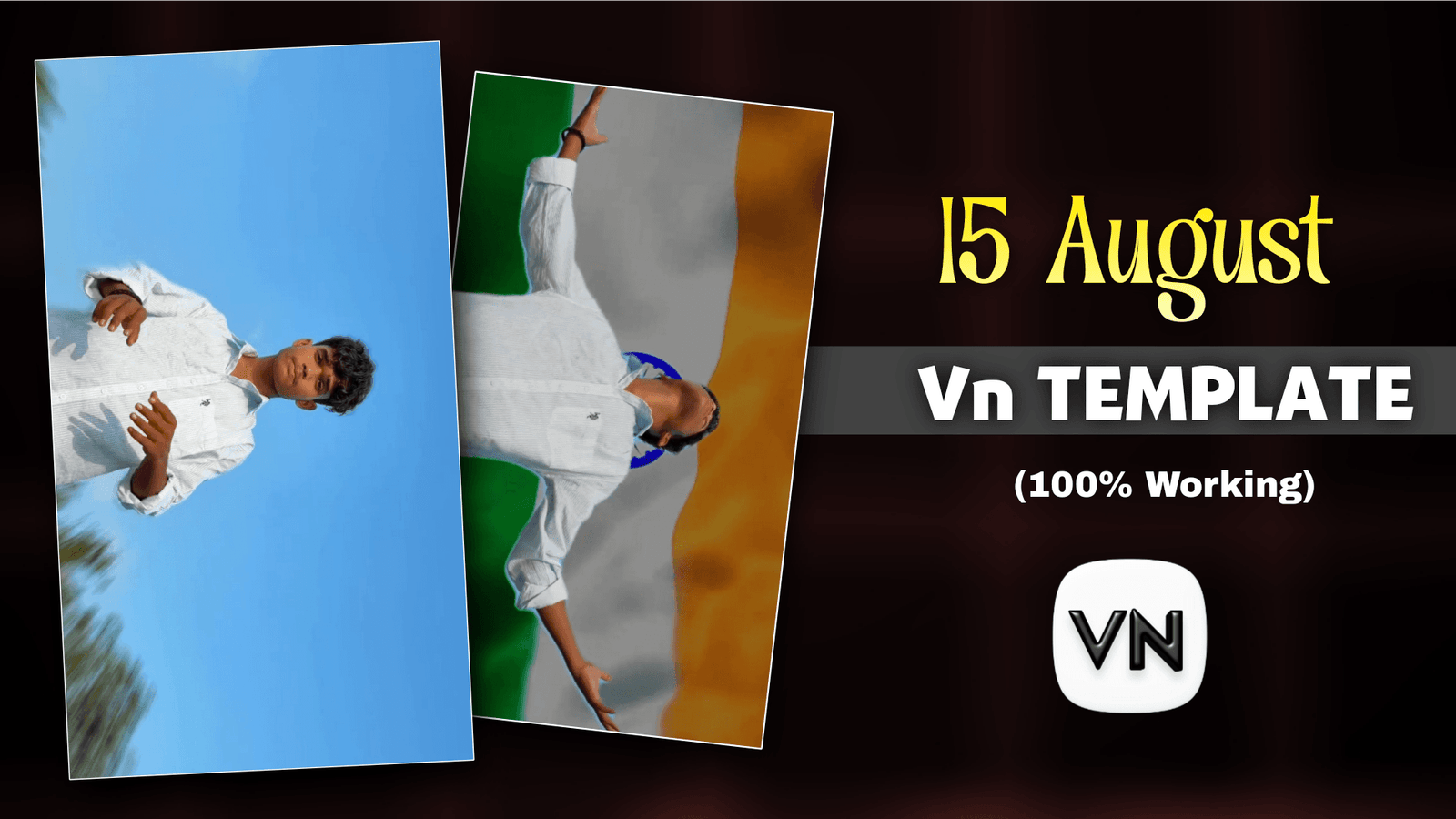
Happy Independence Day Vn Template Today is the 12th of August and 3 days after the happy Independence Day our country became independent. We are going to enjoy this day together. We will be hurt but we will also post a video on Facebook and Instagram for Happy Independence Day. Everyone is posting photos now, but no one is telling you how to make a video. A creator has made a video for August 15, which is going viral, but no one has an editing idea or wants to edit. They want a template from which to create the video. In this post, I will tell you how to make a happy Independence Day video without any editing knowledge.
Happy Independence Day Vn Template
We see every year on August 15, when everyone gives status, we look for ideas to give status and how to make it. Without doing this, if we take it now how to make a video for August 15, then we will no longer have to search how to make a video. Today I’m going to show you two different video edits for August 15. You’ll need a raw video with a VN template. Another one is ai video which you have to take the help of ai video generator and ai prompt. If you don’t know how to do it, I will tell you how to make these two videos for August 15.
How To Shoot the Video for Happy Independence Day Video Editing?
Before using this video template, you need to shoot a video clip well in advance. I’ll show you how to make the video. You need to locate a background where only the sky can be seen in the background. Then you look at the camera and turn around and pose in the same way as you would do in the srk pose. The video is made so that the camera is fixed in one place. Don’t shoot like I said.

How To Use Happy Independence Day Template?
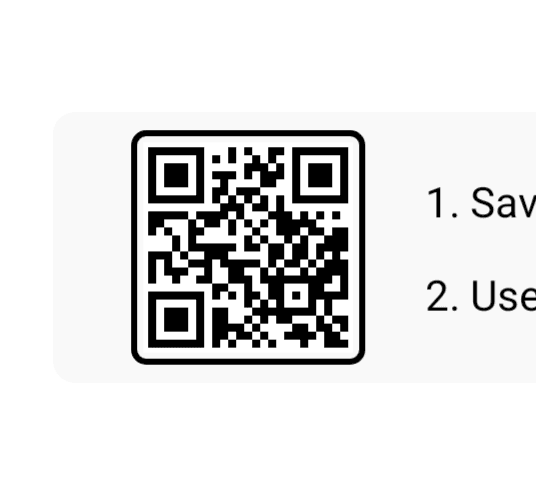
We are not manually editing the Happy Independence Day video, we will use the vn template and I will give you a qr code that you have to use by importing it into the vn app. First of all, you have to open the vn app and you will see the scan option at the top. Click there and add the QR code that I gave for August 15. The add-on will be loaded and then your template will be opened. Now it’s our job to add the video clips that you shot. Click on the Replace option. Now click on the next bottom and a happy Independence Day video will be created. Click on the Export button to save the video.

How To Create 15 august Ai Reels?
Now let’s take a look at how to create such a video with ai. If the editing of the first is not perfect, you create this video. To create a Google Gemini, first select the Video Generator option. Click on the Add a photo option. Now copy and paste what I’ve given you. Select the 9:16 ratio and click on send at the bottom to start creating your video. Once the video is created, don’t download it. Now add the video to Capcut and add a song for August 15. This is your video.
Conclusion
August 15 is a good day to pray for those who have given their lives for our country. If we didn’t fight for our country, we wouldn’t be able to move around like this. That’s why the English used to trouble people like us. Where there is more, it will be a paragraph of 10,000 words. Happy Independence Day to all of you. Try the video template I gave you and learn how to create an extra ai video. All will be well and I’ll be back with a new article.
