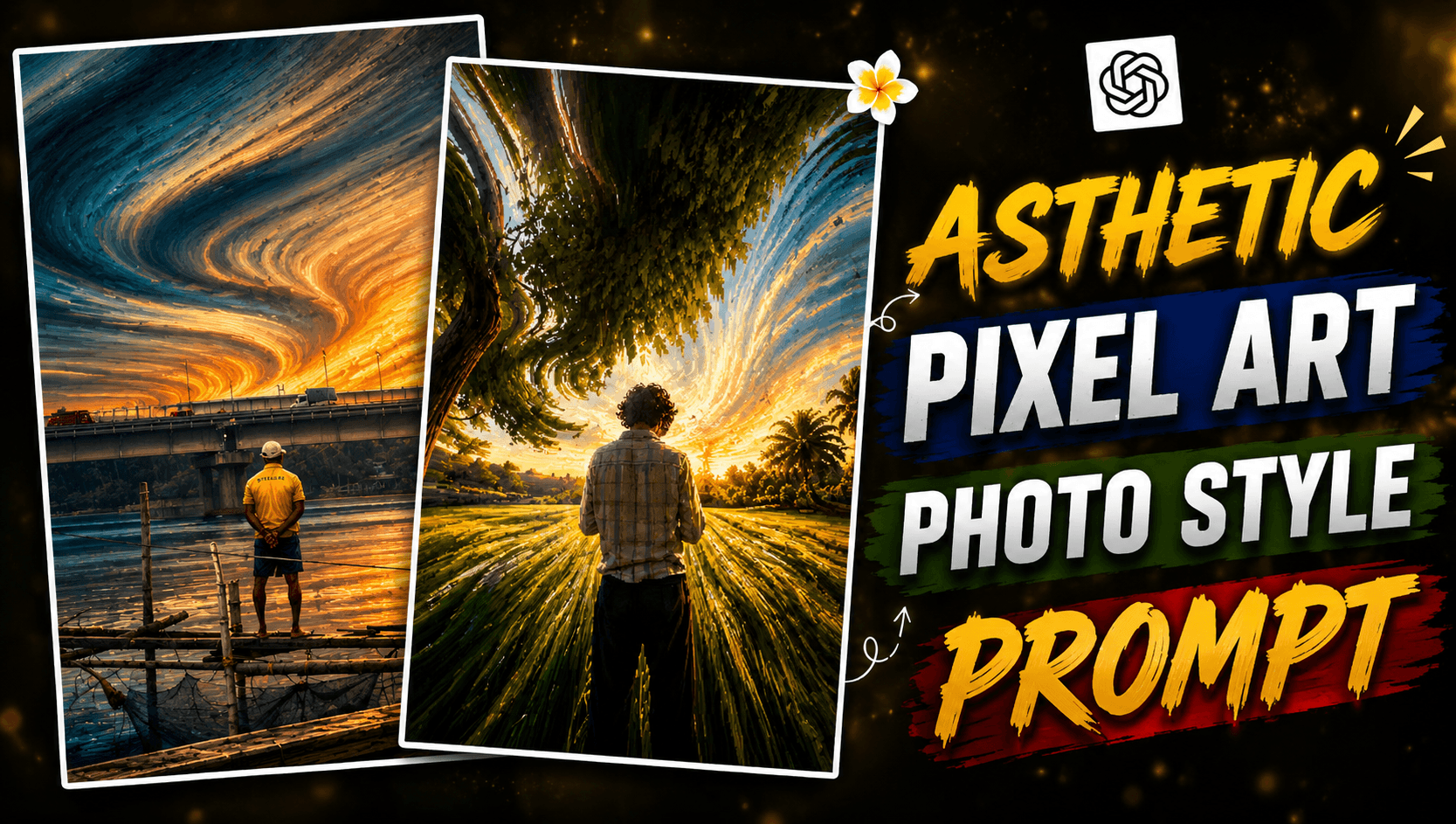
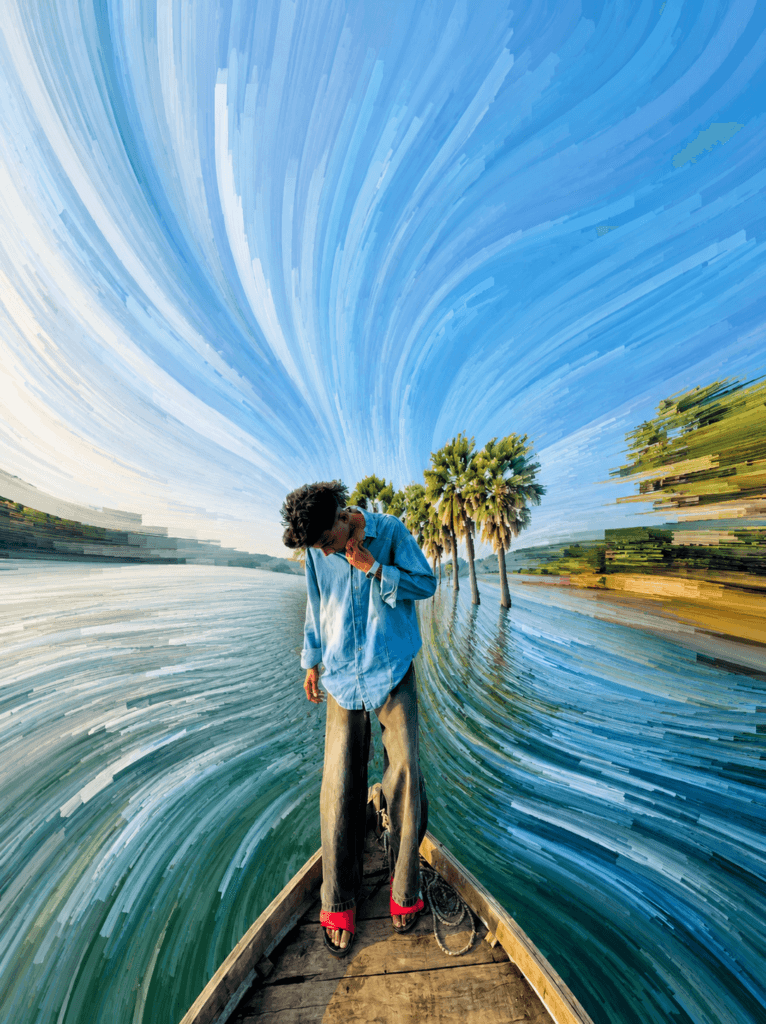
Pixel Stretch Effect AI Photo Editing Prompt 2026-Yesterday I posted an article for you about AI photo editing, where I gave a trending AI photo editing prompt. And now another AI photo trend has come. When I scroll through Instagram, I can only see such photos. At first, the photo looked like it had been edited on a PC. But later I realized it had actually been generated by AI. Everyone is adding Pixel Stretch Effect to their normal photo, which looks very cinematic and cool. And you can make such photos very easily with the help of Chat GPT prompt. Chat GPT AI will help us to create AI photos. Chat GPT is a power full AI photo editing app with the help of which you can do such Pixel Stretch Effect AI Photo Editing. In this post, we will see how such a trending photo can be made.
Pixel Stretch Effect AI Photo Editing Prompt 2026
These photos were not as trendy as they are now. The reason for this is that if you had not used a mobile photo editing app to create such photos before, you would have had to use premium pro and it would have taken a lot of time to edit. Nowadays, such AI-generated photos are being created and shared widely across platforms like Instagram, Pinterest, and Facebook. There are many who have never seen such photos before. Pixel Stretch Effect is a modern digital art and AI Photo Editing style. Where the pixels of a specific part of the photo are stretched in one or more directions. As a result, a futuristic visual effect is created in the photo. This makes the photos look very unique and attractive. If you are posting such AI photo editing on social media, you should edit this photo and post it on your ID. If you have problems editing your photo, I will tell you how to create it.
How To Use Pixel Stretch Effect AI Photo Editing Prompt ?
When you generate photos using chat gpt, you have to follow some things so that this pixel stretch effect is added well in the photo. Keep the photo you use natural and hd. Try not to use a photo that you have edited before using raw photo. Now copy the prompt given below. Once copied, open chat gpt. Now click on plus option then click on photo option and add raw photo. And paste the prompt that I gave. Now click on send bottom there. Now wait for a while and your photo will be generated. Open the photo and then click on download bottom at the top and download it.
Transform the uploaded image into a
premium pixel stretch artwork while
keeping the main subject perfectly
sharp, detailed, and recognizable.
Extract colors and textures from
the subject and extend them into
smooth, flowing pixel-stretch
ribbons that follow elegant
curves and dynamic motion.
Create seamless transitions
between the original image and
stretched areas, avoiding glitches
or harsh edges.
Free vs Paid AI Image Generators
There are many types of AI, some AI sites let you generate photos for free and some AI sites ask you to pay. If you use free AI tools, it will cost you money, if you want to use it for social media then it can be best for you. And those who are completely new users and want to learn first, then they can use these free tools. You can use Google Gemini, it is free, in it you can generate many types of photos for free. Now if you use it for free, some AI sites may have limitations and may also have watermarks.
Now if you use paid ai photo editing tools or sites it will cost money. And if you use it you will be able to generate good quality photos in very less time. Your photos will be generated in 4k and realistic like photos. If you use chat gpt you will be able to generate 5-10 photos and if you subscribe to chat gpt then you will be able to generate unlimited photos. If you use these paid tools you will have to pay money every month. Now you think which one you will use paid or free.
Conclusion
If you want to edit such sem photos manually, you can use the photo editing app chat gpt. But you will not be able to create them perfectly. And if you do not want to waste your time, then you can use these ai tools. There are more ai tools that can add such Pixel Stretch Effect. For example, you can use ChatGPT Images, Leonardo AI, Google Gemini, Canva AI. The best of them is chat gpt ai. With this, you can make them for free but limited. After creating the photo, if the photo is not hd, add these words Ultra HD, 4K, 8K, High Detail, and High Resolution in the prompt. I will come, if you like my article, please share it.

Hii sir
Yes sir how may I help you