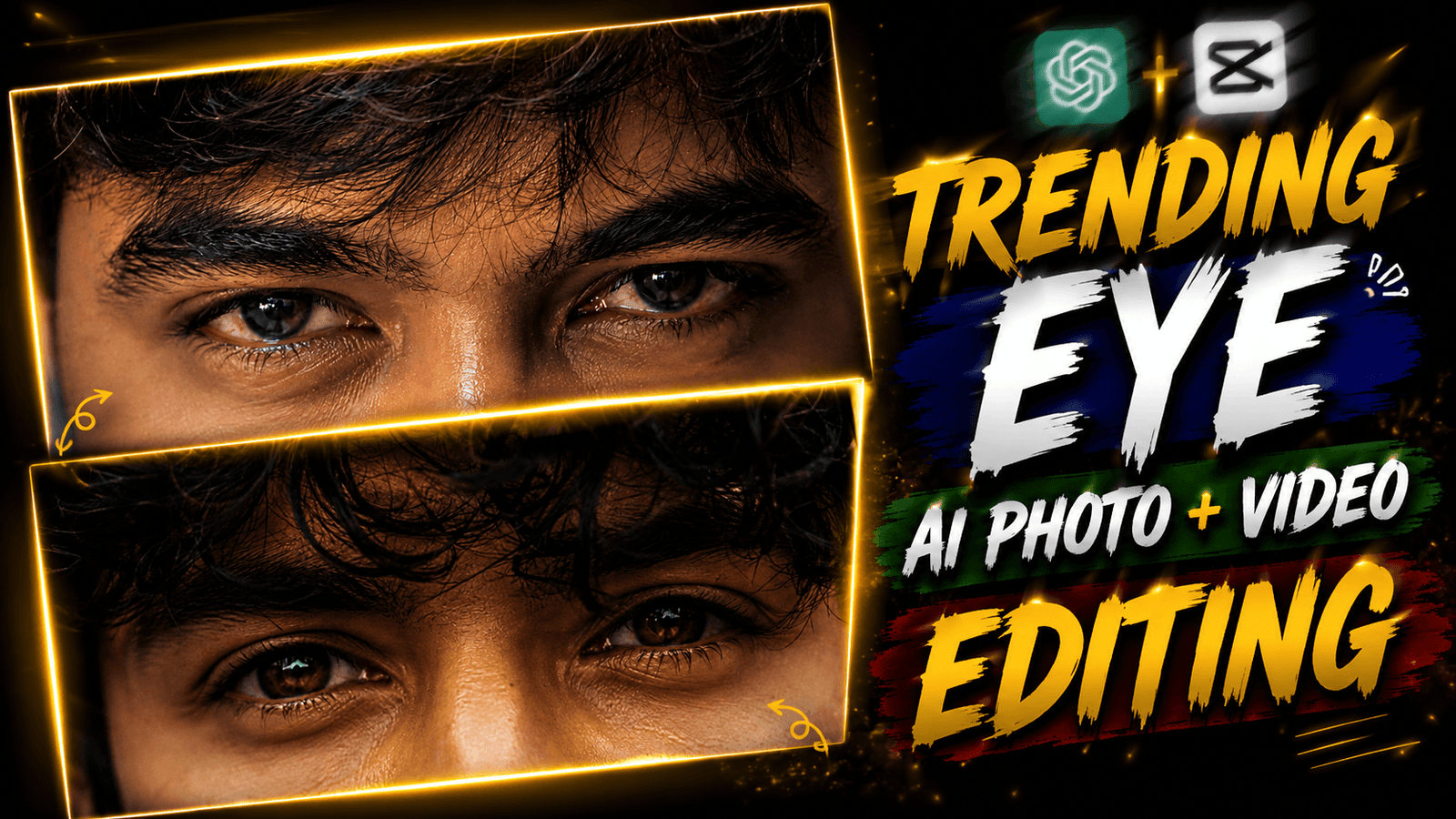
Trending Eyes AI Photo & Video Editing-We have tried many times to take a photo of an eye with the help of our phone but we are not able to click the photo so perfectly. Now Instagram, Facebook, TikTok and everyone is making photos with their eye photos and converting that photo into a video and posting it on their social media. And it is getting a lot of likes because everyone has made this video and made it a trend. And this is not a photo clicked with a mobile phone. This is a photo generated with the help of AI. Here you do not need any editing, DSLR camera, or mobile phone. You will need a normal photo of yourself and an AI photo prompt with which you can make such an eye photo. And you will get this prompt in my post. I will tell you in details how to create the photo and convert the photo into a video.
Pasport Size prompt
Trending Eyes AI Photo & Video Editing
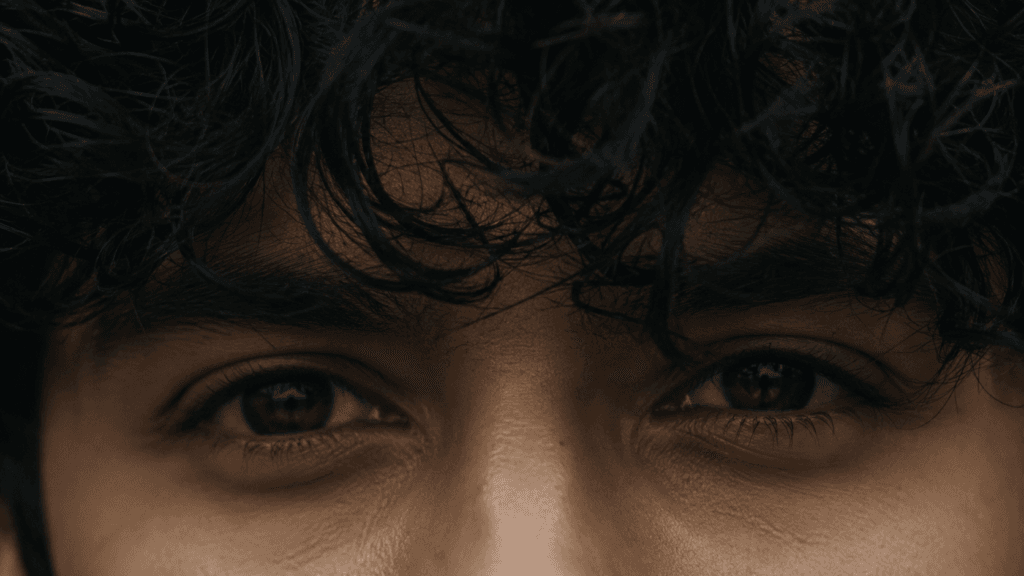
If we go ahead, we look at their eyes because there is a different illusion in the eyes. This photo of the eyes you see is made in such a way that it seems that there is a lot of emotion, illusion in these eyes. To create this AI photo of the eyes, first we will need a photo of the eyes with which we will generate the photo. For that, we will click a macro/close-up photo with our mobile phone. Now we need a prompt. If you scroll down in my post, you will get the prompt. There is a copy button there, if you tap on it, the prompt will be copied. I got the prompt, now we need an AI app to generate the photo. We will use chat gpt ai. I am using this app because in this app we can generate a very good photo. There are many people who do not know how to use chat gpt. In this post, I will tell you step by step how you will generate eye photos in chat gpt help.
How To Solve Ai Photo Editing Problem?
It happens to many people that when they generate photos with chat gpt, the photo is not generated perfectly. Or when creating photos, the photo does not match the face. This is a problem for many users. All problems have problems in this world, so this problem will also be solved. To solve the problem, we have to follow some steps. You can take a photo where the lighting is good. And the photo you take should not be blurred, use a clear photo. Now when the photo is clicked, we have to write a prompt. Before writing a prompt, know that you have to write the prompt in the details. When the prompt instruction ‘USE REFERENCE IMAGE FACE’ is added. Your photo’s FACE will not be changed. And the same photo will be retained. When all these small tricks are applied. The photo will be generated perfectly.
Use my uploaded photo as the only identity
reference. Keep my face 100% identical—preserve
my eye shape, iris, eyebrows, eyelashes,
skin tone, nose bridge, forehead, hairline,
messy bangs, and all facial proportions without
any beautification or changes.
Create an ultra-realistic cinematic
extreme close-up of only my eyes and
upper nose bridge. Match the original
framing, perspective, camera distance,
and 16:9 horizontal crop. Keep my messy
hair naturally covering part of my eyes.
Use soft moody  lighting, realistic
skin texture, subtle film grain, muted
colors, and avoid AI-looking skin or
oversharpening.
Instagram Trending Eyes AI Photo Editing Using Chat Gpt
After the arrival of AI, no one wants to edit manually. Everyone wants to edit their photos with AI. Because it is created in one click and absolutely free. Now we don’t have to wait for the editor to give us the photo, we edit it ourselves. We will know how to create this trending eye photo with Chat GPT AI. We will first visit the Chat GPT website from Google and create an account with a Gmail ID. After that, we will copy the prompt given by me. I have told you how to copy it in another paragraph. Now click on the plus option and upload the photo, click on the eye photo. “The prompt is then pasted and the generate button is clicked, after which the photo will be generated. By following these steps, we have to generate the eye photo.
How To Edit Trending Eyes Video Using Capcut?
We have generated ai eye photo but we have not generated video yet. For video editing we will use capcut app and we will edit manually. At First you download a lyric overlay video which I have given the link above. For downloading, add the photo which we downloaded from chat gpt. Then you have to click on the overly bottom and add that overly video. After that, the length of the song will be as much as the photo length. Now we will have to add an effect, the name of the effect is noise 1, click on the effect bottom and add it to us. After that, the video will be exported. In this way, we have to convert from photo to video by editing with capcut.
Conclusion
In today’s article we saw how to create Instagram trending ai eye photo. This is the new trend of current social media so you can generate photos. And if you want to edit videos using capcut app, you can do it. I have shown all the editing steps, if you still don’t understand, DM me on Instagram. I will personally guide you on how to generate the photo.

[…] Eye photo prompt […]