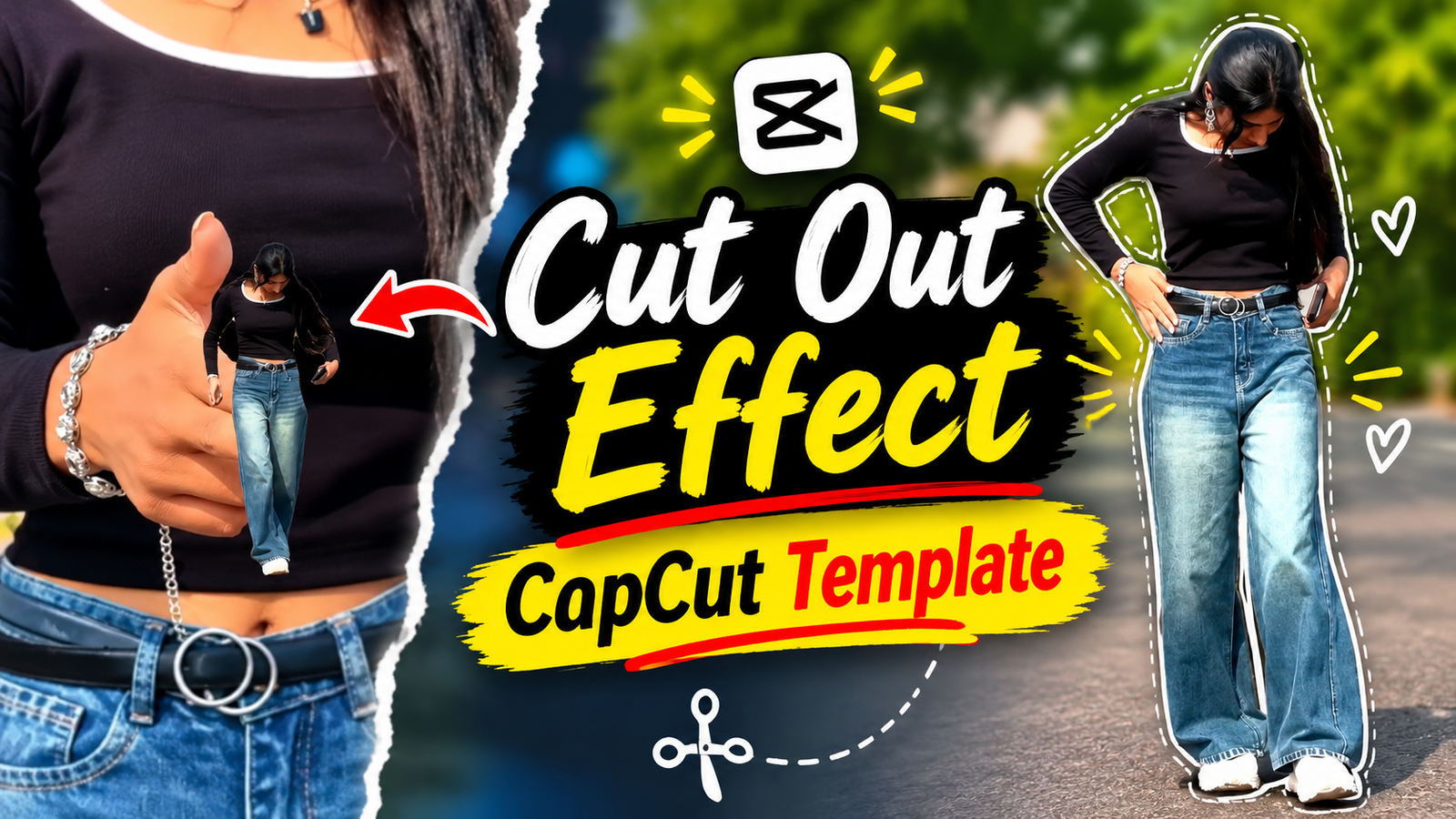
Instagram Trending Cutout Effect CapCut Template-Nowadays, new video editing trends are appearing on Instagram Reels every day. Among them, the Cutout Effect is a popular and viral editing style. Using this effect, you can make even ordinary videos look much more beautiful and creative. Have you noticed that a video has been going viral for the past few days, where a girl points at her own video with her finger, and it transitions with a Cutout Effect? You can easily create these types of videos using the CapCut app. I will show you a method that will help you get your video ready with just one click. If you want to create this type of video, the best option for you is the Instagram Trending Cutout Effect CapCut Template. Using this template, you can easily create trending-style Reels with your own video. You don’t need to spend a lot of time editing videos separately. Just follow a few simple steps to create a video with this amazing Cutout Effect and transitions.
Instagram Trending Cutout Effect CapCut Template
The video you are watching has been created using a Guru Randhawa song. Let me explain a little about this video. First, we can see a girl pointing with her two fingers. She moves her fingers from right to left. As she moves her fingers from right to left, the model in the second clip moves in different directions. The Cutout Effect used in this part of the video is very popular. Do you know what a Cutout Effect is? A Cutout Effect is a type of video editing style in which the main subject of an image is separated from the background and combined with another background or video. In simple words, the background behind your photo is removed, keeping only you in the foreground to create a beautiful video. This template is perfect for those who love creating walking videos with slow-motion effects. Watch until the end to learn how to shoot the video and use this template.
How To Shoot Video For Instagram Trending Cutout Video?
When you record the video, use a good camera to ensure that your video quality is HD. Now, let me explain how to create this video.
First, place your phone on a stable surface so that it doesn’t move too much. Then, record a half video where you use two fingers to make the pointing gesture. You can take inspiration from the reference video to understand how to make the gesture. Next, for the second clip, go to a good location and record yourself walking. Keep this clip around 5–6 seconds long. Remember to make sure that your camera remains steady while recording the video. Your only job is to prepare these video clips. This template already includes different effects, transitions, and music. Now, let me show you how to use this template.
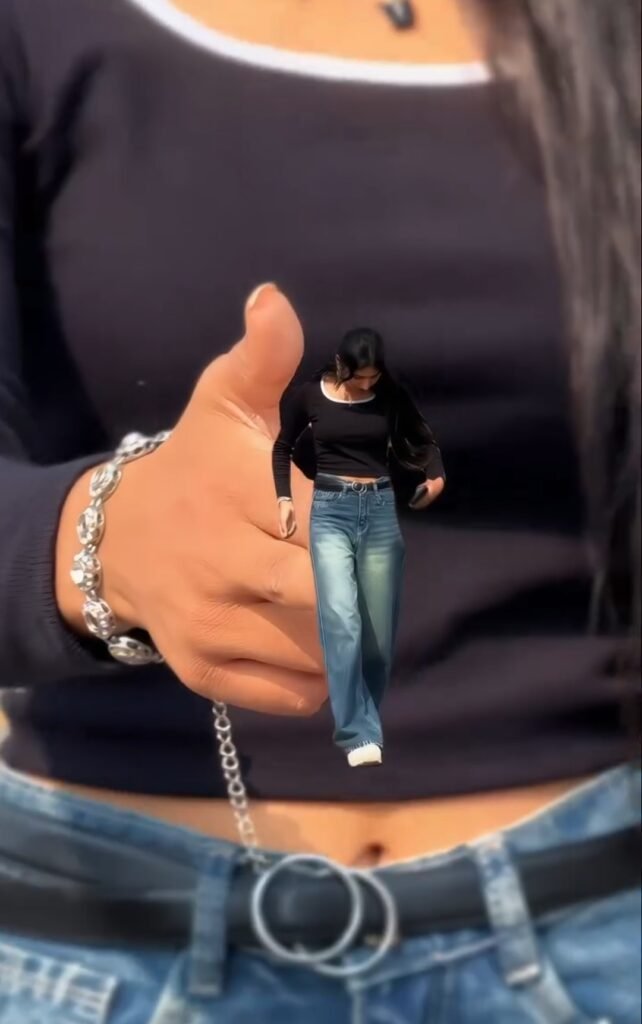
Check Template
How To Use Trending Cutout Effect CapCut Template ?
To create this video, we will use a CapCut template. I have provided the template link above, so you can use it from there. Before using the template, make sure your internet connection is stable and has a high speed. Now, click on the template link above. Once the template opens in the CapCut app, you will see the Use Template option. Click on it. Next, select the two video clips from your gallery and add them to the template. After adding the clips, click on the Next button. Now, wait for a few moments until your video is ready. Play the video and see how it looks. If everything looks good, export your video.
Conclusion
Many people like to upload their photos and videos on Instagram in a different and creative way. Instead of using a regular photo slideshow, the Cutout Effect gives videos a fresh and unique look. If you edit these videos manually, it will take a lot of time and also require some editing knowledge. However, you can easily create this type of video using a CapCut Template. Even those who don’t have much experience with video editing can create one in a short time. If you enjoy creating unique videos for Instagram Reels, YouTube Shorts, and Facebook, the Instagram Trending Cutout Effect CapCut Template can be a great option for you. Follow my editing instructions carefully, you can easily create this video. If you face any difficulties while using the template, let me know in the comments.
